10 Best Task Management Software for Teams in 2026
We ranked 10 task management tools for teams: flexibility, time tracking, cost. Asana and ClickUp dominate search results — here's the honest comparison.
Contents
One flat fee for the whole team
Tasks, timers, CRM and invoices in one workspace. From $29 a month, no seat tax.
Start free demo14 days · no credit card
What Teams Actually Need from Task Management
Task management is a solved problem. Creating tasks, assigning them to people, setting due dates, and tracking completion — every tool in this list does this well. The real questions are: what else does your team need, and how much are you willing to pay for it? For teams that work on client projects, task management needs to connect to time tracking, project budgets, and invoicing. For internal teams, the needs are simpler — task assignment and status visibility. This comparison ranks 10 tools on their full value proposition for teams of 5-25 people, including honest 5-year pricing.
"Task management software is a commodity. The real differentiator is what happens after the task is done: did you track the time? Can you invoice for it? Most tools stop at the task."
Quick Comparison: 10 Task Management Tools for Teams
Pricing for 10 users over 5 years.
| Tool | Time Tracking | Subtasks | Dependencies | 5-Yr Cost (10 users) | Best For |
|---|---|---|---|---|---|
| Melororium | Built-in | Unlimited | Yes | $59/mo flat | Teams needing task management + billing |
| Asana | No | Yes | Yes | $8,094 | Workflow-heavy teams with clear process needs |
| ClickUp | Business tier | Unlimited | Yes | $7,200 | Teams wanting maximum customization |
| Monday.com | Pro tier | Yes | Yes | $7,200 | Visual teams with automation needs |
| Todoist | No | Yes | No | $2,400 | Individual and small team task management |
| Notion | No | Limited | No | $6,000 | Documentation + basic task tracking |
| Trello | Power-Up | Yes | Power-Up | $3,000 | Simple Kanban boards |
| Linear | No | Yes | Yes | $4,200 | Software development teams |
| Basecamp | No | No | No | $17,940 | Large teams wanting flat pricing |
| Height | No | Yes | Yes | $3,000 | Small teams wanting modern minimalist UI |
#1 Melororium — Best Task Management for Teams in 2026
Melororium's task management handles the full workflow: tasks, subtasks, dependencies, assignees, due dates, and priority levels. What makes it different from every other tool on this list is what happens alongside task management: timers run on tasks, time rolls up to projects, and invoices are generated from billable hours. For a 10-person team that works on client projects, Melororium replaces three subscriptions (task management + time tracking + invoicing) with one flat-fee workspace at $59/mo.
- Tasks with subtasks, assignees, due dates, and priority levels
- Dependencies — block tasks until prerequisites are complete
- Built-in timers on any task — start/stop from the task view
- List, Kanban, and calendar project views
- Time reports per project, per user, per client
Melororium
Melororium Task Management
Tasks + subtasks + timers + invoicing. $59/mo flat for 15 users.
#2 Asana — Best for Workflow-Heavy Teams
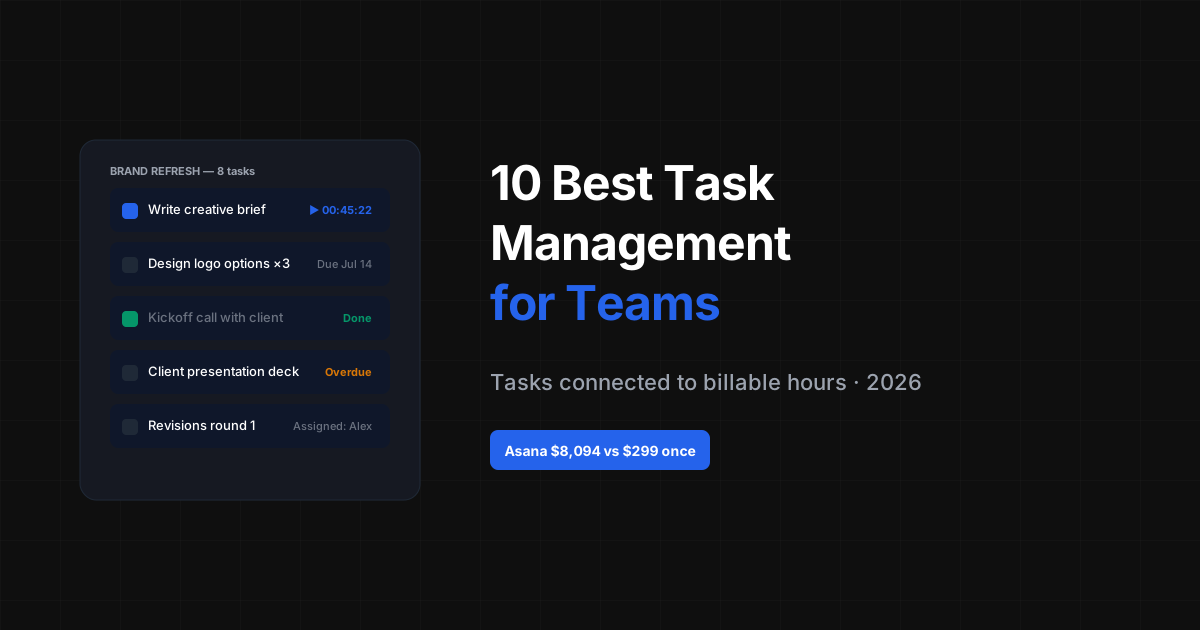
Asana has one of the best-designed task management experiences in the industry. Workflow automation, task dependencies, portfolio tracking, and team workload views. No time tracking at any tier. 5-year cost for 10 users: $8,094 on Advanced. Verdict: Excellent choice for teams with complex, repeatable workflows that don't bill clients by the hour. The most expensive option here without time tracking.
#3 ClickUp — Most Customizable
ClickUp offers more configuration options than any other tool here — custom fields, views, automations, and workflows. Time tracking on Business plan. The complexity can be a barrier for teams that want to get started quickly. 5-year cost for 10 users: $7,200 on Business. Verdict: Best for teams willing to invest time in setup for maximum long-term flexibility.
#4 Monday.com — Visual and Automation-Rich
Monday.com combines strong visual boards with automation rules that trigger based on task status changes. Time tracking on Pro tier. No invoicing. 5-year cost for 10 users: $7,200 on Pro. Verdict: Good for teams that love visual project tracking and want automation without technical setup.
#5 Todoist — Best for Lightweight Personal + Team Tasks
Todoist is simple, fast, and clean. Works well for personal task management and small team coordination. No time tracking, no project budgets, no reporting beyond task completion. 5-year cost for 10 users: $2,400 on Business ($4/user/month). Verdict: Good for teams with simple task coordination needs. Outgrown quickly by teams with client work or reporting requirements.
Flat fee · no seat tax
Task management with timers built in.
Melororium handles tasks, subtasks, time tracking, and invoicing in one platform. No integrations required. $59/mo for 15 users — no seat tax.
#6 Notion — Task Databases
Notion's task management uses database views — board, table, list, and calendar. It's flexible but manual. No automations, no dependencies, no time tracking. Better as a knowledge base with task properties than a dedicated task manager. 5-year cost for 10 users: $6,000 on Plus. Verdict: Use alongside a dedicated task management tool, not instead of one, for teams with complex workflows.
#7 Trello — Simple Board-Based Tasks
Trello is the simplest entry point for team task management. Kanban cards, checklists, due dates, and attachments. Time tracking and dependencies require Power-Ups. 5-year cost for 10 users: $3,000 on Standard. Verdict: Best for small teams or projects with simple, visual task flows.
#8 Linear — Purpose-Built for Dev Teams
Linear is fast, opinionated, and designed for software teams. Cycles (sprints), roadmaps, and strong Kanban/list views. No time tracking. 5-year cost for 10 users: $4,200 on Standard. Verdict: Best task management for engineering teams. Not designed for non-technical project work.
#9 Basecamp — Flat Pricing for Large Teams
Basecamp Pro Unlimited is $299/month for 25 users. For large teams (50+), this flat pricing is attractive. No subtask structure, no time tracking, no dependencies. 5-year cost: $17,940 (flat). Verdict: Only makes financial sense for teams of 25+ users. Limited task structure for complex projects.
#10 Height — Modern Minimalist Alternative
Height is a well-designed task management tool with a clean UI, multiple views, and subtask support. Relatively new, with a smaller feature set than ClickUp or Asana. No time tracking. 5-year cost for 10 users: $3,000 on Team. Verdict: Good modern alternative for teams frustrated with ClickUp's complexity or Asana's price.
5-Year Task Management Cost Comparison
Remember: most tools here don't include time tracking. Add $5,400-$7,200 for a standalone time tracker if your team bills clients.
| Tool | Monthly (10 users) | 5-Year Total | Time Tracking Included |
|---|---|---|---|
| Melororium | $59/mo | $3,540 | Yes |
| Height Team | $50 | $3,000 | No |
| Trello Standard | $50 | $3,000 | No |
| Todoist Business | $40 | $2,400 | No |
| Linear Standard | $70 | $4,200 | No |
| Notion Plus | $100 | $6,000 | No |
| ClickUp Business | $120 | $7,200 | Yes |
| Monday Pro | $120 | $7,200 | Yes |
| Asana Advanced | $134.90 | $8,094 | No |
| Basecamp Pro | $299 | $17,940 | No |
How to Choose the Right Task Management Tool for Your Team
Match the tool to your team's primary workflow: Client-work teams: Melororium for integrated time tracking and billing. ClickUp as a more complex alternative. Internal process teams: Asana for workflow automation. ClickUp for maximum customization. Dev teams: Linear for software-specific workflows. Jira for enterprise integration. Simple coordination: Trello or Todoist for low-friction task boards. Cost-first: Todoist is cheapest at $2,400 over 5 years. Melororium at $59/mo flat is better value if you also need time tracking.
Boards that run themselves
Kanban with subtasks, priorities and a timer on every card
Demo request from Bloom Cosmetics
Website redesign · due Oct 14