Tasks· Projects
One task board for the whole team, not a second tool per project.
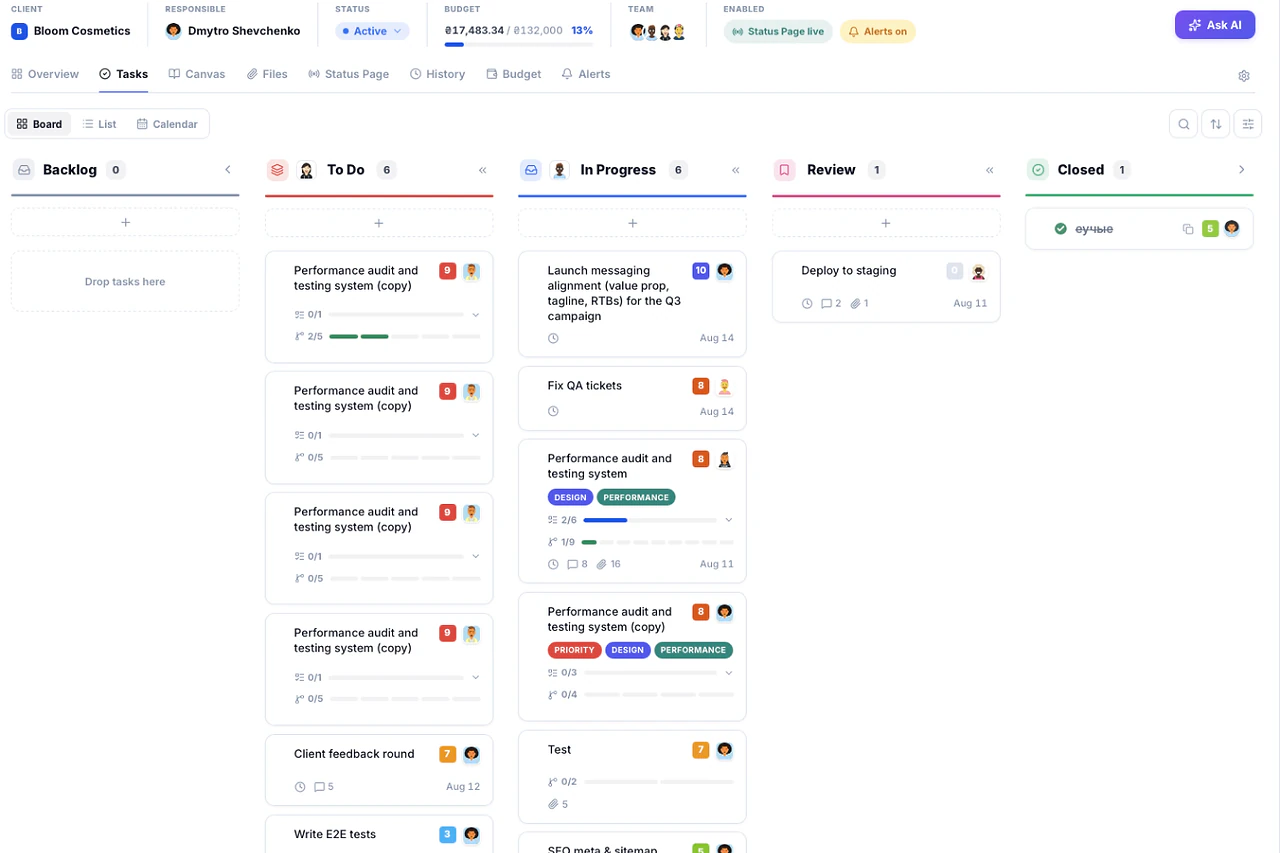
Tasks works as a global board across every project and as a single project's board, on the same component. Three views: Kanban, list, calendar. Columns adapt to your team's process, subtasks carry their own timer.
What's inside Tasks
5 things it does that a spreadsheet can't.
One click, a confidence level and the reasoning shown, on your own Gemini key.
Drag a task into next quarter, it waits there until you drag it back.
Pick exactly who gets pinged when a card lands in a specific stage.
Assignable Subtasks with their own owner and priority, plus a lightweight Checklist for simple to-dos.
A four-note arpeggio only plays when a task is actually completed.
Built for how work actually moves, not how a chart says it should.
Most task boards assume one rigid process for every team. Tasks adapts the columns, views and permissions to match how your team already works.
01AI assist
Let AI estimate the hours, you make the call.
One click returns a confident figure with its reasoning shown, not just a number.
Try it in the demo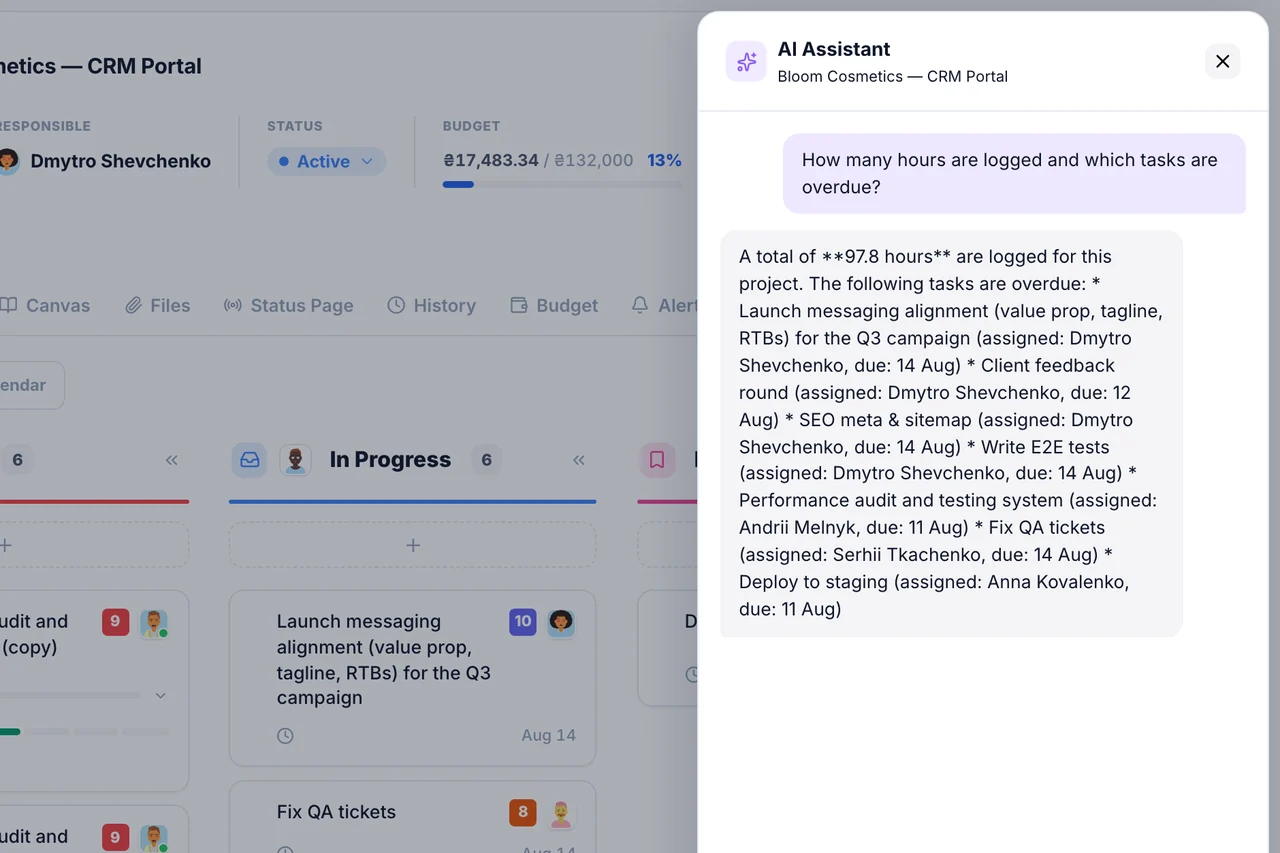
02Scheduling
A 12-month shelf for recurring work.
Drag a task into a future month's tab; it sits quietly until you drag it back.
Try it in the demo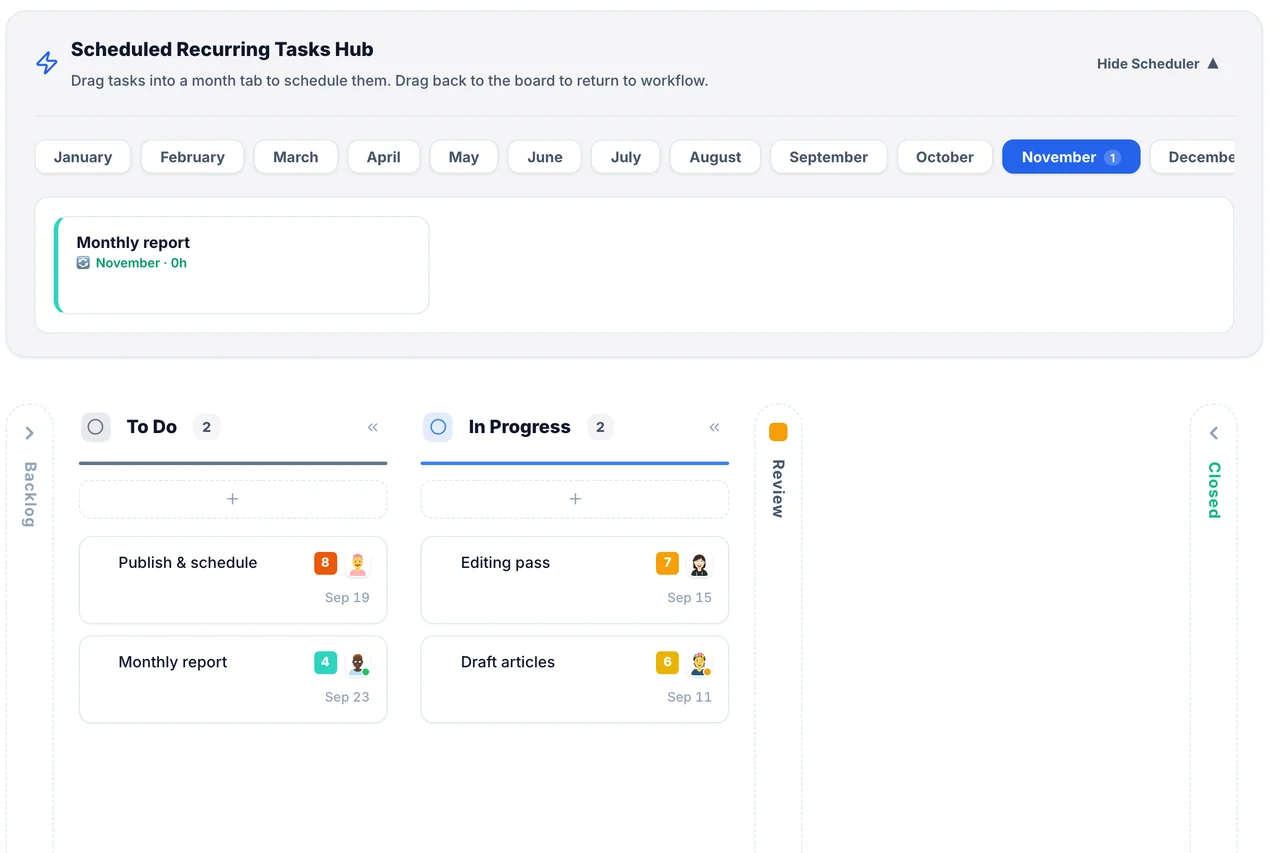
03Automation
Pick who gets notified when a card moves.
Configure a specific person per column, not just the default assignee.
Try it in the demo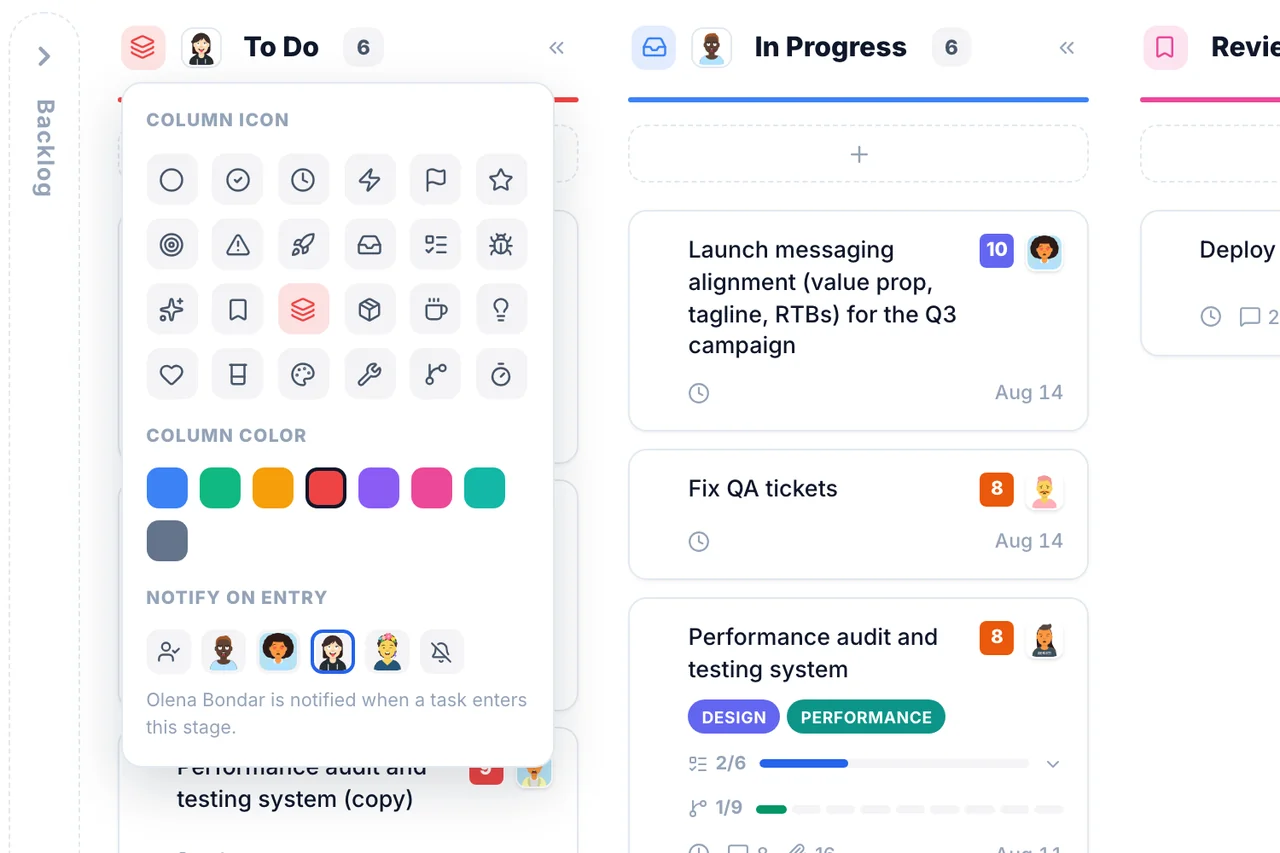
04Structure
Subtasks and checklists are different tools, on purpose.
A real subtask with its own owner, or a simple tick-box, whichever fits.
Try it in the demo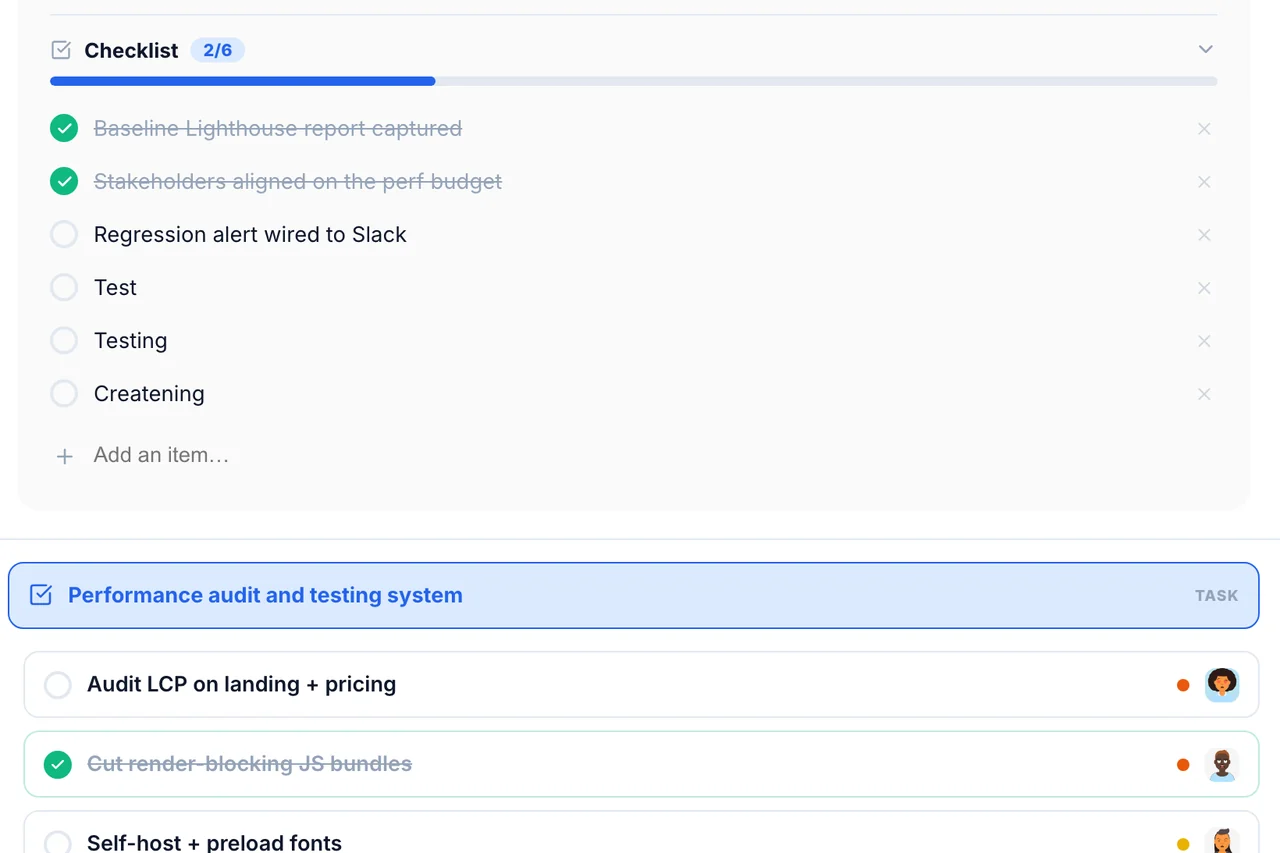
Frequently
Asked Questions
Have a question that needs a human to answer?
No problem, email us at support@melororium.com
Company-wide tasks on one global board, or a single project's tasks, in three views — Kanban, list, calendar — with subtasks, comments and live sync.
Any assignee can drag their own card between columns. Only admins and leads can edit, delete or reassign.
Agency, $59/month for 15 users, tasks/subtasks/Kanban/bulk mode included.
Once a task with a recurrence rule closes, the next version is created automatically.
No. They can only drag cards where they're the assignee. Editing, deleting and reassigning is limited to admins and leads, who also get bulk actions.
Every instrument. One workspace.
28 tools that share one database, so an hour logged on a task shows up in reports, invoices and the dashboard without re-entry.
Flat fee · no seat tax
Ready to escape the seat-tax trap?
Tasks, timers, CRM and invoices for the whole team at one price. Start the 14-day demo — no credit card.
$0
per seat, ever
28
instruments, one login
4–25
people on one price