10 Best Kanban Tools for Teams in 2026
We tested 10 Kanban tools for teams in 2026. Some are Kanban-only. One includes time tracking and invoicing too — for $59/mo flat.
Contents
One flat fee for the whole team
Tasks, timers, CRM and invoices in one workspace. From $29 a month, no seat tax.
Start free demo14 days · no credit card
Best Kanban Tools for Teams 2026: Quick Verdict
10 kanban board tools evaluated against team needs: multi-project views, billable hour tracking, sprint velocity, and pricing for 10 users.
- Best overall: Melororium — $59/mo flat for 15 users, kanban integrated with time tracking, CRM, and invoicing
- Best standalone kanban: Trello at $5/user/mo — fastest setup, Power-Ups for integrations, no time tracking or billing
- Best for workflow automation: Asana at $10.99/user/mo — rule-based automations and multi-project portfolio views
- Most customizable: ClickUp at $7/user/mo — every view type, fields, and status you want; complex to configure
- Best for development teams: Linear at $8/user/mo — built-in sprint cycles, issue tracking, and velocity reports
- Worst for agency teams: Height and Notion — kanban works but lacks time tracking, billing, and status automation
"Kanban boards reduce work-in-progress and improve flow. But a Kanban board that doesn't connect to time tracking or billing is just a visual todo list."
Kanban for Team Workflows: What to Look For
The Kanban method — moving cards between columns to visualize workflow state — is simple enough to implement in almost any tool. The real differentiation is what happens around the board: can you track time on a card? Can you set WIP limits? Can you link cards to clients or generate reports? This comparison covers 10 Kanban tools from pure board apps (Trello) to full project management platforms (ClickUp, Melororium) that include Kanban as one of multiple views. For teams that work with clients, the additional features matter as much as the board itself.
Quick Comparison: 10 Kanban Tools for Teams
Pricing for 10 users over 5 years.
| Tool | WIP Limits | Time Tracking | Multiple Views | 5-Yr Cost (10 users) | Best For |
|---|---|---|---|---|---|
| Melororium | Yes | Built-in | Yes (list, board, calendar) | $59/mo flat | Teams needing Kanban + time tracking + billing |
| Trello | Power-Up | Power-Up | Kanban only | $3,000 | Simple visual boards |
| ClickUp | Yes | Business tier | Yes (20+ views) | $7,200 | Power users needing deep customization |
| Monday.com | No | Pro tier | Yes | $7,200 | Visual teams with automation needs |
| Asana | No | No | Yes | $8,094 | Task-focused teams with workflow automation |
| Notion | No | No | Limited | $6,000 | Documentation-first teams |
| Linear | Yes | No | Yes | $4,200 | Software engineering teams |
| Jira | Yes | No | Yes | $4,200 | Scrum/Kanban for dev teams |
| Shortcut | Yes | No | Yes | $3,600 | Software teams wanting lightweight Jira |
| Height | No | No | Yes | $3,000 | Small teams wanting modern minimalist tool |
#1 Melororium — Best Kanban Tool for Teams in 2026
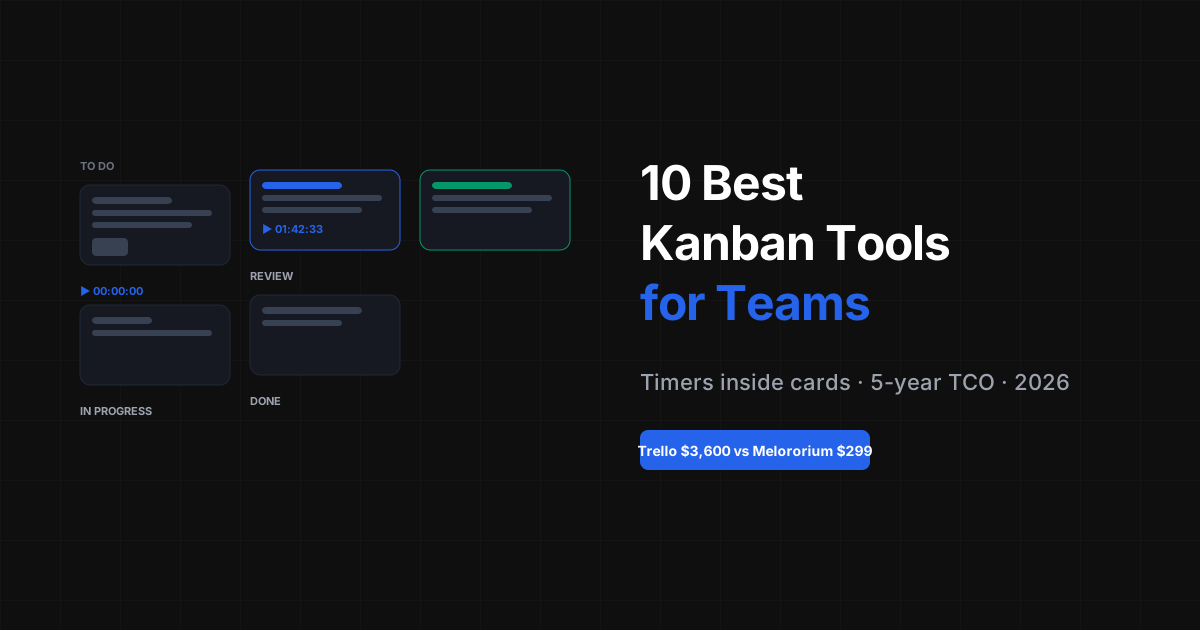
Melororium's Kanban board is part of a complete project management platform. You get the visual board view alongside list view, calendar view, and timeline — switch between them based on what you need to see. What sets it apart for client-work teams: timers run on individual cards, WIP limits can be set per column, and the time logged against cards connects directly to client billing. No separate tool needed. At $59/mo flat for 15 users, it's the most cost-effective option for teams that need more than a bare Kanban board.
- Kanban board with customizable columns and WIP limits
- Switch to list, calendar, or timeline view on any project
- Timers on individual cards — track time within the board
- Time aggregated per project for client billing
- Connects to CRM — cards linked to client records
Melororium
Melororium Kanban
Visual boards with built-in time tracking. $59/mo flat for 15 users.
#2 Trello — The Original Kanban App
Trello is the most widely-recognized Kanban tool. Clean, visual, and easy to learn. WIP limits and time tracking require paid Power-Ups. Limited views beyond the board. 5-year cost for 10 users: $3,000 on Standard. Verdict: Best for teams that need simple visual boards without complexity. Limited features for teams with billing or reporting needs.
#3 ClickUp — Most Views, Most Features
ClickUp offers the most view options of any tool — board, list, Gantt, timeline, workload, calendar, and more. Time tracking on Business plan. The complexity can be overwhelming for smaller teams. 5-year cost for 10 users: $7,200 on Business. Verdict: Best for teams that need maximum view flexibility and customization. The learning curve is real.
#4 Monday.com — Visual and Polished
Monday.com's board view is one of the most visually polished in the category. Strong automation rules. No WIP limits. Time tracking on Pro tier. 5-year cost for 10 users: $7,200 on Pro. Verdict: Good for teams that prioritize visual design and automation. Expensive for what you get.
#5 Asana — Board View with Strong Workflow
Asana's board view is clean and functional. Strong workflow automation and task dependencies. No WIP limits, no time tracking at any tier. 5-year cost for 10 users: $8,094 on Advanced. Verdict: Good for teams that use boards alongside other Asana views. Not primarily a Kanban tool.
#6 Notion — Database Board View
Notion's board view is a database view, not a true Kanban tool. No WIP limits, no time tracking, limited workflow automation. Better suited for content pipelines than project management. 5-year cost for 10 users: $6,000 on Plus. Verdict: Use for content calendars and documentation pipelines. Not a replacement for proper Kanban tools.
Flat fee · no seat tax
Kanban boards with timers built in.
Melororium's Kanban view includes time tracking on every card, WIP limits, and client billing integration. $59/mo for 15 users — no seat tax.
#7 Linear — Best Kanban for Software Teams
Linear is a fast, opinionated project management tool built for software teams. Excellent Kanban implementation with cycles (sprints), WIP limits, and roadmap planning. No time tracking. 5-year cost for 10 users: $4,200 on Standard. Verdict: Best Kanban tool for software engineering teams. Not designed for client work or billing.
#8 Jira — Enterprise Kanban for Dev Teams
Jira is the established standard for software development workflow. Excellent Kanban and Scrum support. Complex setup and administration. No time tracking beyond basic logging. 5-year cost for 10 users: $4,200 on Standard. Verdict: Best for enterprise dev teams or teams that need deep integration with the Atlassian ecosystem.
#9 Shortcut — Lightweight Jira Alternative
Shortcut (formerly Clubhouse) offers a cleaner, faster alternative to Jira for software teams. Good Kanban with sprints and epics. No time tracking. 5-year cost for 10 users: $3,600 on Team. Verdict: Excellent for software teams frustrated with Jira's complexity.
#10 Height — Modern Minimalist Tool
Height is a relatively new project management tool with a clean, modern interface. Board view, list, and spreadsheet. No WIP limits, no time tracking. 5-year cost for 10 users: $3,000 on Team. Verdict: Good option for teams wanting a fresh alternative to ClickUp or Asana. Limited feature depth for complex workflows.
Kanban Templates for Teams: 4 Proven Setups
The most effective kanban column structures for specific team workflows:
- Agency delivery board: Backlog / To Do / In Progress / Client Review / Done — cards link to client, time tracked per card
- Sprint board: Backlog / Sprint Planned / In Progress / In Review / Done — cards have story points, velocity tracked per sprint
- Content pipeline: Ideas / Brief / Writing / Editing / Scheduled / Published — cards hold one content piece, assignee per stage
- Bug tracker: Reported / Confirmed / In Fix / Testing / Closed — cards have severity, linked to sprint or release
Kanban vs List vs Calendar View: When to Use Each
Most project management tools offer all three views. The right one depends on what question you're answering: Kanban (board view) shows workflow stage and movement. Use it to see what's stuck, what's moving, and where the bottleneck is. Best for daily standups and sprint tracking. List view shows all tasks sorted by date, assignee, priority, or status. Use it for scheduling, deadline tracking, and assignment audits. Best for weekly planning. Calendar view shows tasks by their due date on a calendar grid. Use it for release planning, editorial calendars, and spotting overloaded days. Best for capacity management and client communication.
- Daily standup: use kanban — shows stage, not just dates
- Weekly planning: use list — shows priority and assignee across all tasks
- Capacity planning: use calendar — shows where workload concentrates
- Client delivery timeline: use calendar + kanban in parallel
5-Year Cost Comparison for Kanban Tools
Kanban is a feature, not a product category — costs vary enormously based on what else is included.
| Tool | Monthly (10 users) | 5-Year Total | Time Tracking | WIP Limits |
|---|---|---|---|---|
| Melororium | $59/mo | $3,540 | Yes | Yes |
| Height Team | $50 | $3,000 | No | No |
| Trello Standard | $50 | $3,000 | Power-Up | Power-Up |
| Linear Standard | $70 | $4,200 | No | Yes |
| Jira Standard | $70 | $4,200 | No | Yes |
| Shortcut Team | $60 | $3,600 | No | Yes |
| Notion Plus | $100 | $6,000 | No | No |
| ClickUp Business | $120 | $7,200 | Yes | Yes |
| Monday Pro | $120 | $7,200 | Yes | No |
| Asana Advanced | $134.90 | $8,094 | No | No |
How to Choose the Right Kanban Tool for Your Team
Kanban tool selection comes down to what type of team you have: Software/dev teams: Linear or Jira for proper sprint/cycle management. Both have excellent Kanban with WIP limits. Client-work teams: Melororium for Kanban + time tracking + billing integration. ClickUp as a feature-heavy alternative. Simple visual tracking: Trello for pure Kanban simplicity. No overhead. Teams with documentation needs: Notion's board view works for content pipelines but not complex project tracking. Cost-first decision: Melororium at $59/mo flat beats every subscription tool by $3,000-$8,000 over five years.
Boards that run themselves
Kanban with subtasks, priorities and a timer on every card
Demo request from Bloom Cosmetics
Website redesign · due Oct 14