Client Portal for Freelancers: How to Give Clients Project Visibility (Without Paying Extra)
Clients want to see project progress without chasing you for updates. Here's how to set up a simple client portal — using tools you already have, without a dedicated portal subscription.
Contents
One flat fee for the whole team
Tasks, timers, CRM and invoices in one workspace. From $29 a month, no seat tax.
Start free demo14 days · no credit card
Why Clients Keep Asking for Updates (And How to Stop It)
The 'just checking in on the project' message arrives because the client doesn't have a better way to know the status. They're not being annoying — they're filling an information vacuum that exists because you haven't given them a self-service answer. A client portal solves this by giving clients one place to see: what's been completed, what's in progress, and what's coming next. When clients can check the status themselves at any time, the checking-in messages stop. Communication becomes substantive rather than status-hunting. The benefit to you: proactive status sharing reduces the cognitive overhead of remembering to update each client individually. When status lives in a visible system, you update the system once and every client who needs to know can see it.
"The 'just checking in' message arrives because the client doesn't have a better way to know the status. They're not being annoying — they're filling an information vacuum."
What a Freelance Client Portal Actually Needs
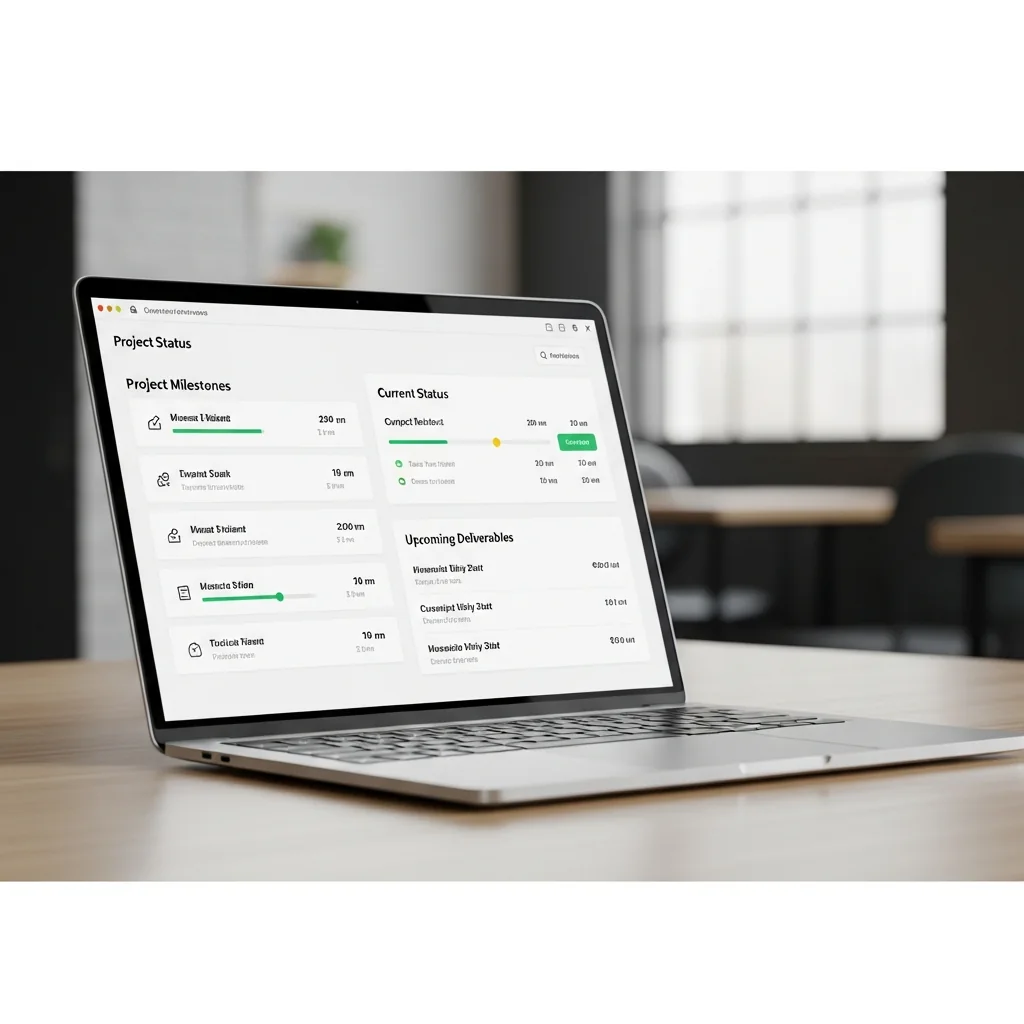
A client portal doesn't need to be sophisticated. The minimum viable version answers three questions for any client who logs in: where is my project right now, what was completed recently, and what happens next.
- Current project status — a simple stage indicator (Briefing, In Progress, Review, Complete)
- Recent completions — what was done in the last week
- Upcoming milestones — what the client can expect and when
- A way to leave feedback or ask questions without emailing
Option 1: Project Management Tool With Client Access Roles
If your project management tool supports client access roles — a read-only or limited view for external users — this is the most integrated solution. Clients see their project in the same system where you manage it. Status updates happen once and are visible to both parties immediately.
- Read-only view that shows status without exposing internal notes
- Per-project scoping — clients see only their project, not your whole workspace
- No additional seat cost for client access
Melororium
Try it in Melororium
Melororium Advanced User Roles — give clients a read-only project view with no internal note exposure, no per-seat charge, included in the flat-fee workspace
Option 2: Shared Status Page (Notion or Google Docs)
The simplest approach that doesn't require any portal software: a shared Notion page or Google Doc that you update manually. One page per client, structured consistently, with a status table at the top.
- Project name and current phase
- Last updated date
- Completed this week
- In progress now
- Next milestone with date
Flat fee · no seat tax
Every client gets a clean read-only project view
Melororium gives every client a read-only project view — included in the license, no extra portal subscription, no per-seat charge for read-only access.
flat fee, no seat tax
Starter $29/mo · Agency $59/mo · Studio $119/mo
Option 3: Dedicated Client Portal Tools
Tools like Copilot, HoneyBook, and Dubsado offer purpose-built client portals with invoicing, contracts, and communication in one client-facing view. These are genuine solutions — and genuine subscriptions. Copilot starts at approximately $29/month. HoneyBook at $19/month. Dubsado at $20/month. For freelancers who also need contract management and invoicing in the same system, these may justify the cost. For freelancers who already have invoicing handled and just need project visibility, they're significant overhead for one feature.
The Right Option for Your Business Size
Matching the approach to the scale of your freelance business:
- Solo freelancer, 1-3 active clients: Shared Notion or Google Doc page — simple, free, sufficient
- Freelancer with 4-8 active clients: Project management tool with client access roles — integrated, scalable, no additional cost if your PM tool includes it
- Agency with complex client relationships: Dedicated portal tool, especially if you also need contract management and invoicing in one place
What to Show Clients (And What to Hide)
The client view should show: project phase, milestone status, completed deliverables, upcoming deadlines, and shared files. The client view should not show: internal task notes, time tracking data, communication between you and subcontractors, rates or financial terms from other clients, or any work-in-progress that hasn't passed internal review. The permission management question — how to give clients visibility without exposing internal operations — is why purpose-built client access roles matter more than simply sharing your whole task board.
Setting Up Client Access Without a New Subscription
The sequence that works: start with a shared status document for your first few clients to understand what information they actually want to see. Once you know the pattern, move to your project management tool's client access feature if it has one. Only consider a dedicated portal tool when the volume and complexity of client relationships genuinely justifies the recurring cost. Most freelancers find that clients want less information than expected — not a comprehensive project dashboard, but a simple, reliable answer to 'where are we?' A well-structured project board shared with read-only access answers that question completely.
Boards that run themselves
Kanban with subtasks, priorities and a timer on every card
Demo request from Bloom Cosmetics
Website redesign · due Oct 14