What's New in Melororium — June 2026: Live Timers, PDF Reports, Invoice Generator
Three features that close the loop from task to invoice — live in June 2026. Here's what each one does and why it matters for running an agency.
Contents
One flat fee for the whole team
Tasks, timers, CRM and invoices in one workspace. From $29 a month, no seat tax.
Start free demo14 days · no credit card
01. Why These Three Features Together
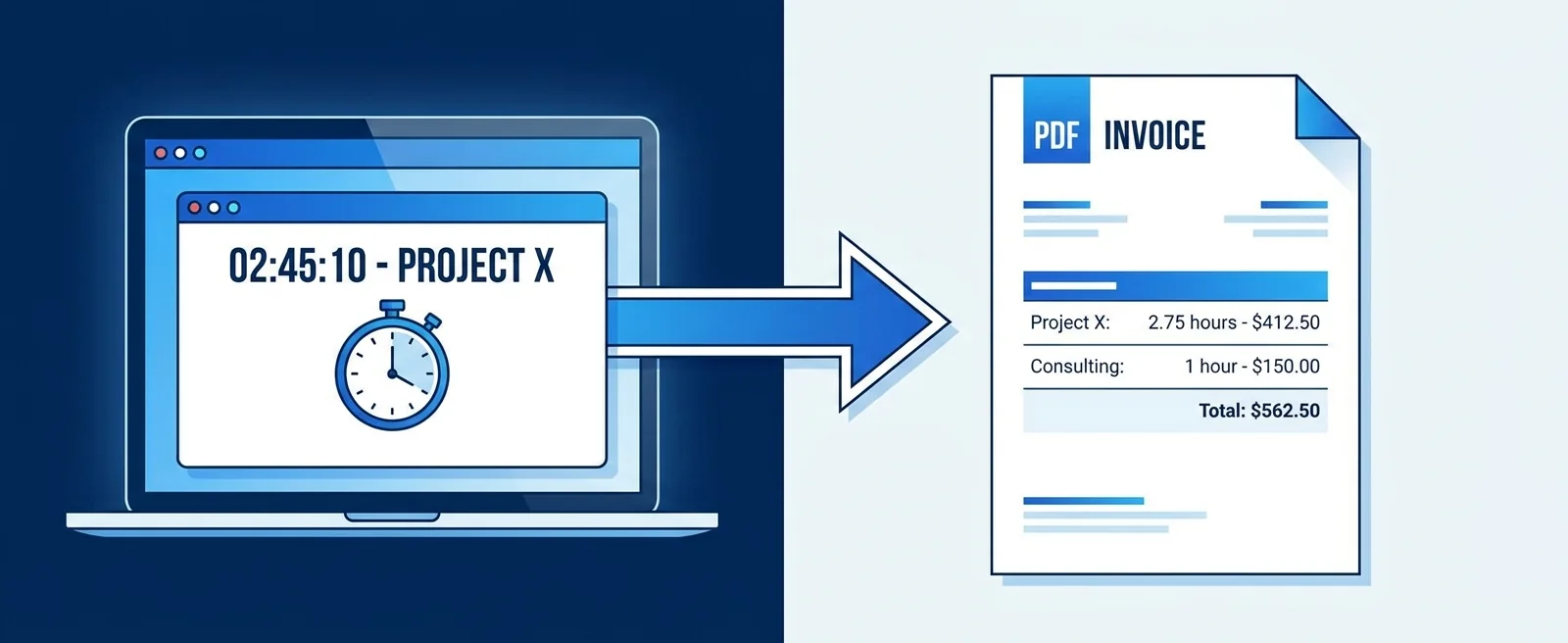
The features in this June update aren't independent additions — they're the final pieces of a single workflow: work happens, time is tracked, a report summarises it, an invoice is generated from the report. The goal was to make that entire sequence happen inside one workspace without a single manual data transfer between tools. Before this update, Melororium had the task tracking and basic timers. What was missing was the output layer — the report and invoice that turn tracked hours into client billing. This update closes that gap.
"From task start to invoice sent: zero manual data transfer between tools."
02. Feature 1: Live Timers for the Full Team
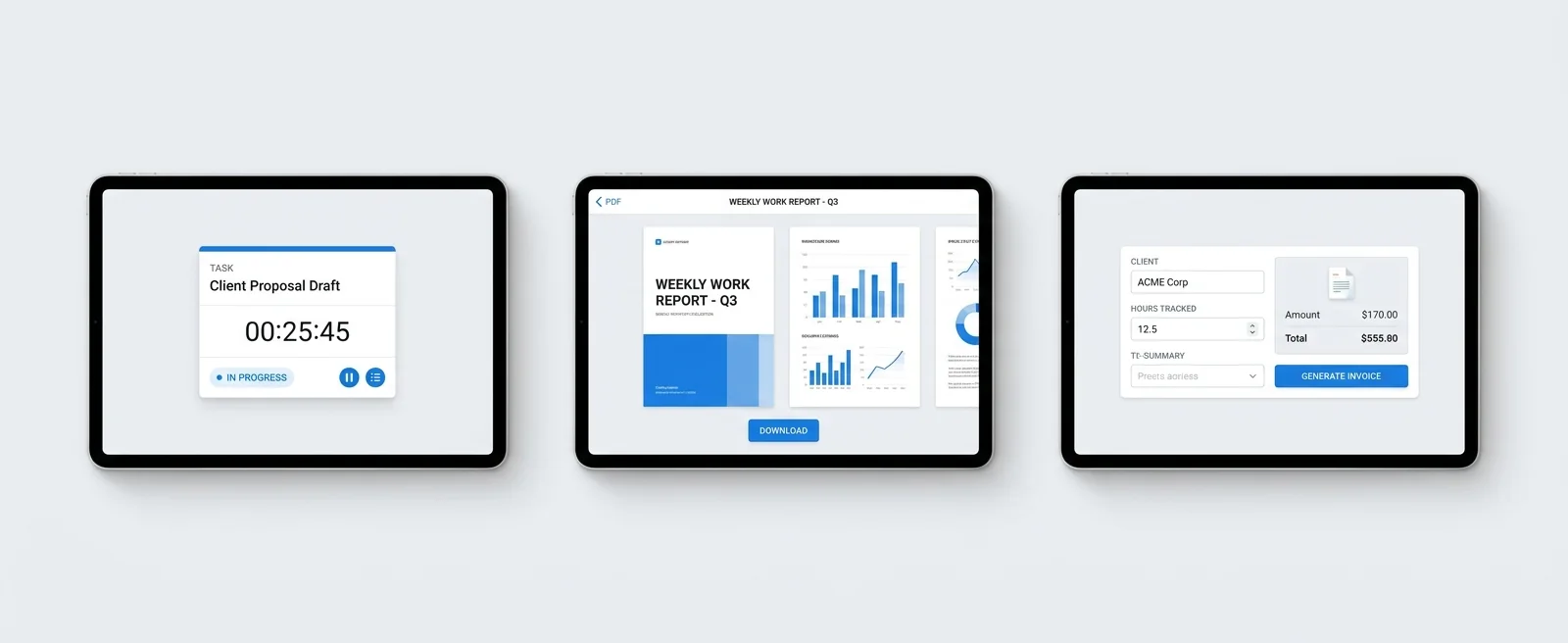
Live timers are now visible at the team level — not just the individual. When you're logged in as a manager, you can see which team members currently have an active timer running, what task it's attached to, and how long the current session has been running. This isn't about surveillance. It's about operational visibility. The project manager who needs to know whether the client deliverable is actively being worked on no longer has to message someone to find out — the live timer view answers the question directly.
- Individual task timers with one-click start/stop on every task
- Team timer dashboard — see who's working on what, right now
- Session history per team member — daily and weekly hour totals
- Anomaly indicators — weekend sessions and 10h+ days flagged visually
Melororium
Live Timers — Included in All Plans
Melororium Live Timers give your whole team real-time visibility. No upgrade required.
03. Feature 2: Work Report PDF Export
Work Reports have been in Melororium for a while — the filterable view showing hours by task, project, and client. The June update adds PDF export with a clean, client-presentable format.
- One-click PDF export from any Work Report view
- Client-facing layout — your agency name, client name, project, period, hours per task
- Configurable detail level — show task-level breakdown or project-level summary
- Date range selector — export by week, month, project duration, or custom range
04. Feature 3: Invoice Generator From Tracked Hours
This is the feature that completes the loop. From any Work Report, you can now generate an invoice directly — line items populate from the task data, hourly rates pull from your client settings, the total calculates automatically.
- Generate invoice from Work Report with one click
- Line items pre-populated from tracked tasks and hours
- Configurable hourly rates per client
- Invoice PDF ready to download or send directly from Melororium
- Payment status tracking against the client record
Flat fee · no seat tax
All June 2026 features are live in the free demo.
Live timers, PDF reports, invoice generator. Try your real workflow free for 14 days.
Starter: $29/mo (4 users)
Agency: $59/mo (15 users)
Studio: $119/mo (Unlimited users)
05. What the Full Flow Looks Like Now
1. Assign a task to a team member 2. Team member starts the built-in timer when they begin work 3. Hours accumulate against the task throughout the project 4. At billing time: open Work Report, select client and period 5. Export PDF to share with client if needed 6. Generate invoice directly from the report — no manual entry 7. Track payment status in the client CRM record From task start to invoice sent: zero manual data transfer between tools.
06. What's Coming Next
The roadmap items currently in development and closest to release:
- <a href="/blog/recurring-invoice-automation">Recurring invoice automation</a> for retainer clients — auto-generate monthly invoices based on retainer amount
- Client portal invoice view — clients can log in and see outstanding and paid invoices without a team seat
- Profitability dashboard — client-level and project-level margin view combining tracked hours with invoice data
07. How to Access Everything
All three features — live team timers, Work Report PDF, and the invoice generator — are live in the current version and included in every plan. No tier upgrade required. If you're already in Melororium, they're there. If you haven't tried Melororium yet, the 14-day free demo includes full access to all current features including the June 2026 additions — for up to four team members, no payment required to start.
Boards that run themselves
Kanban with subtasks, priorities and a timer on every card
Demo request from Bloom Cosmetics
Website redesign · due Oct 14