How to Track Billable Hours as a Freelancer (Without a Separate App)
Stop switching between your task manager and Toggl. Here's how to track billable hours accurately as a freelancer — with your work, not alongside it.
Contents
One flat fee for the whole team
Tasks, timers, CRM and invoices in one workspace. From $29 a month, no seat tax.
Start free demo14 days · no credit card
Why Most Freelancers Undertrack (And Underbill)
Ask a freelancer how long their last project took and they'll give you a number. Ask them how they got that number and most will admit: it's an estimate. A feeling. A reconstruction from memory and calendar entries. This matters because underestimating project time is the single most common reason freelancers undercharge. Not lack of confidence, not impostor syndrome — missing hours. The homepage that 'felt like' 20 hours was actually 31, including the Tuesday discovery call, the two revision rounds, and the afternoon spent reformatting the client's source files before the work could even start. The solution isn't working harder at tracking. It's removing the friction that causes tracking to fail in the first place.
"I thought I was charging $80/hour. When I actually tracked, some clients were getting me at $22. The tool wasn't the problem — the gap between where I worked and where I tracked was."
— Freelance developer, 4 years independent
Method 1: Dedicated Time Tracker (Toggl, Harvest)
This is the most common approach — and the most commonly abandoned. Toggl, Harvest, Clockify, and similar tools are purpose-built for time tracking with clean interfaces and solid reporting. The problem isn't the tools. It's the workflow they require. You work in your task manager. When you start a task, you switch to your timer app, create or find the matching project, and hit start. When you finish or take a break, you switch back and hit stop. At billing time, you export from the timer and reconcile against your task list.
- Every context switch is a chance to forget to start or stop the timer
- 'I'll log it afterward' becomes the default and then becomes never
- Timer entries and task entries go out of sync — two systems, two sources of truth
- Additional cost: Harvest at $144/year, Toggl Pro at $108/year on top of your existing task tool
Method 2: Spreadsheet or Manual Log
The free version of time tracking. You keep a running log — in a spreadsheet, a notebook, or a notes app — and update it throughout the day or reconstruct it at the end.
- Why people try it: no cost, no new tool to learn, complete control over format
- Why it fails: requires discipline to update in real time, which most people don't sustain beyond two weeks
- End-of-day reconstruction is based on memory, which underestimates by 20-30% consistently
- No reporting — you have raw data but have to calculate billable totals manually
Method 3: Native Time Tracking Inside Your Task Manager
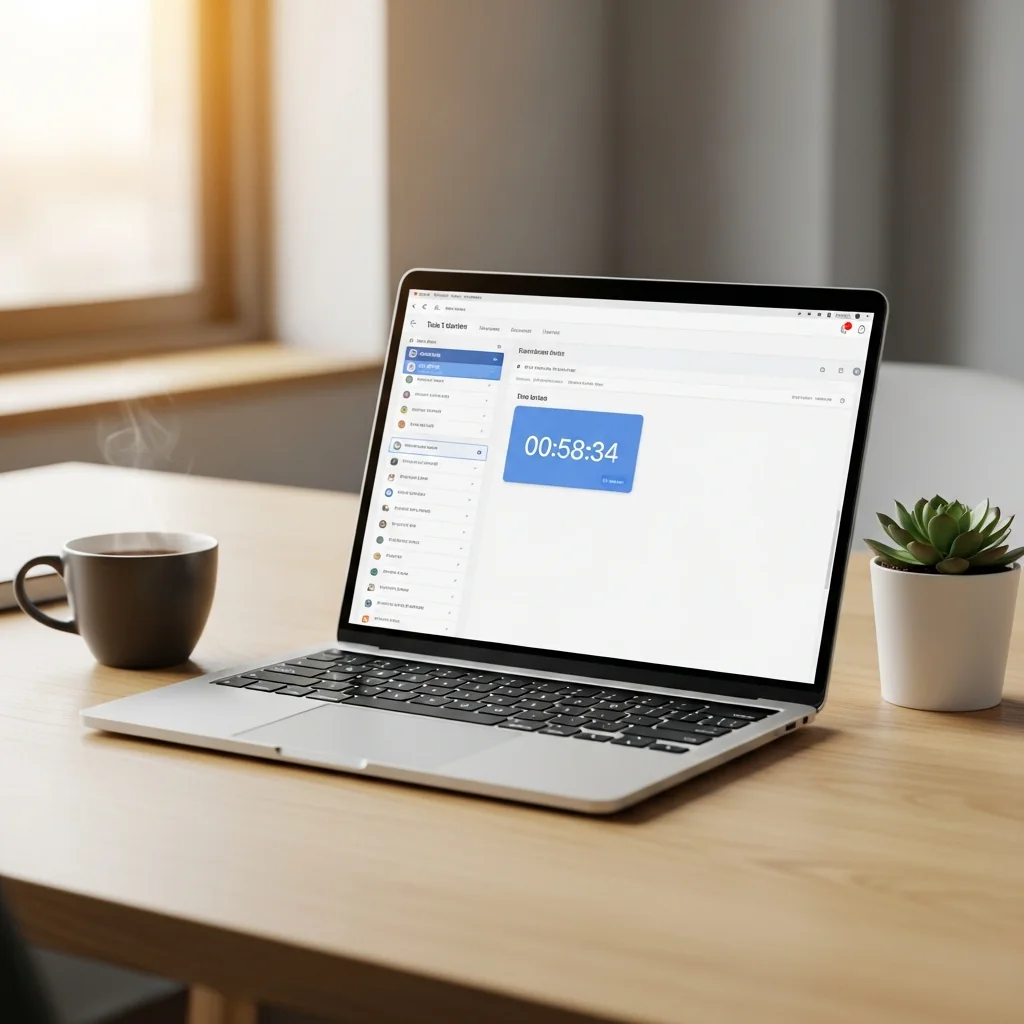
This is the method that solves the problem at the architectural level. Instead of running a parallel system, time tracking lives inside the task itself — you start the timer where you start the work. Every task has a built-in timer. You open the task, click start. The clock runs against that specific task. When you switch tasks or stop for a break, the timer stops and the time is attached to the task permanently. No switching apps, no reconciling two systems.
- Zero friction — the timer is where the work is, so starting it requires no habit change
- Automatic attribution — hours attach to the specific task, not a vague project bucket
- One source of truth — task status and time data live in the same record
Melororium
Try it in Melororium
Melororium Timers — native time tracking inside every task, one-click start, automatic attribution, included in the flat-fee workspace
Flat fee · no seat tax
Track billable hours where the work happens
Track hours inside your tasks — no switching apps, no lost hours, no end-of-week reconstruction. Melororium Timers is built into your task manager and included in the flat-fee workspace.
Starter $29/mo · Agency $59/mo · Studio $119/mo
How to Build a Billable Hours System That Sticks
Four steps that make billable hour tracking reliable rather than aspirational:
- Step 1: Define what's billable before the project starts. Every project should have a brief that specifies which hours bill — client calls, revision rounds, admin overhead. Decide in advance, not at invoice time
- Step 2: Track everything, bill selectively. Track all hours — including non-billable ones. Non-billable data shows the true cost of each client relationship
- Step 3: Review weekly, not monthly. A weekly review of tracked hours catches scope creep while you can still address it. A monthly review catches it after the invoice has been sent
- Step 4: Use the data to quote better. After three to five projects with accurate tracking, you have real data for future estimates
What to Do With the Data Once You Have It
Tracked hours are only valuable if they inform decisions. The three reports every freelancer should run monthly:
- Effective hourly rate per client — total billed divided by total hours tracked. This is the number that reveals which relationships are actually profitable
- Billable vs non-billable ratio — what percentage of your working hours generates income? Below 50% is a signal to audit your overhead
- Estimate accuracy — how close were your quoted hours to actual hours? A consistent gap in one direction indicates systematic over or underestimation
The Connection Between Tracked Hours and Better Rates
The freelancers who raise rates successfully do it from a position of data, not confidence. 'I should charge more' is a feeling. 'I've been delivering this type of project at an effective rate of $42/hour and my target is $75' is a fact that justifies a specific rate increase. Accurate time tracking is the foundation of that data. It's also the most underdeveloped practice in freelance business management — which means the freelancers who actually do it have a systematic advantage over the majority running on estimates and intuition.
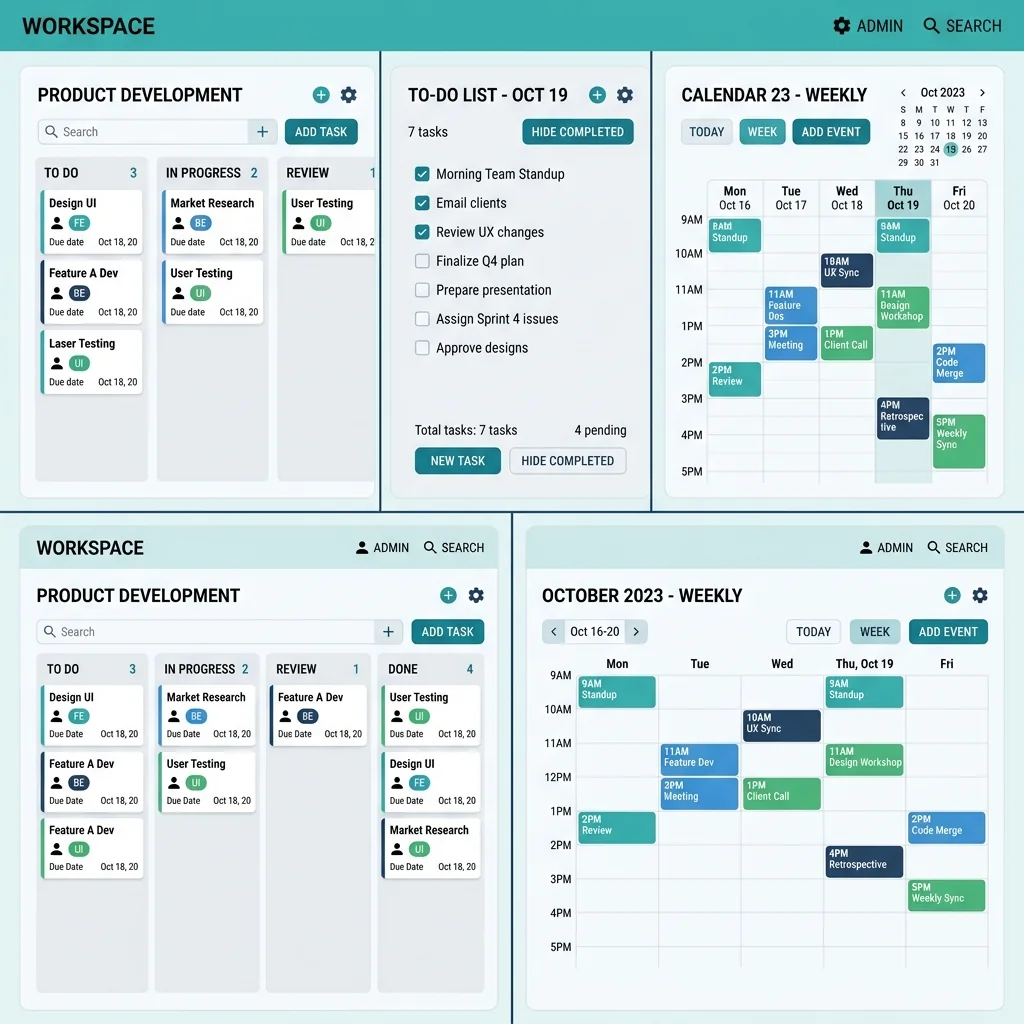
Boards that run themselves
Kanban with subtasks, priorities and a timer on every card
Demo request from Bloom Cosmetics
Website redesign · due Oct 14