How to Manage Multiple Clients as a Freelancer: A Complete System
Managing multiple clients isn't the same as managing multiple projects. Here's the complete client management system for freelancers — with templates, tools, and the workflow that scales.
Contents
One flat fee for the whole team
Tasks, timers, CRM and invoices in one workspace. From $29 a month, no seat tax.
Start free demo14 days · no credit card
Why Client Management Is Different From Project Management
The distinction matters more than it sounds. Project management is about deliverables: what needs doing, by when, by whom. Client management is about relationships: what does this person expect, how do they prefer to communicate, what's their business situation, and are they worth continuing to work with. A freelancer who manages projects well but ignores client management loses clients they could have kept. A freelancer who manages clients well but has no project system misses deadlines and damages the relationships they've invested in. Both systems are necessary and they serve different functions. This article focuses specifically on the client management layer — the CRM-light approach that doesn't require enterprise software but does require intentional structure.
"A freelancer who manages projects well but ignores client management loses clients they could have kept. A freelancer who manages clients well but has no project system misses deadlines and damages the relationships they've invested in."
How Many Clients Is Too Many?
There's no universal answer, but there's a useful diagnostic. If you regularly can't remember the status of a client relationship without checking notes, you have more clients than your current system can handle — regardless of the absolute number. For most freelancers, the practical ceiling without a dedicated system is three to four active clients. With a proper client management structure, five to seven is sustainable. Above that, the cognitive overhead of maintaining relationship context for each client typically starts to degrade quality across all of them. The goal of a client management system isn't to handle more clients — it's to handle your current clients better, with less anxiety and fewer dropped details.
The Client File: What to Track for Every Client
Every active client deserves a client file — a single place where all the relevant context lives. Not a folder of invoices. A reference document you can open before a client call and be immediately oriented.
- Business context: what does this client do, who is the decision-maker, what are their goals
- Communication preferences: email vs Slack, response time expectations, preferred meeting times
- Relationship history: how long you've worked together, major projects, any previous friction points
- Current status: active projects, recent deliverables, pending feedback
- Financial summary: current rate, average monthly revenue, payment history
- Renewal flags: contract end date, rate review date, any signals about future work
The Lightweight CRM System That Actually Works
Most freelancers don't need Salesforce or HubSpot. They need a system that answers three questions at any moment: what is the current status of this client relationship, what do I need to do next, and when did I last communicate with them. The three-column client board:
- Active: clients with current projects in progress
- Nurture: clients between projects — past clients you want to re-engage, warm leads
- Paused: clients on hold by mutual agreement, or relationships you're evaluating
Melororium
Try it in Melororium
Melororium — build a client management board alongside your project boards in one workspace
Flat fee · no seat tax
Every client relationship in one workspace
Keep every client relationship, project status, and tracked hour in one place — Melororium's task boards and timers give you the full picture of every client at a glance.
flat fee, no seat tax
Starter $29/mo · Agency $59/mo · Studio $119/mo
Communication Rhythms That Prevent 'Just Checking In' Emails
The 'just checking in' email is a symptom of an absent communication rhythm. Clients send it when they haven't heard from you and don't know when they will. The fix is a proactive communication schedule.
- Active project: weekly status update (one paragraph, takes five minutes)
- Between projects: monthly check-in (one question about their current priorities)
- Long-term clients: quarterly review to assess the <a href="/blog/client-health-score-calculator">client health score</a>
Separating Clients in Your Task System
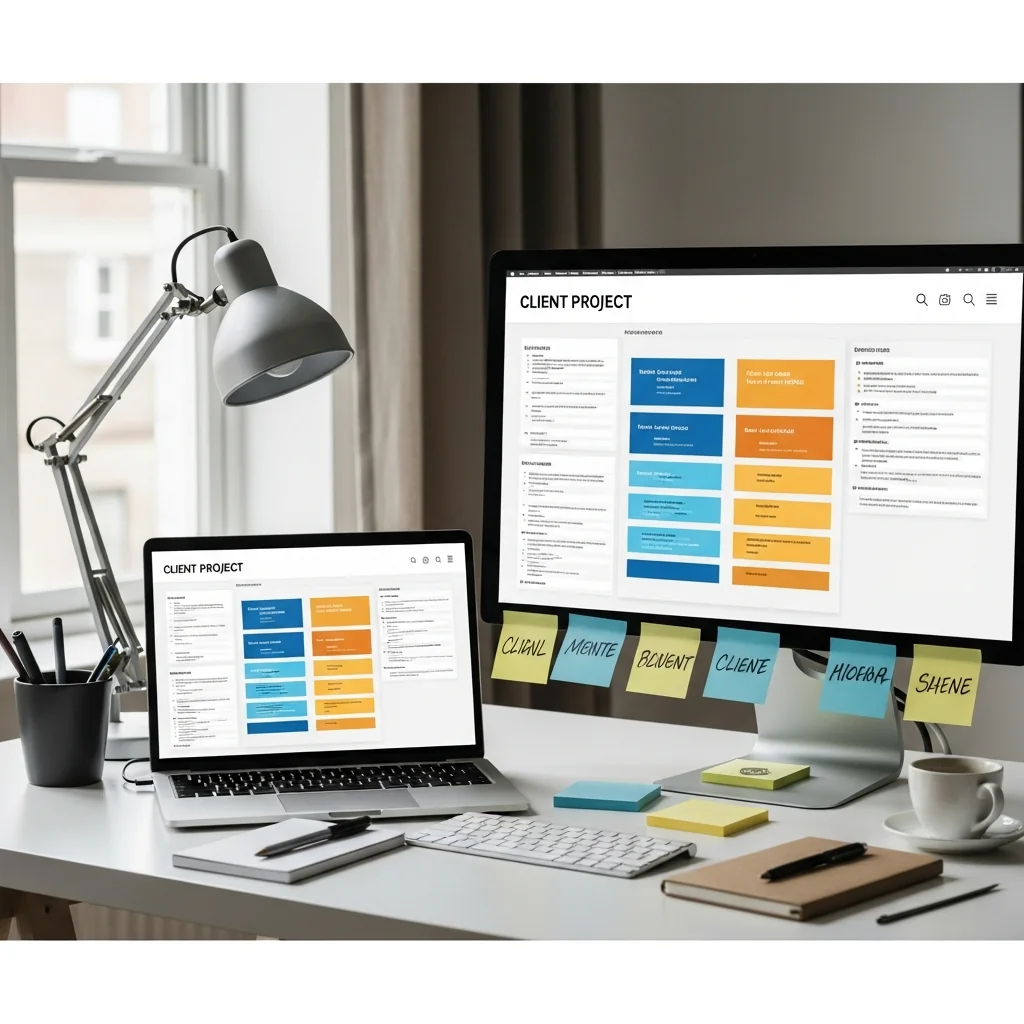
One of the most common mistakes in freelance project management is mixing all clients into one task list or board. When everything is in one view, client work bleeds together — you see tasks without context, deadlines without relationship, and progress without attribution. The solution: a separate project space per client in your task system, with consistent structure across all client spaces. Each client space has the same column structure (Brief, In Progress, Review, Done), the same labeling convention, and connects to the same time tracking system. When a client asks for a status update, you open their space and read the board. The answer is already there.
Tracking Profitability Per Client
The client management system that most freelancers are missing: tracking actual hours and revenue per client to calculate the real profitability of each relationship. This is the data that drives the most important business decisions — which clients to grow, which to deprioritise, which to exit. The metric that matters: effective hourly rate per client. Total revenue from the client divided by total hours tracked (including communication, revisions, and admin) equals the real rate. Not the quoted rate. The real one.
When a Client Relationship Needs a Review
The signals that a client relationship has drifted and needs intentional attention: response times are getting longer, feedback quality has declined, projects feel harder than they used to, or you find yourself dreading their messages. These signals warrant a proactive conversation — not a complaint, a genuine check-in about whether the relationship is working for both parties. Most of the time, the conversation reveals a fixable issue. Occasionally, it surfaces a natural ending point. Either outcome is better than letting the relationship erode silently.
Boards that run themselves
Kanban with subtasks, priorities and a timer on every card
Demo request from Bloom Cosmetics
Website redesign · due Oct 14