How to Manage Multiple Projects at Once Without Losing Track
Running three clients simultaneously without a system is how freelancers burn out, miss deadlines, and stop being profitable. Here's the exact method for keeping everything in motion — and your sanity intact.

Contents
One flat fee for the whole team
Tasks, timers, CRM and invoices in one workspace. From $29 a month, no seat tax.
Start free demo14 days · no credit card
01. The Multi-Project Trap
More clients means more income — right up until it means missed deadlines, diluted quality, and a reputation for being unreliable. The transition from one or two clients to four or five is where most freelancers hit a wall. The trap isn't the number of projects. It's trying to manage them with a system designed for one. A to-do list in a notes app. A single Trello board. Email as a project database. These approaches collapse under the weight of multiple simultaneous clients.
"The moment I built a proper multi-project system, my income increased by 40% — not because I worked more, but because I stopped dropping things."
— Freelance developer, 5-year independent operator
02. Why Context Switching Destroys Productivity
The biggest hidden cost of multi-project work isn't the work itself — it's the mental overhead of switching between contexts. Every time you move from Client A to Client B, your brain needs 10-15 minutes to reload the context: where was I, what's due, what decisions are pending? Across four clients with multiple daily switches, that's 60-90 minutes of productive time lost to context-loading every single day — without doing a single billable task. The goal of a multi-project system is to minimize context-loading time. When everything is organized and visible in one place, you can switch contexts in 30 seconds instead of 15 minutes.
03. Building a Multi-Project Dashboard That Actually Works
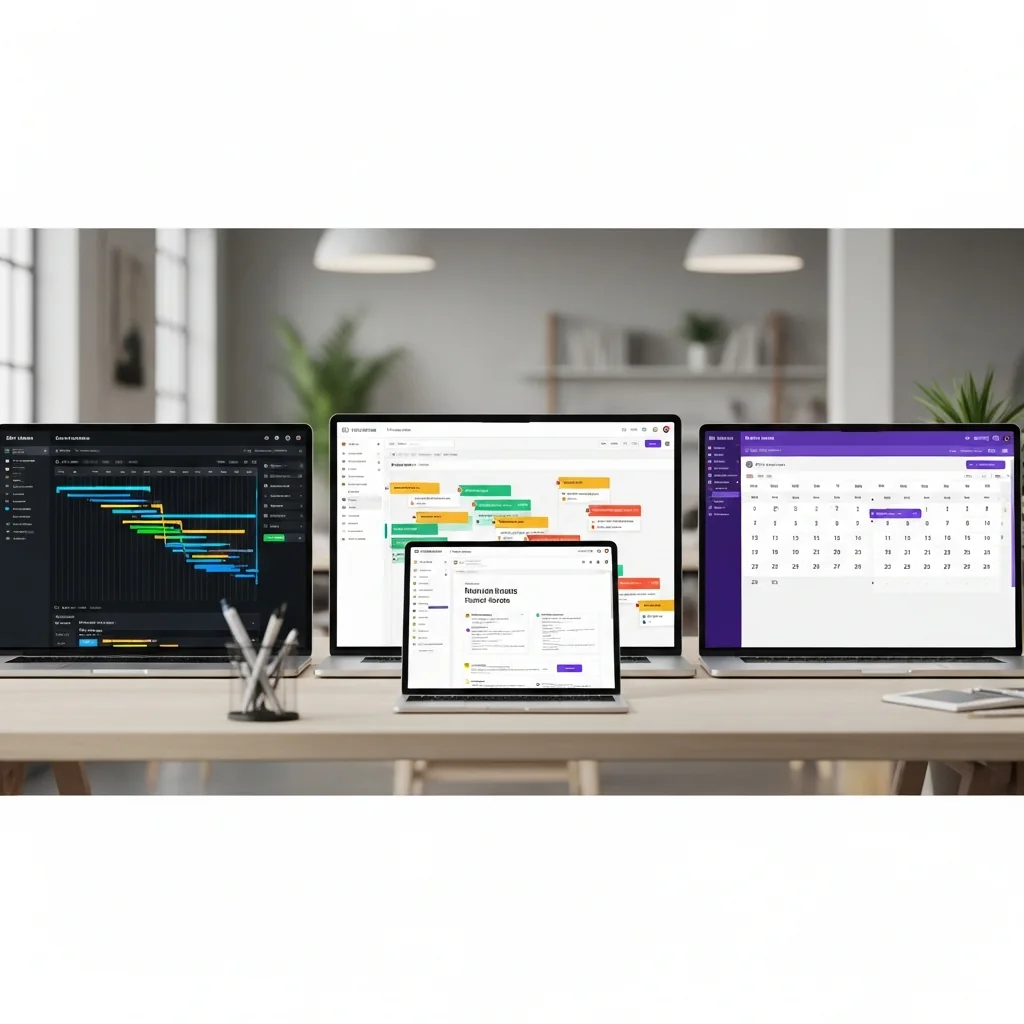
A multi-project dashboard has one job: give you a complete picture of all active work in under 30 seconds. That means every project visible, every upcoming deadline visible, every blocked task flagged — without opening individual project views. What your dashboard needs to show at a glance:
- All active projects with completion percentage
- Next deadline for each project
- Any task marked as blocked or at risk
- Time logged this week vs estimated for each project
Melororium
Try it in Melororium
Melororium — project health dashboards showing all active projects, completion rates, and deadline status in one view
04. The Time Blocking Method for Multiple Clients
Ad hoc work — jumping between clients based on whoever emailed most recently — is the enemy of multi-project productivity. The professionals who successfully manage four or five simultaneous clients almost always use some form of time blocking. The simplest version: The specific layout matters less than the consistency. Clients who know they get your full attention on scheduled days trust you more — not less — than clients who get fragmented attention every day.
- Monday morning: dedicated to Client A's heaviest tasks for the week
- Monday afternoon + Tuesday: Client B work
- Wednesday: Client C focus block
- Thursday: overflow, revisions, communication across all clients
- Friday: weekly review, next week planning, client updates
Flat fee · no seat tax
Stop paying per seat for your team's tools.
Melororium gives teams a multi-project dashboard where every client, deadline, and timer is visible at once — one flat workspace, no seat tax.
Starter: $29/mo (4 users)
Agency: $59/mo (15 users)
Studio: $119/mo (Unlimited users)
05. How to Prioritise When Everything Feels Urgent
Multi-project chaos peaks when several clients need something at the same time. Without a system, everything feels equally urgent and paralysis sets in. The prioritization framework that works:
- Hard deadlines first — a deliverable due tomorrow beats a revision request for next week
- Blocked dependencies next — a task that's blocking client progress or a team member
- High-value relationships third — a major client with a small request beats a minor client with a major request
- Everything else in sequence — by deadline, not by recency of the request
06. The Weekly Multi-Project Review
A Friday afternoon ritual that takes 20 minutes and prevents Monday morning panic: This review doesn't eliminate surprises — but it catches most of them when there's still time to respond.
- Review every active project's deadline and completion status
- Flag any project where you're behind pace and decide on a corrective action
- Review time logged vs estimated across all projects — are you on budget?
- Set your time-block schedule for next week
- Send brief end-of-week updates to clients for any active project
07. When to Stop Taking New Projects
The hardest discipline in freelancing isn't working harder — it's knowing when you're at capacity. The signs: At that point, taking a new project doesn't increase your income — it decreases it, by degrading the quality and delivery of everything you're already committed to. The system tells you when to say no. Trust it.
- Your weekly review consistently shows projects behind pace
- You're routinely working weekends to catch up
- Client response times are slipping
- You're dreading starting new tasks instead of looking forward to them
Boards that run themselves
Kanban with subtasks, priorities and a timer on every card
Demo request from Bloom Cosmetics
Website redesign · due Oct 14