Task Tracker
Every module. One flat fee.
From tasks and timers to invoices and reports, every instrument of the Task Tracker on one page. One flat fee for the whole team. No seat tax, ever.
Task Tracker instruments
28 tools, one workspace, one flat fee for the whole team.

Client revenue, worker payouts, net profit, receivables and project health update live as your team logs time, closes tasks and marks payments received.
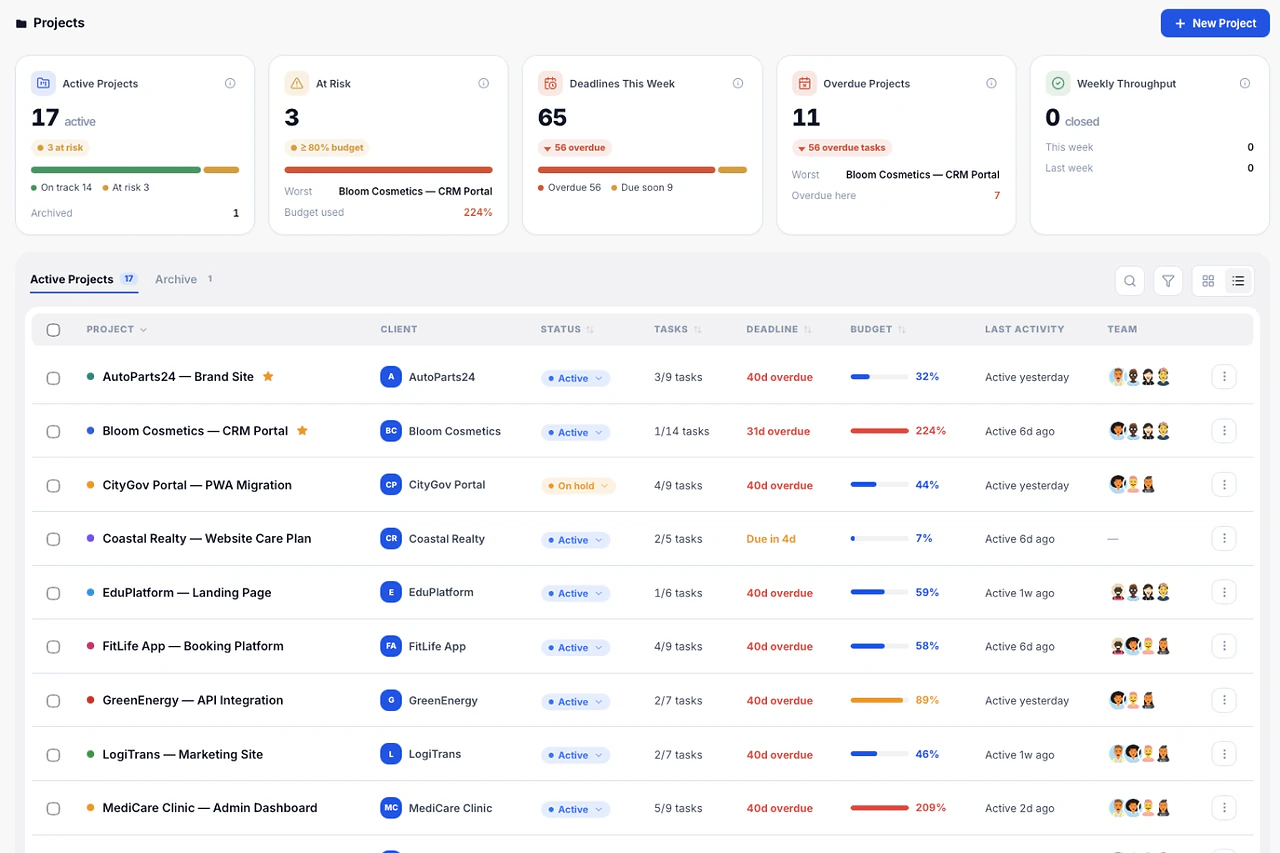
The portfolio view shows progress, open tasks and budget burn per project, so you see which ones need attention before the client does.
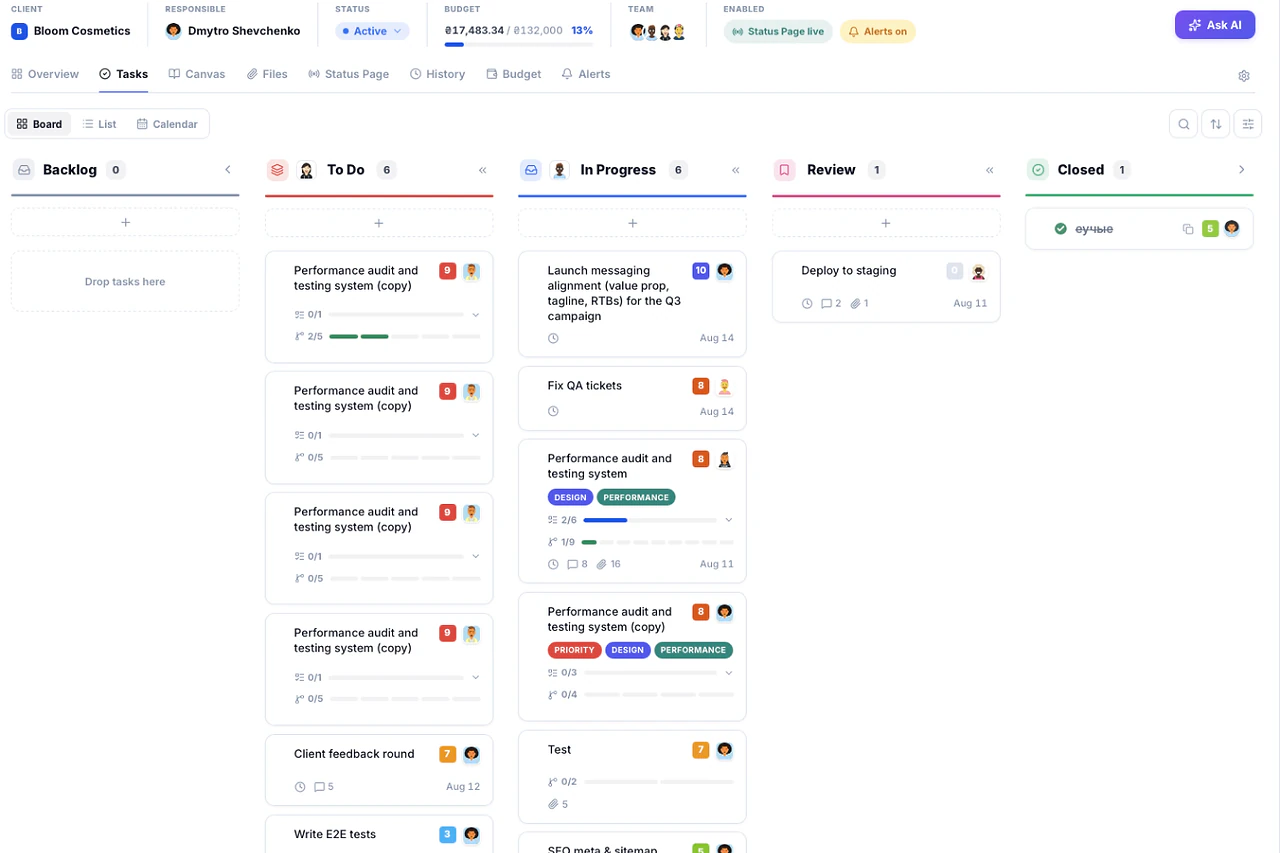
Tasks carry priority, due date, tags and subtasks — each subtask with its own timer. Switch between board, list and calendar without losing context.
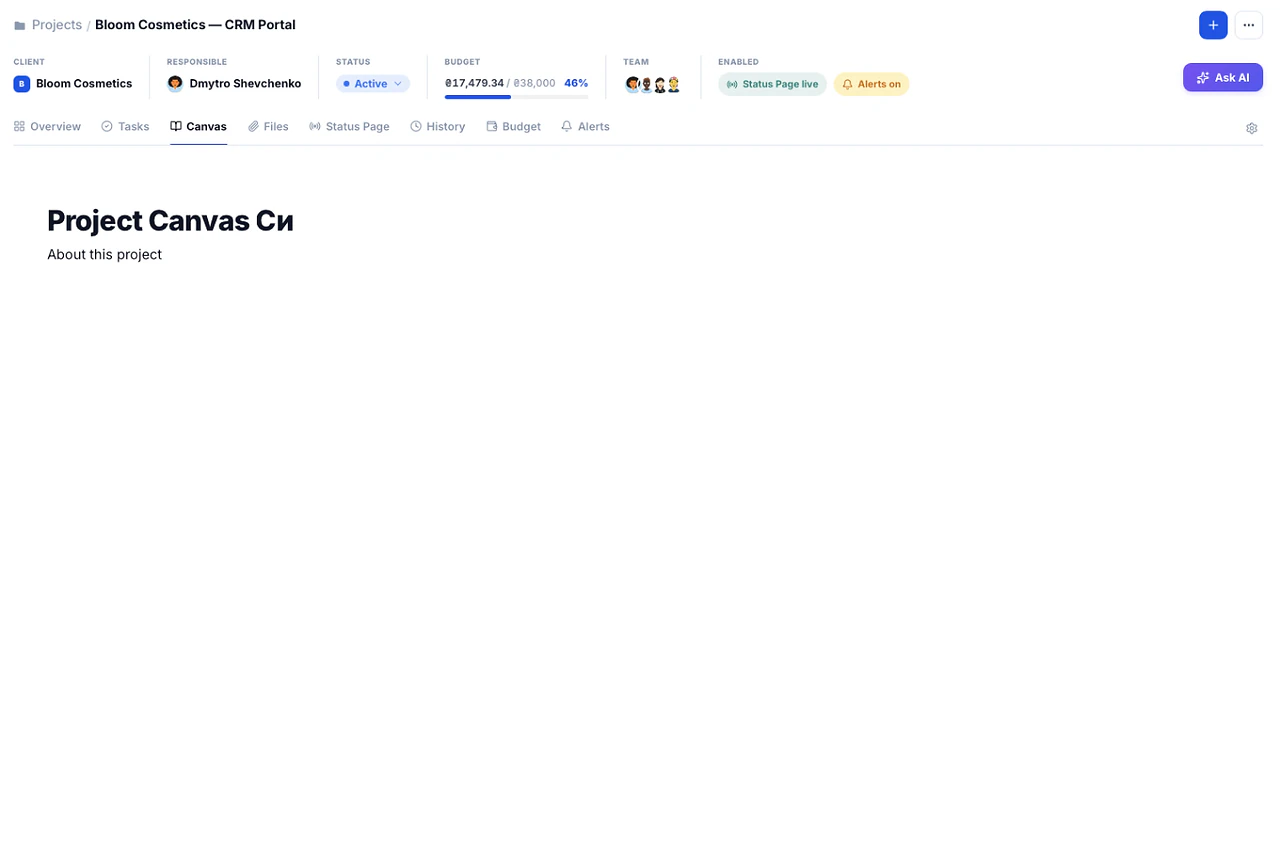
One editable document per project, with headings, lists and checklists. Project context stays visible to the whole team instead of getting lost in a thread.
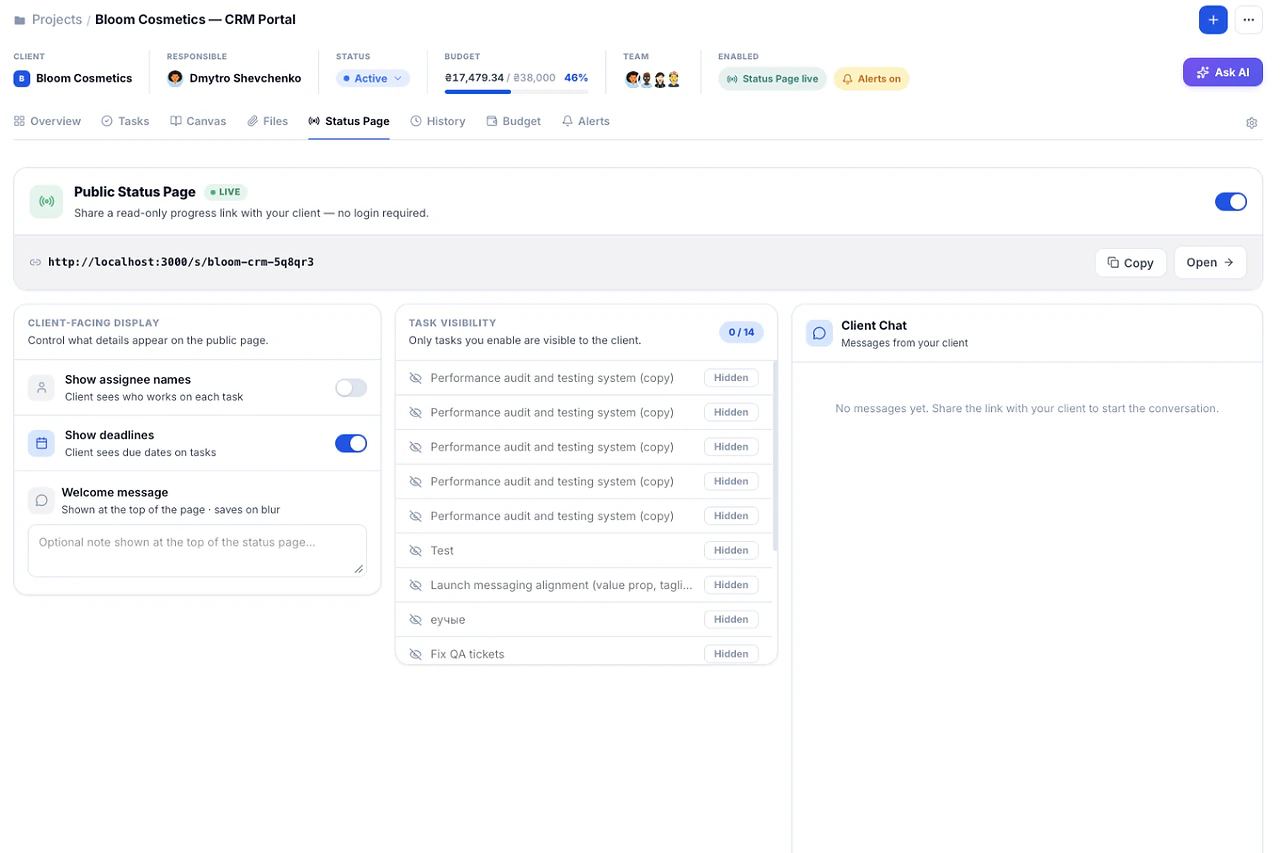
A shareable link shows project progress, completed milestones and what is next. No guest seat, no account, no accidental edits.
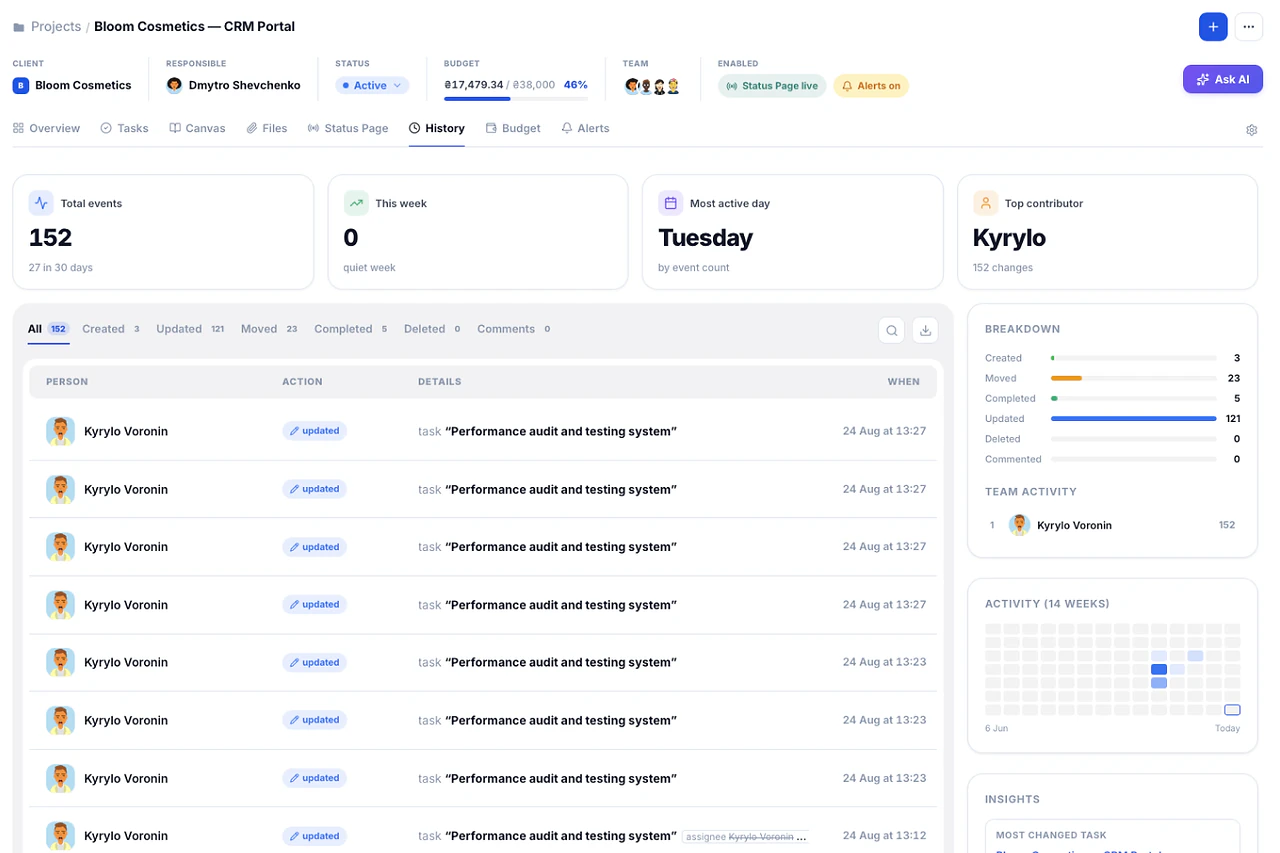
A timeline of every status change, reassignment and update on the project, so disputes are settled by the record instead of by memory.
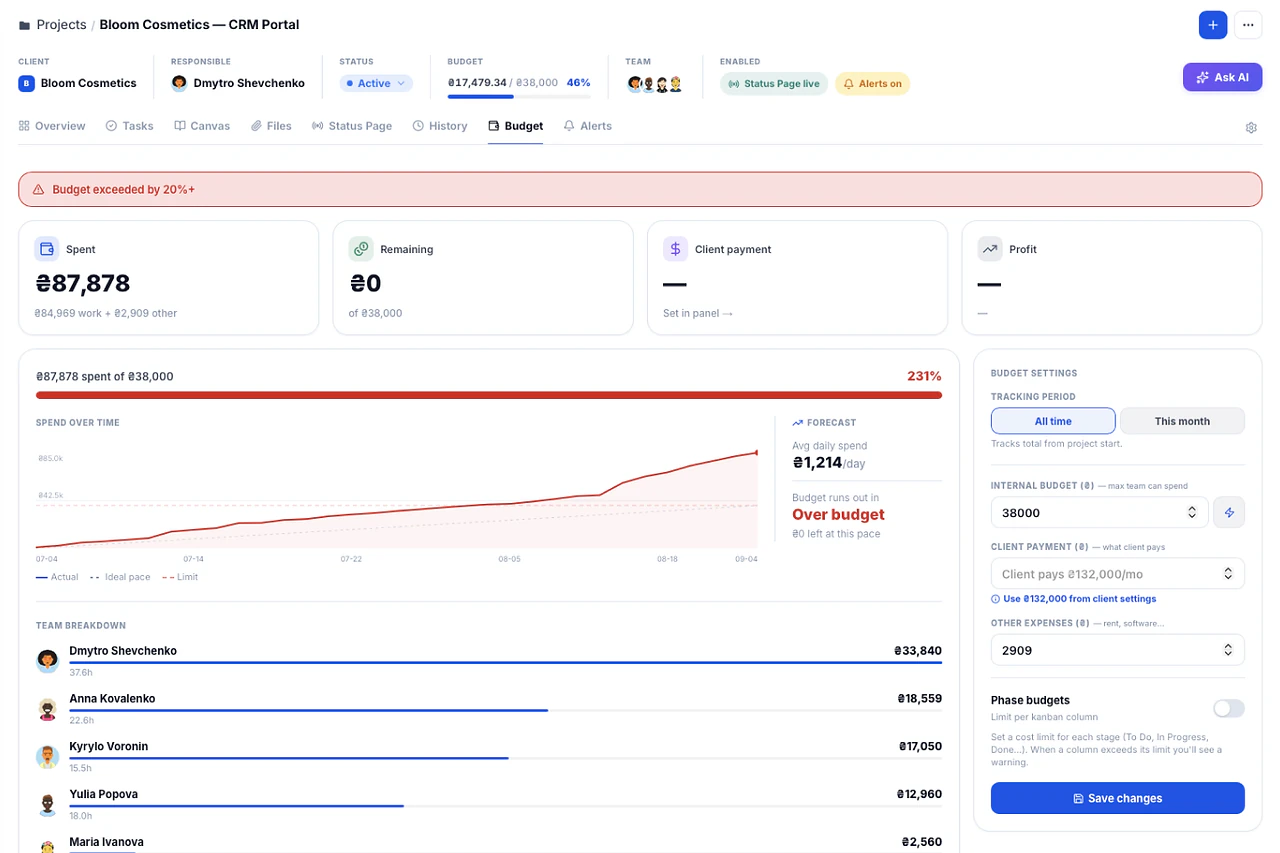
Spend is calculated from time logs against the project budget in real time. Warnings fire at 80%, 100% and 120% — not at the invoice.
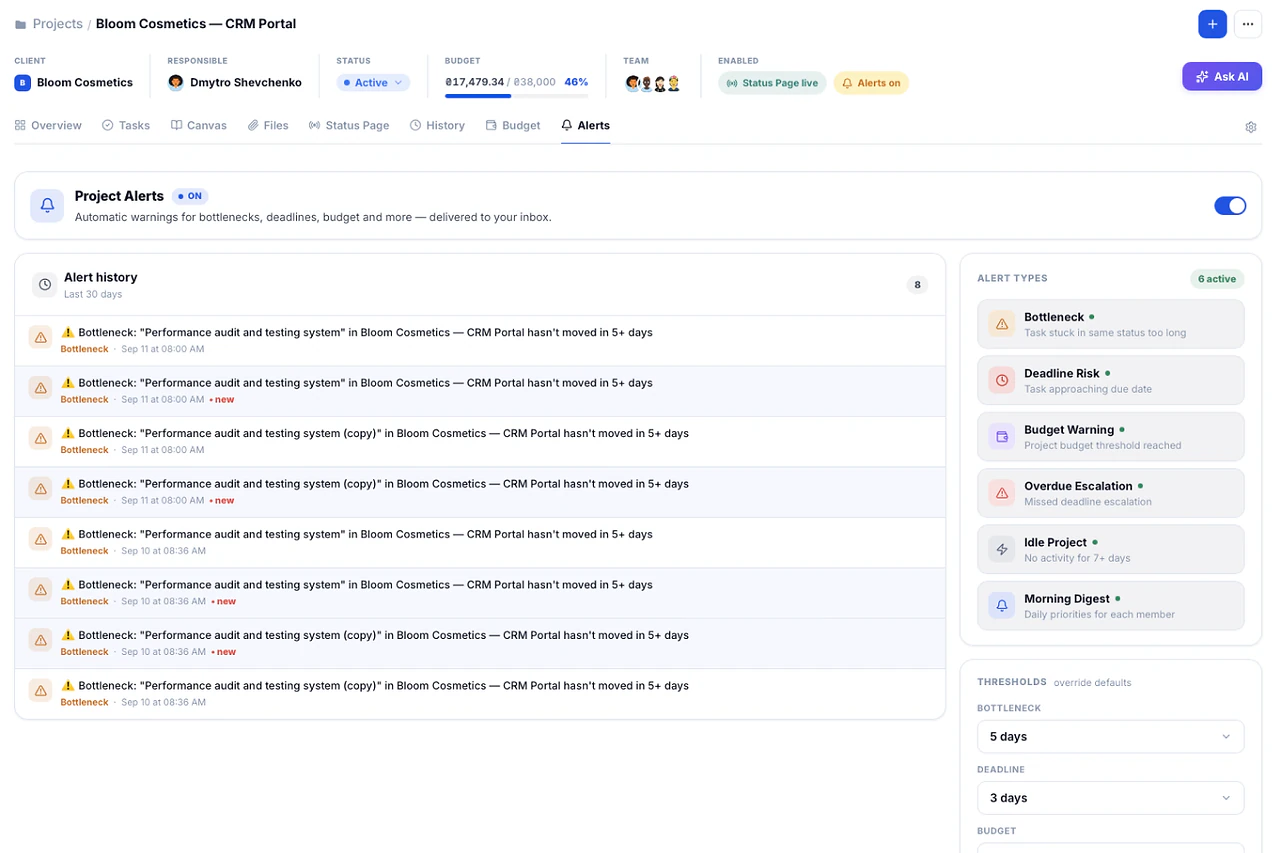
Alerts fire on overdue tasks, stalled projects and budget thresholds — before the problem reaches the client.
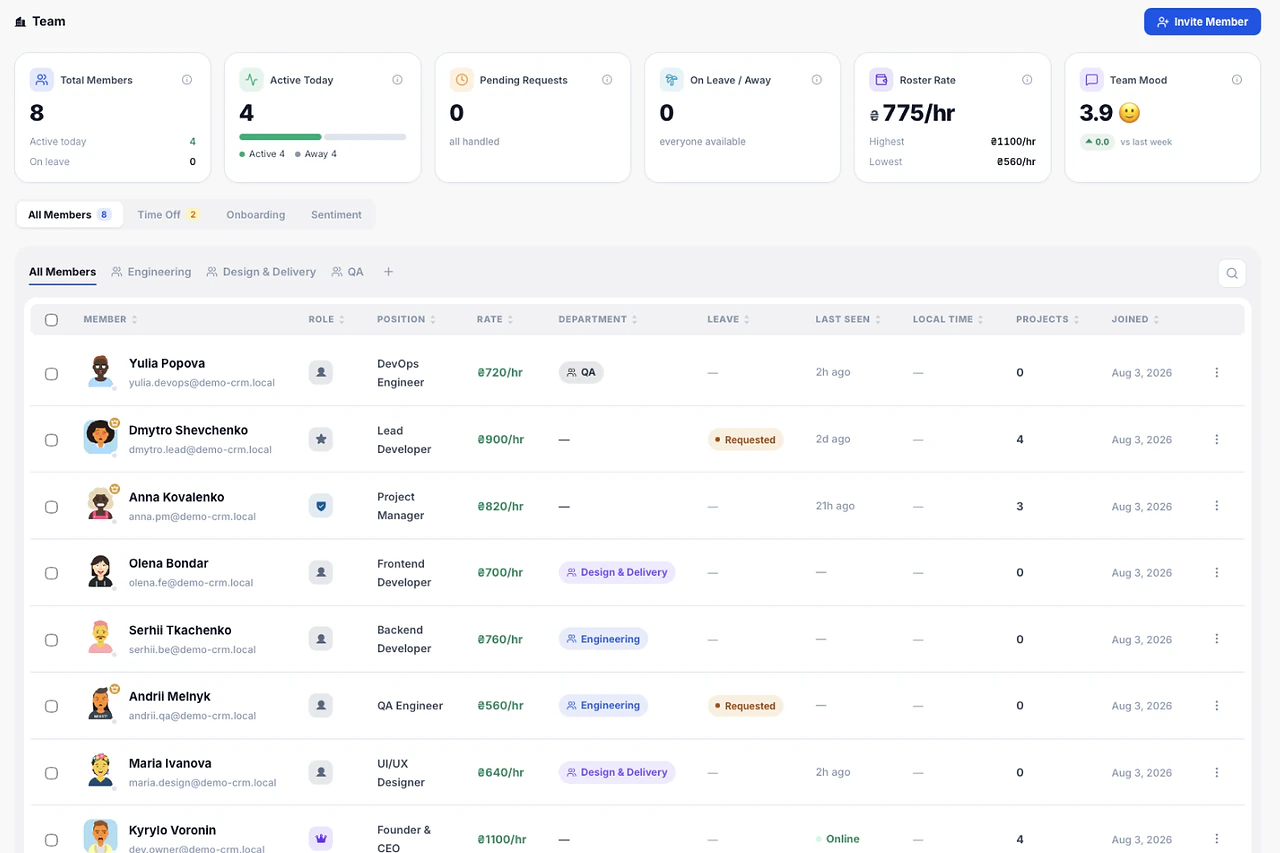
Owner, Admin, Team Lead and Member roles, an hourly rate per person, and a workload view that shows who is overloaded and who has room this week.
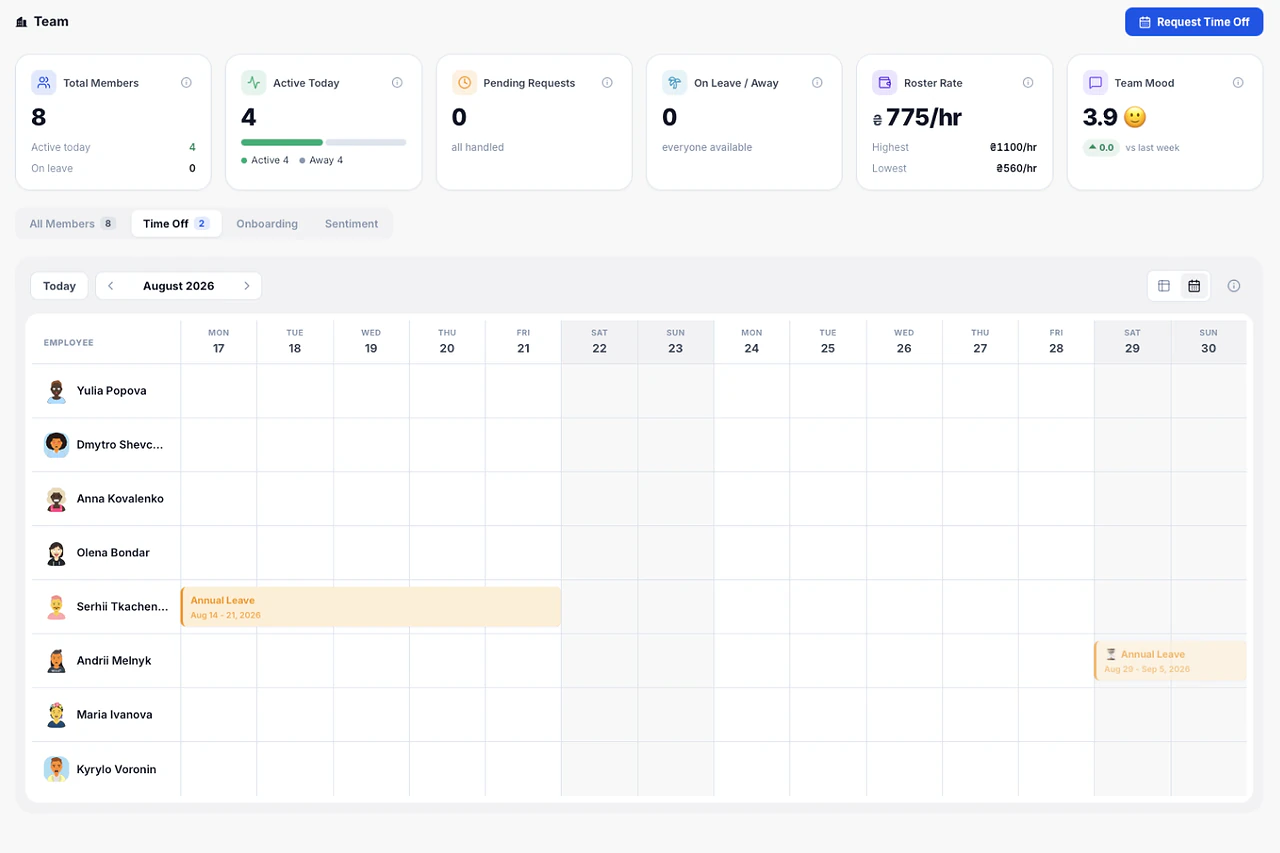
Requests, approvals and days used sit next to project dates, so nobody plans a launch for a week when half the team is out.
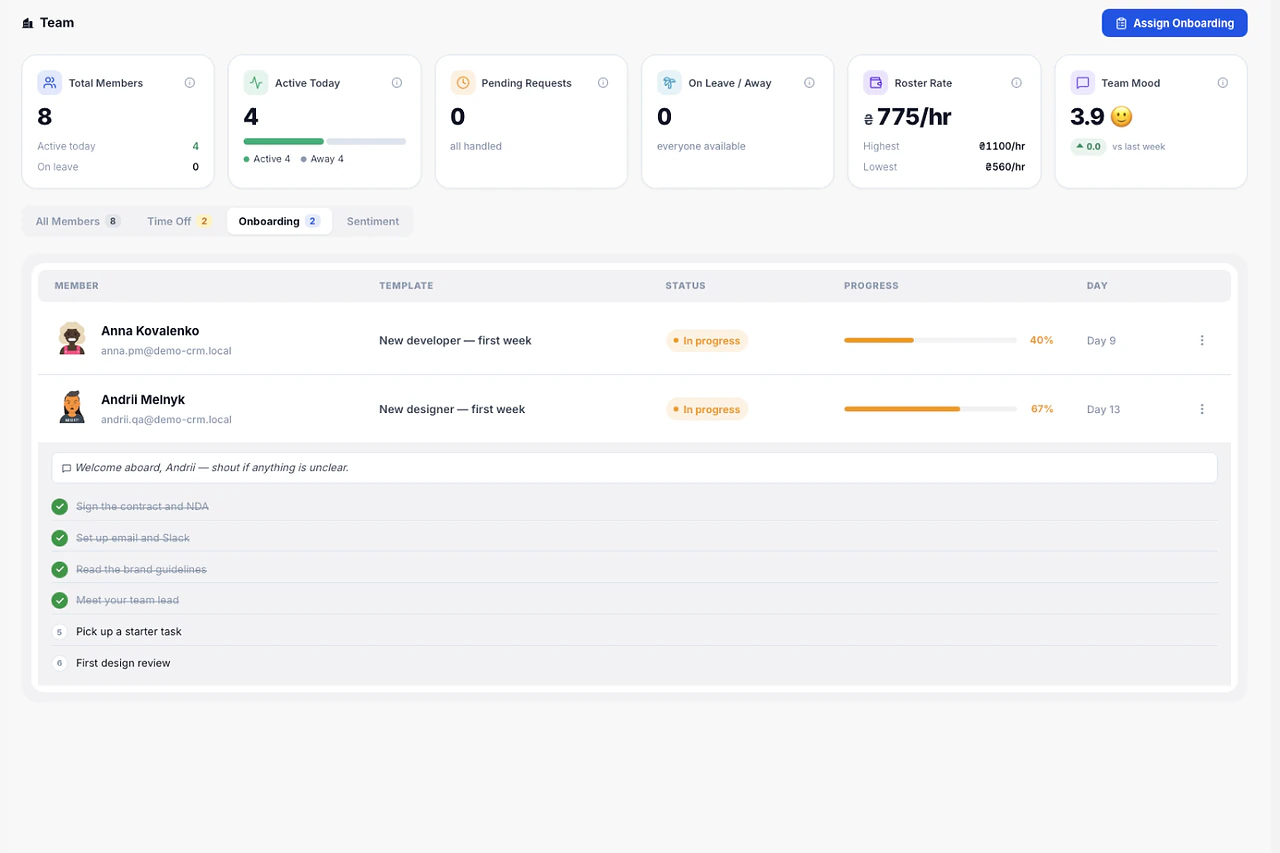
Role-based onboarding checklists that new team members manage themselves. You see progress; they see what is next.
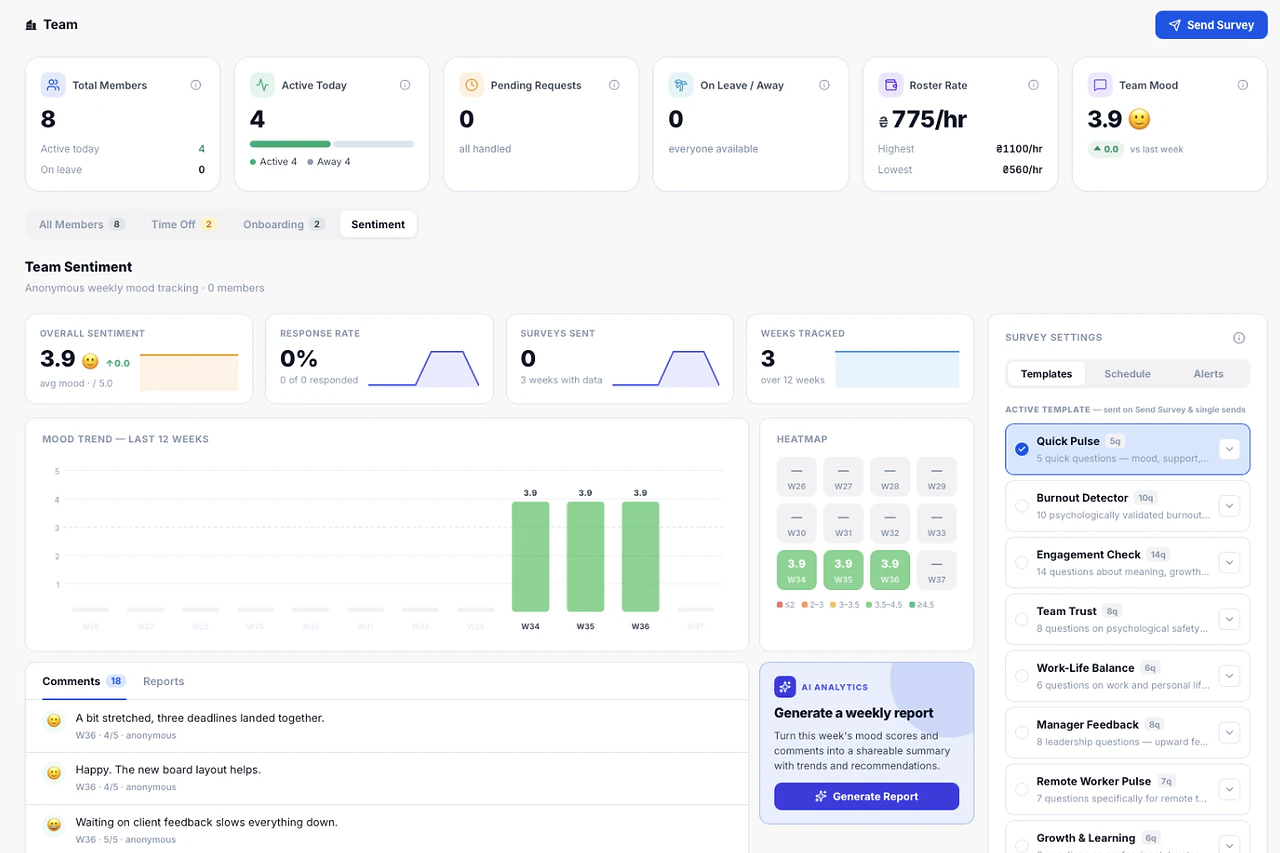
Quick weekly check-ins build into a team-wide sentiment trend over time.
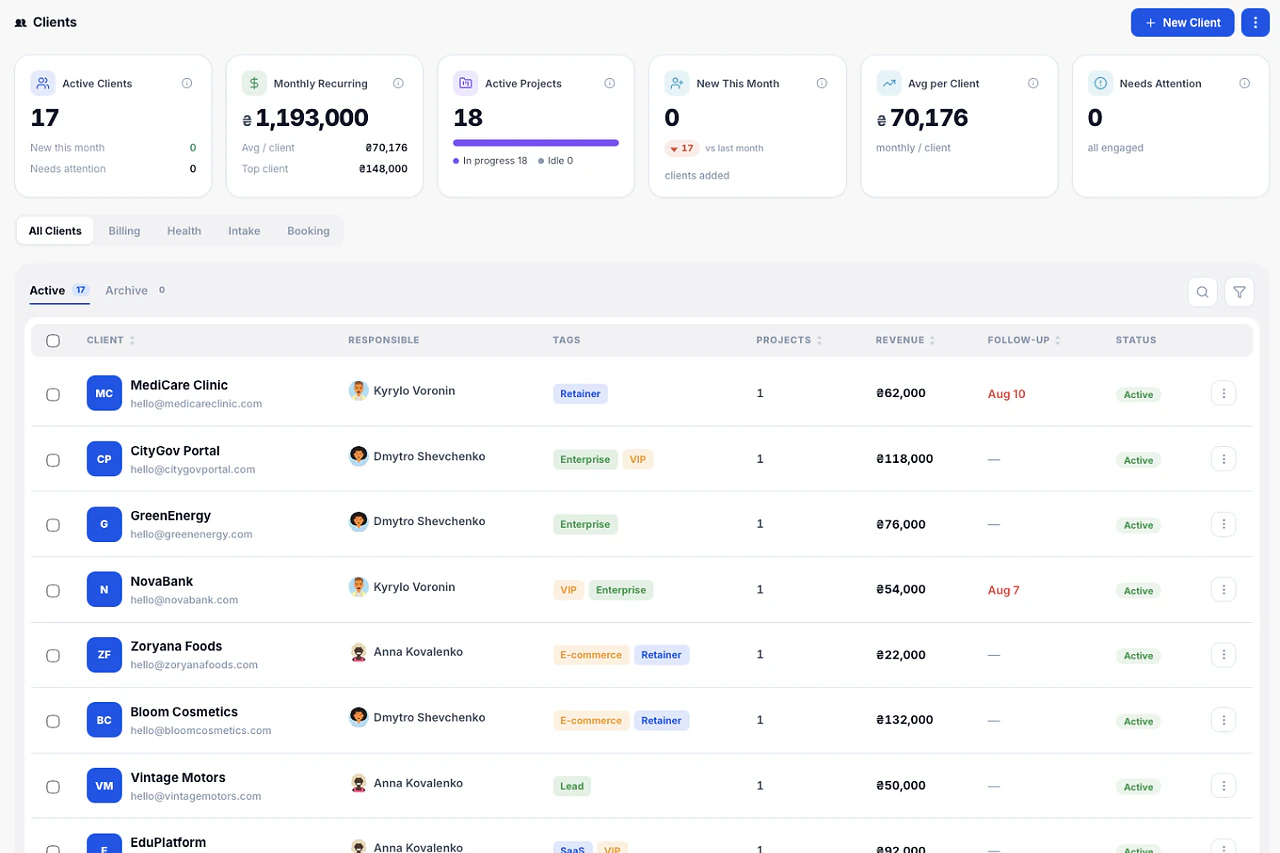
Client cards hold contacts, files, projects and payment history. A health status shows which relationships need attention.
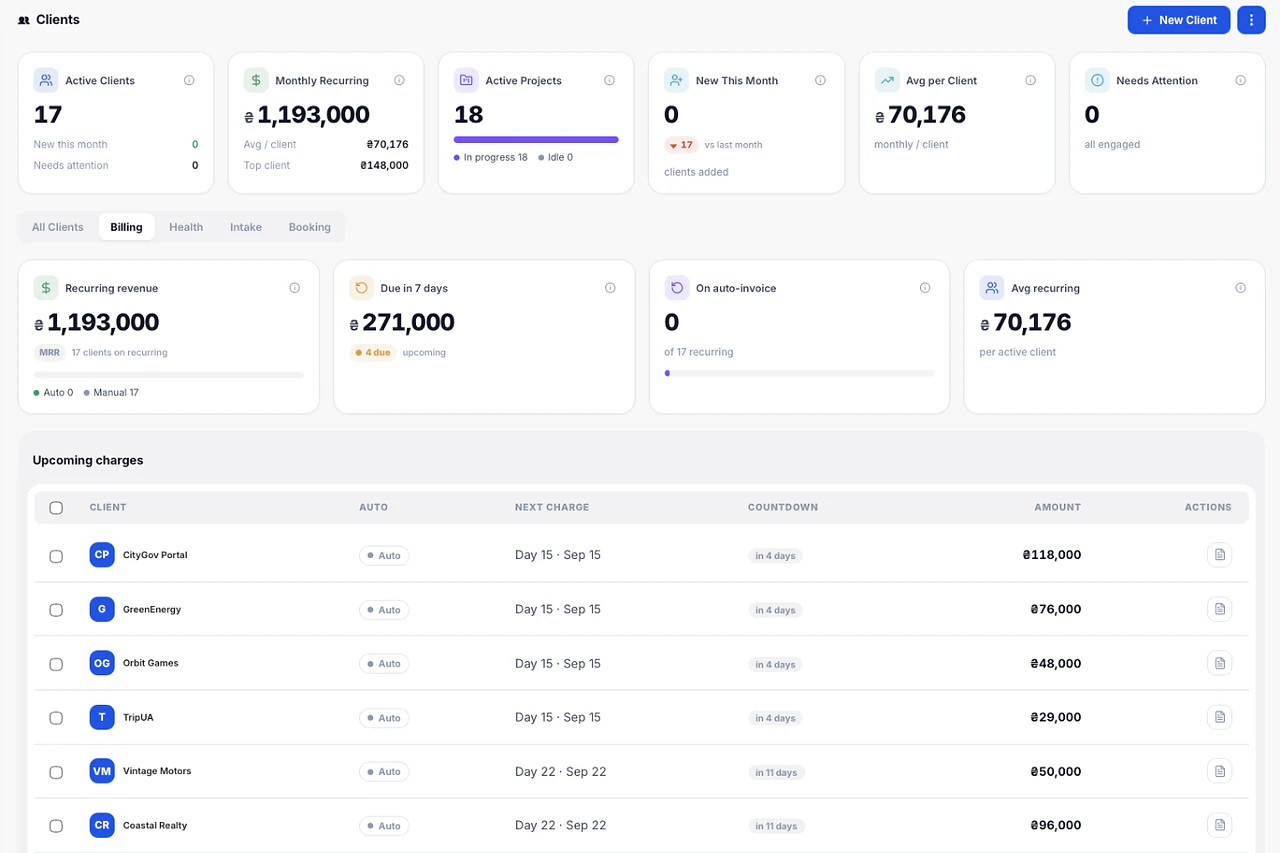
Unpaid invoices are grouped into 0-30, 31-60 and 60+ day buckets, so collection effort goes where the money is at risk.
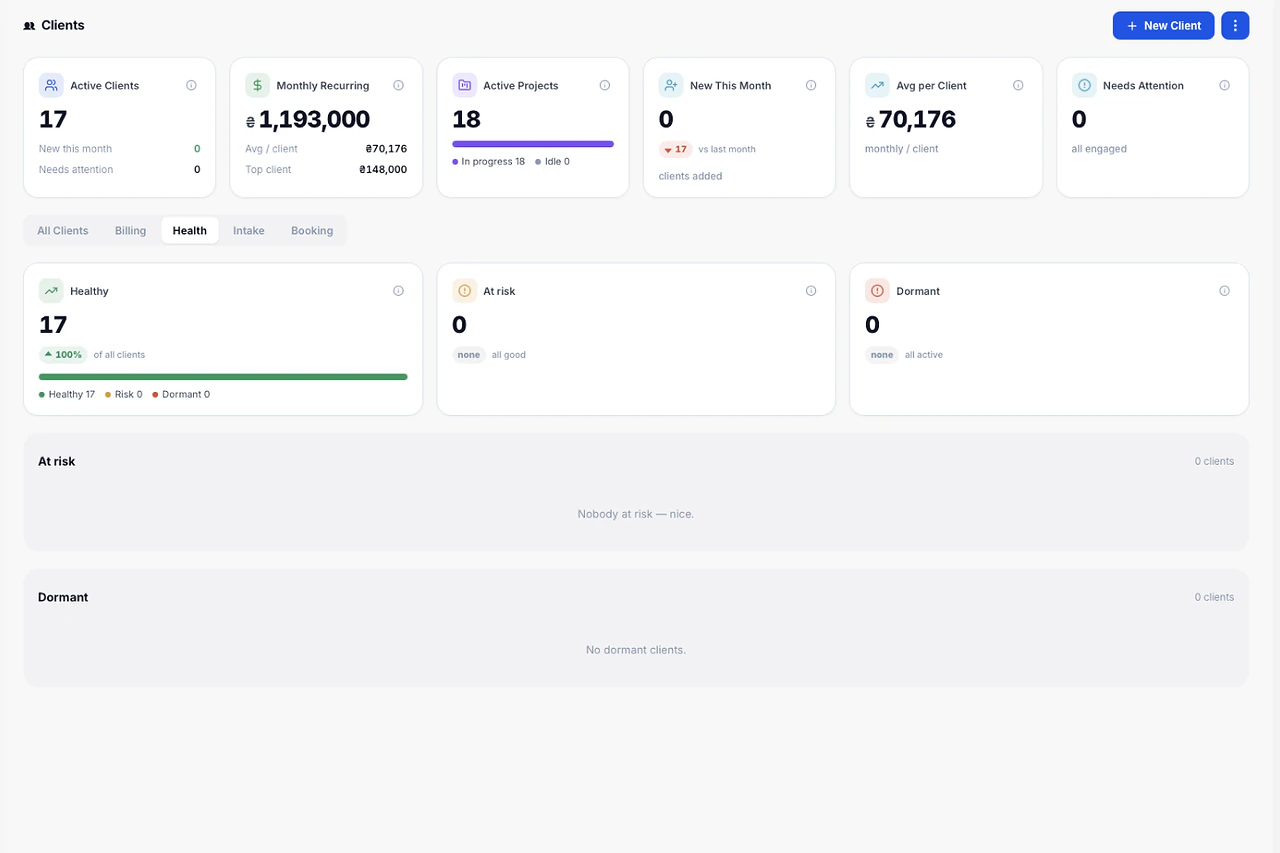
The portfolio shows which projects are within budget and which have already burned 80% or more, without opening each one.
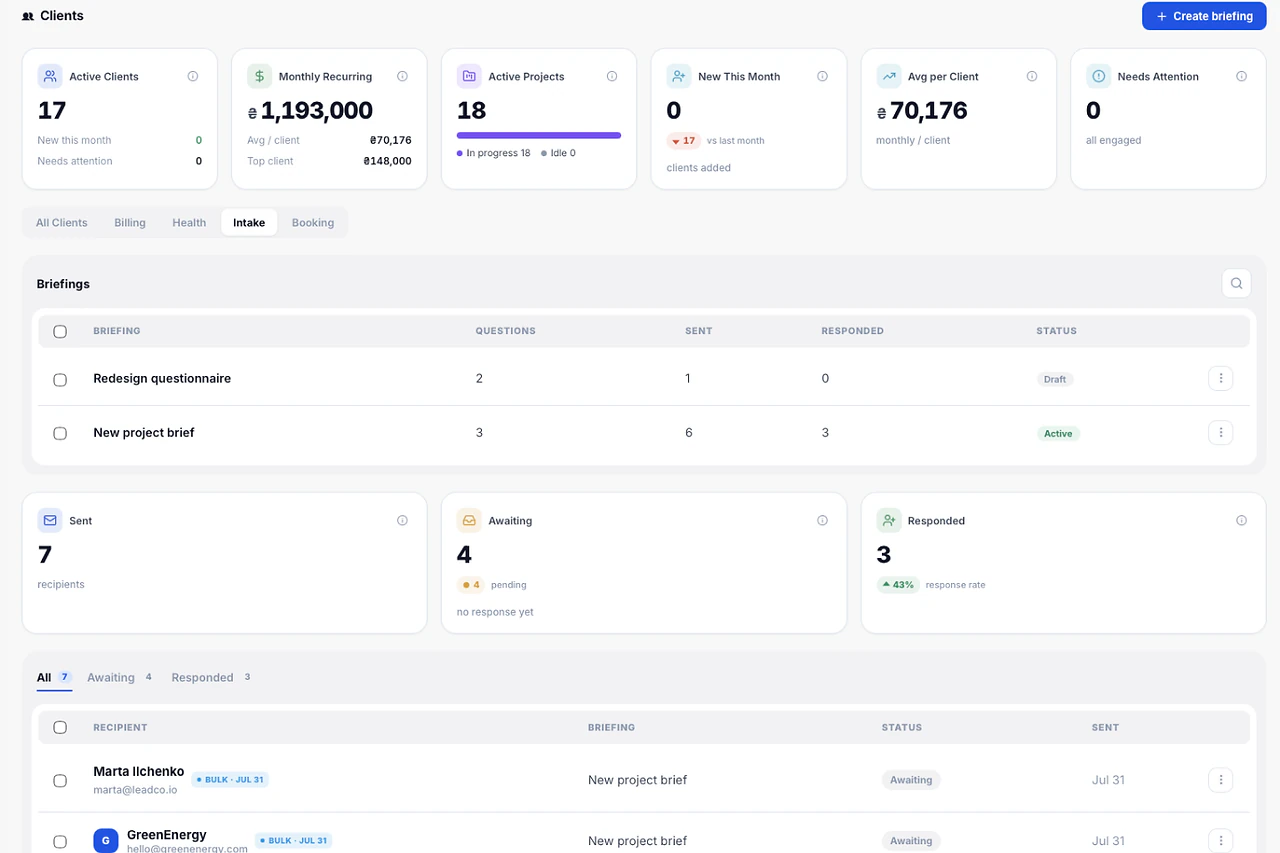
A briefing form the client fills in once. Goals, scope, references and constraints land on the client record, not in five email threads.
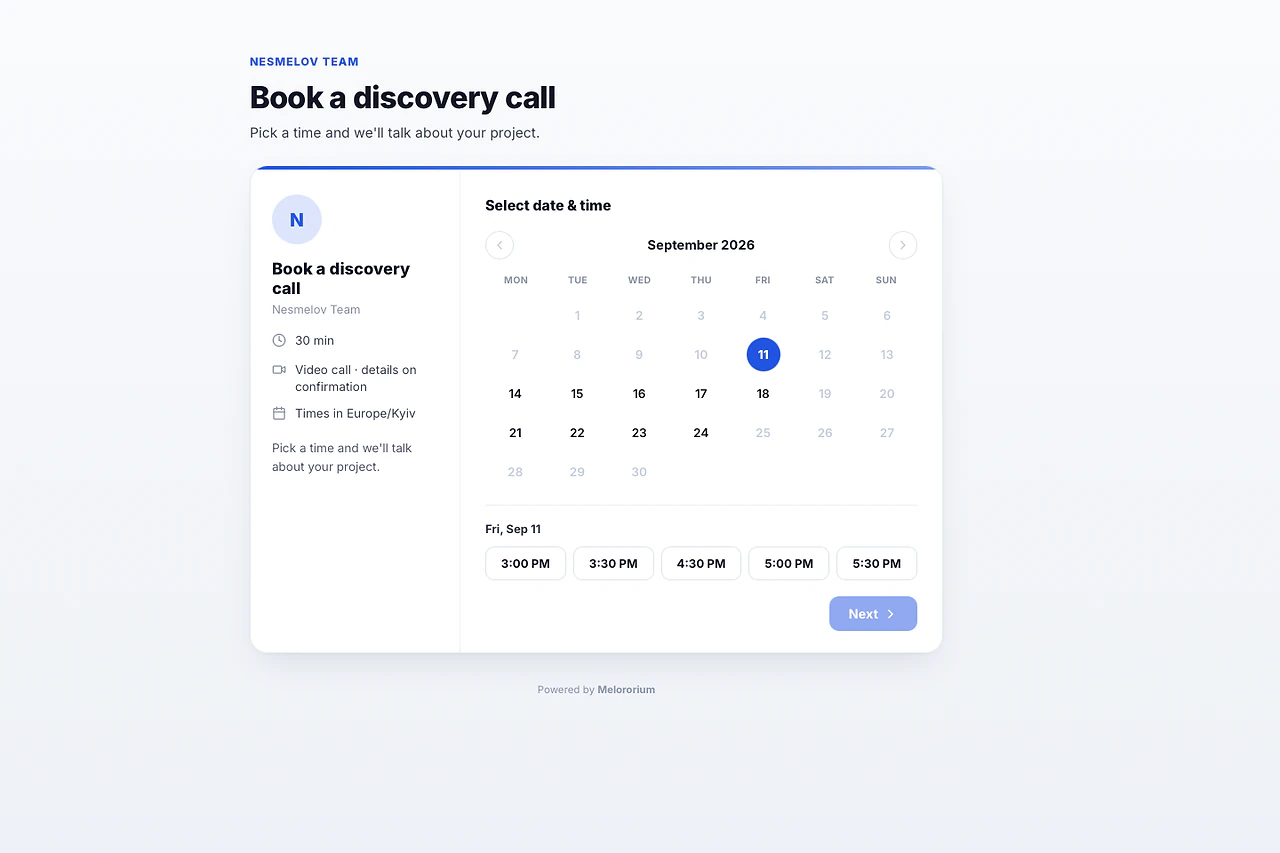
A public booking link with working hours and meeting length you control. Double-booking is prevented automatically.
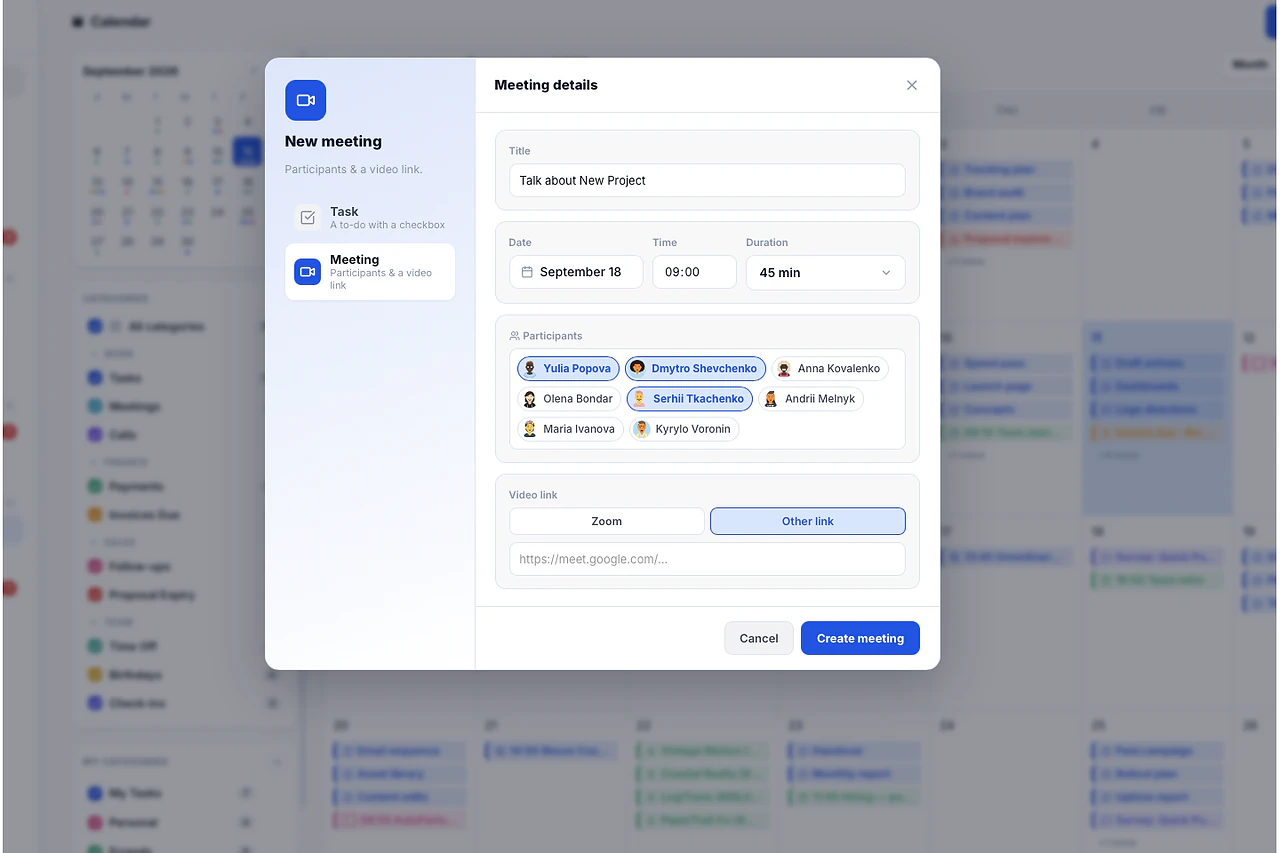
Create a meeting from the calendar or straight from a task, with attendees and a call link. No separate scheduling app.
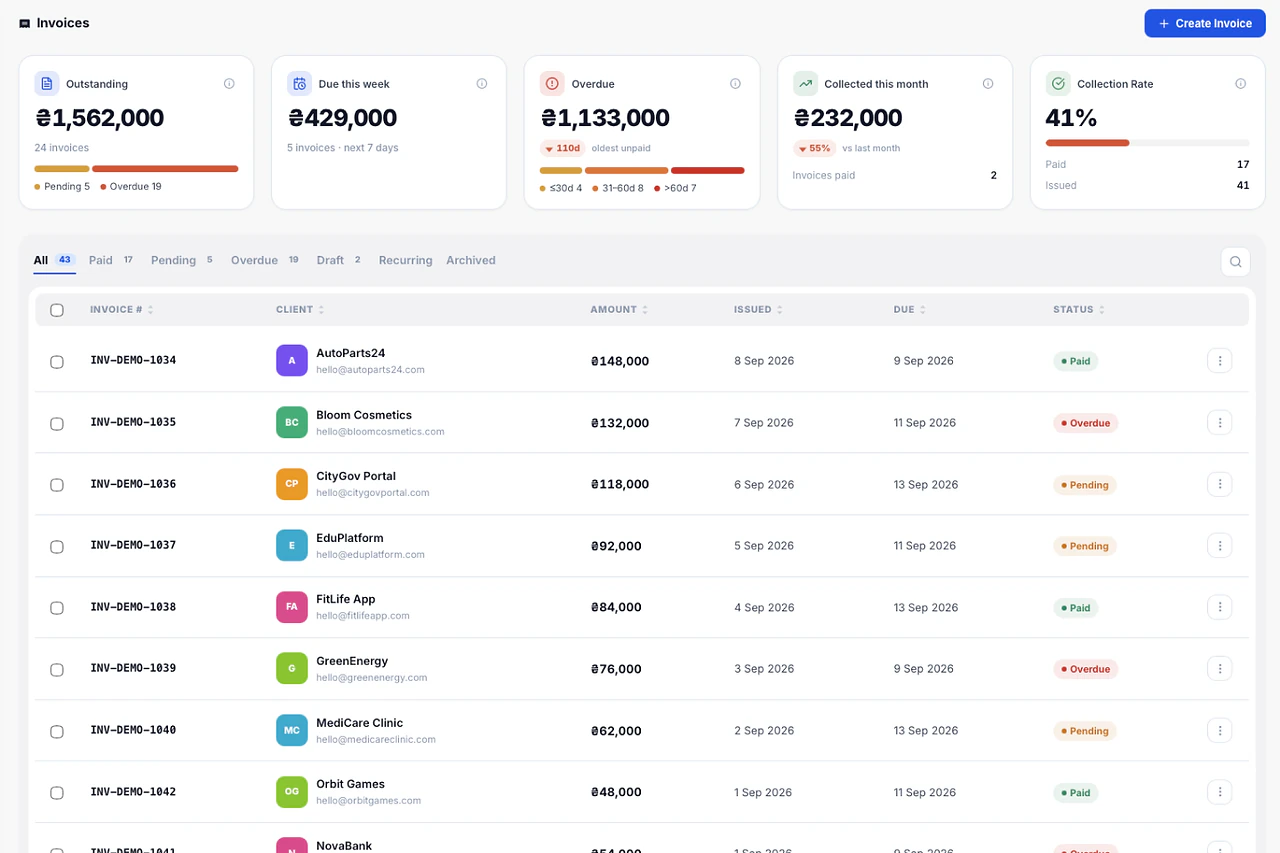
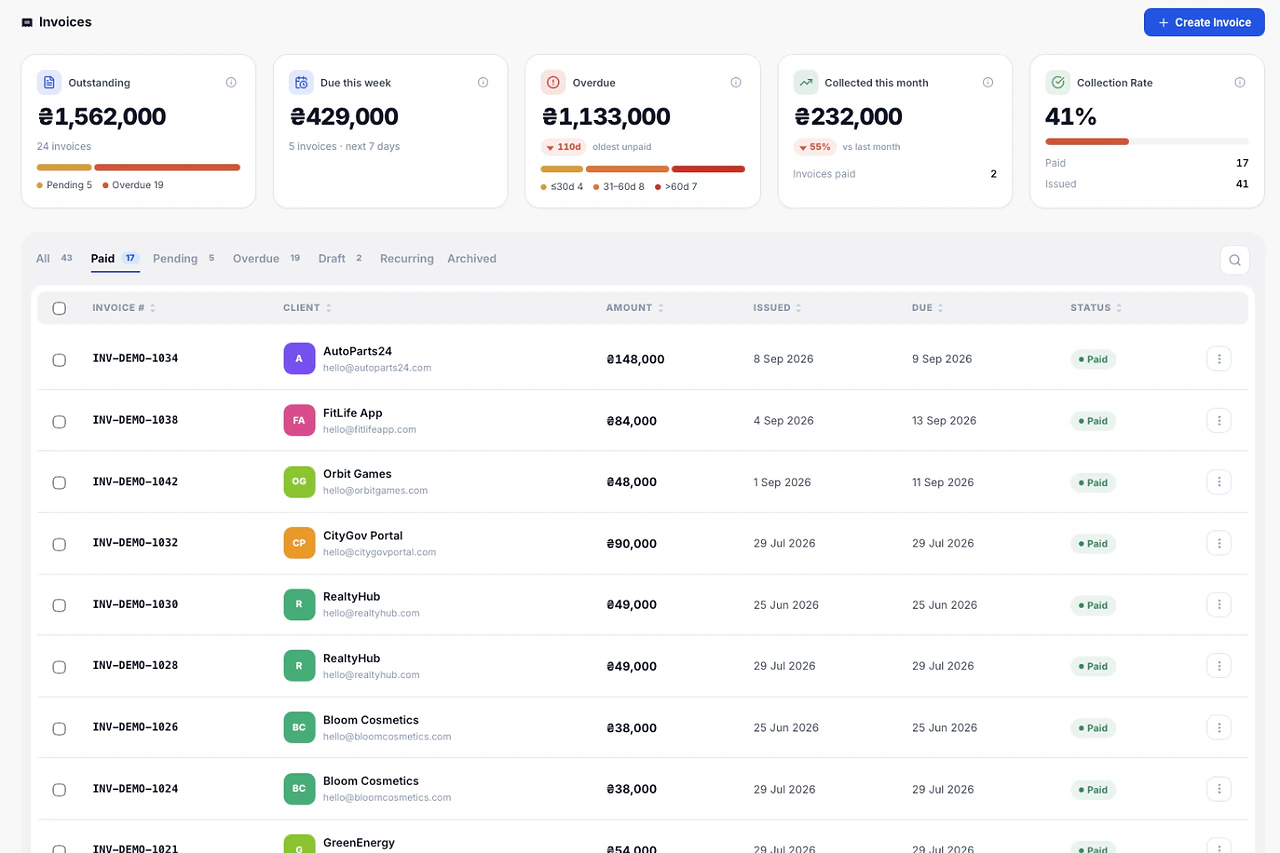
Load closed tasks for the period, review the lines, send the PDF. Hours logged on tasks become invoice lines without retyping anything.
Send a proposal, track when it's viewed, and the moment the client accepts, the project creates itself with the agreed scope and budget.
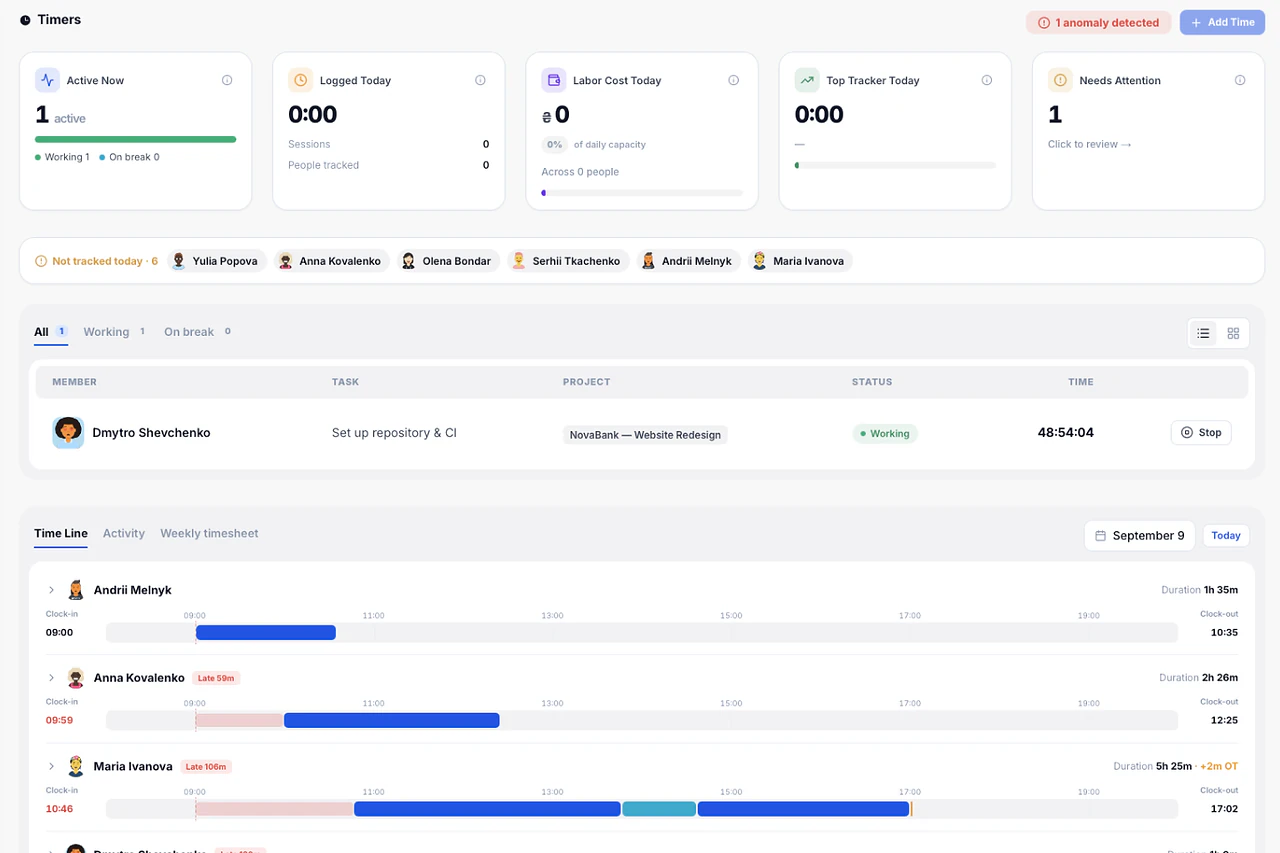
Start a timer on any task from the sidebar. Live Timers shows who is working on what right now, across the whole team.
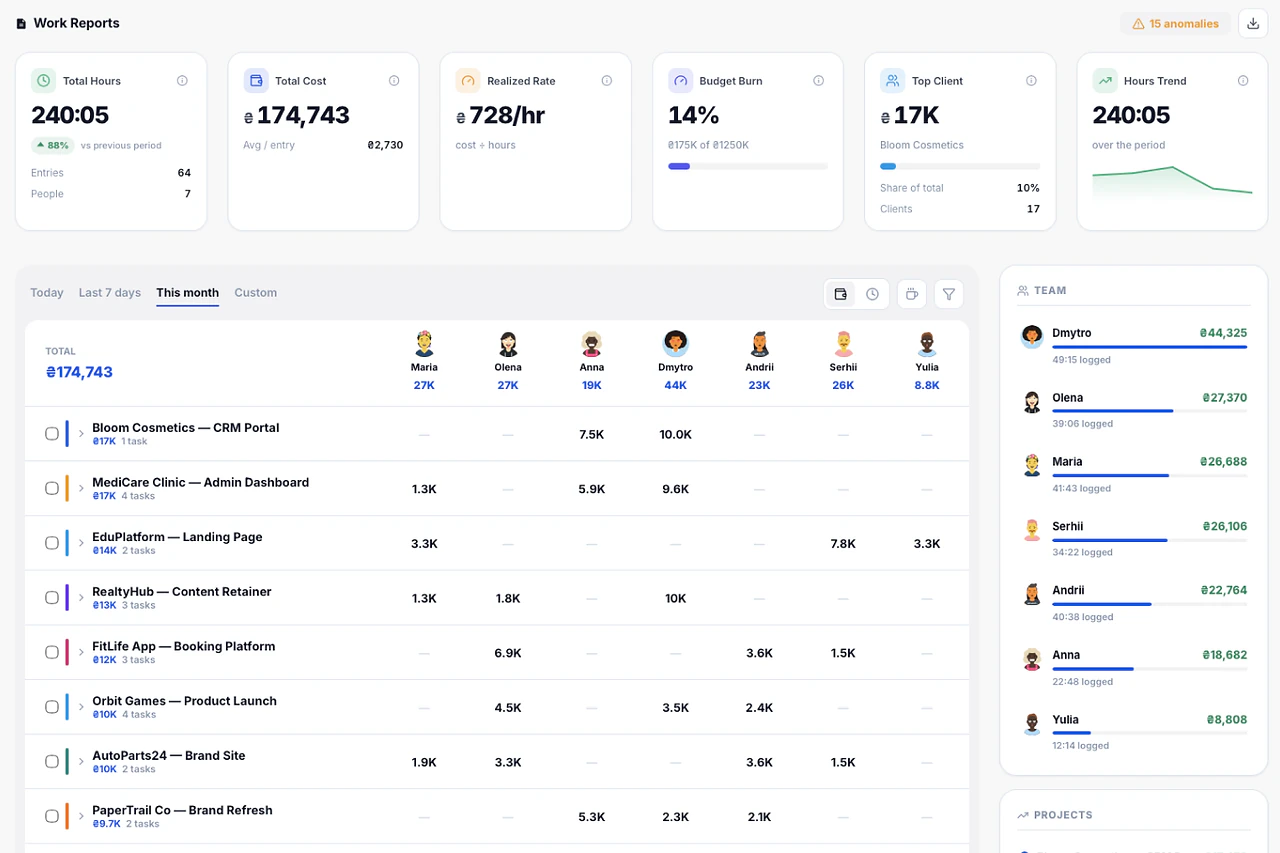
Filter by date range, expand any row to task level, and export to PDF or Excel.
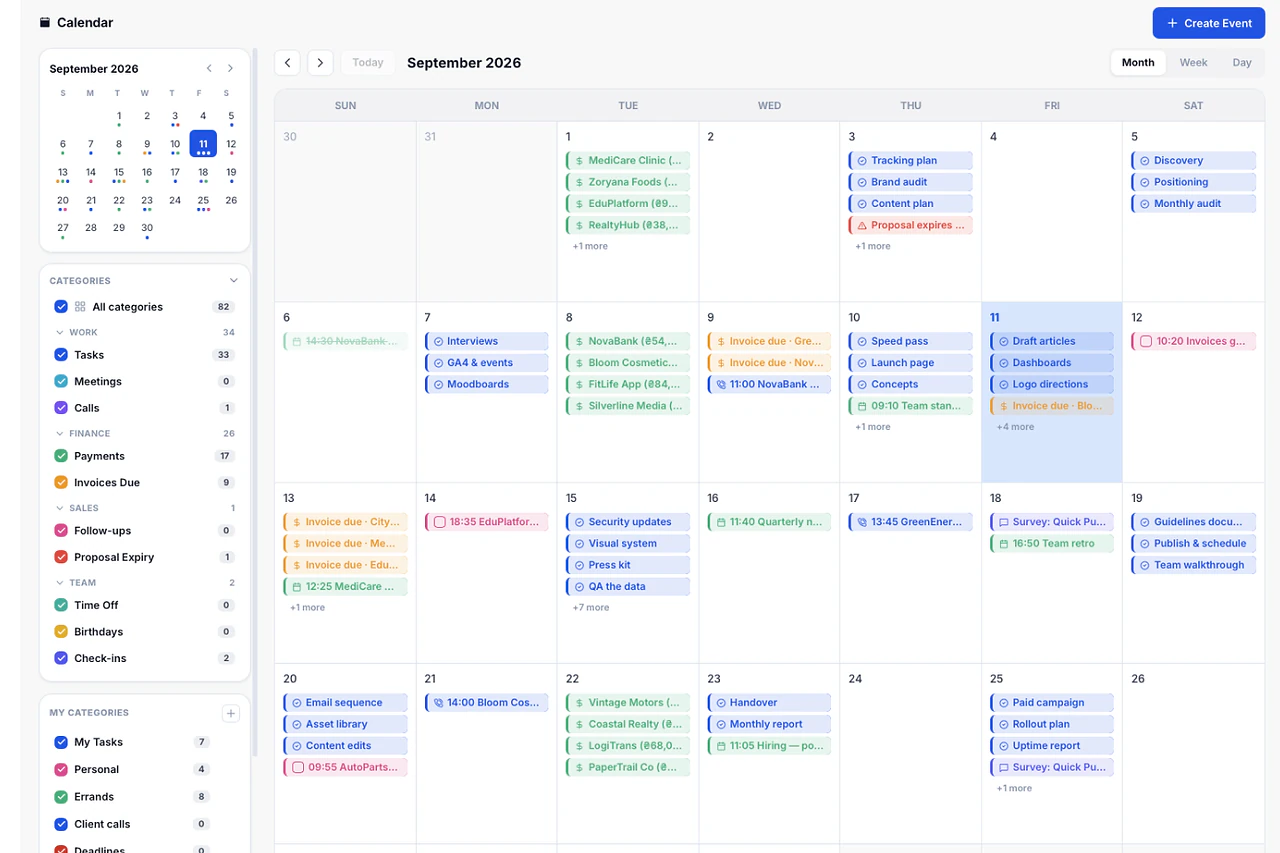
One calendar for the whole team. Tasks, invoice due dates, birthdays and vacations on the same grid.
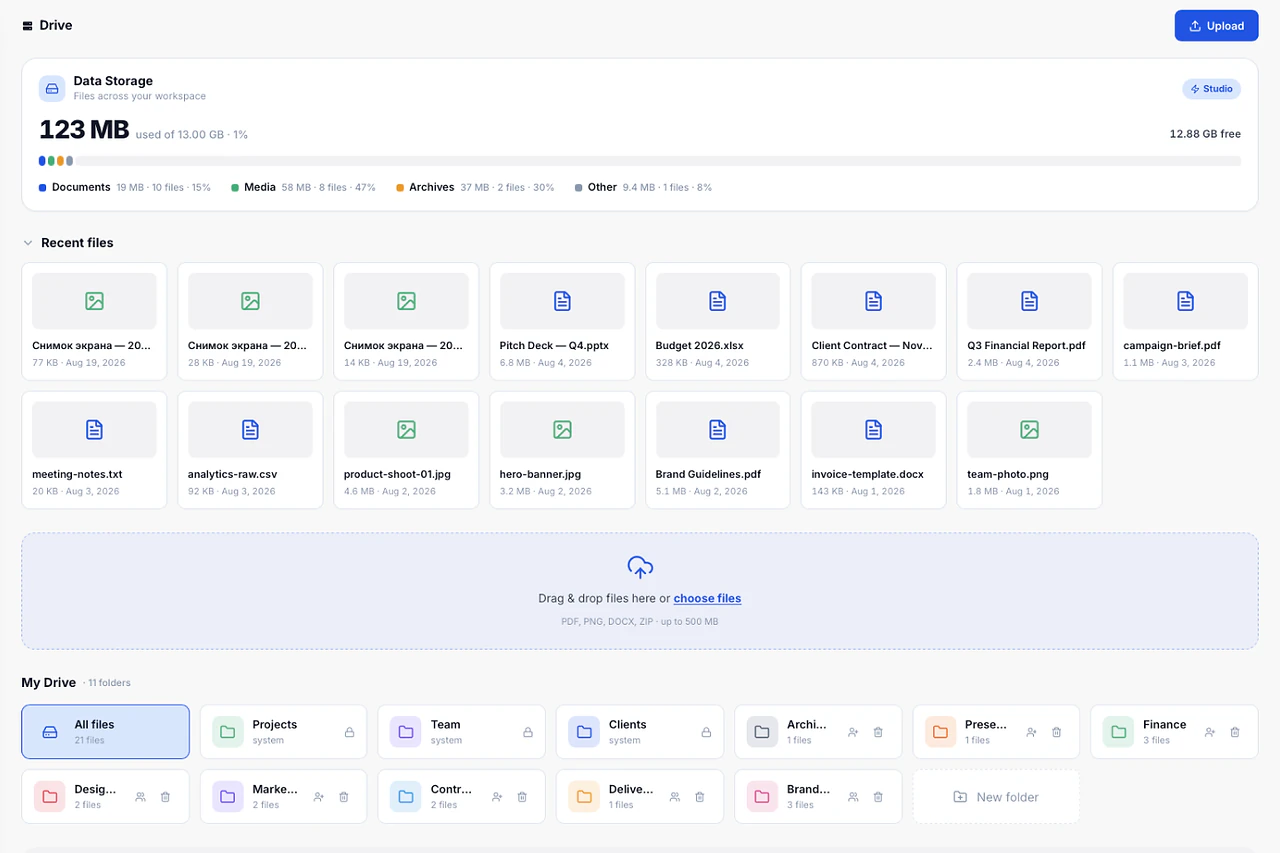
Briefs, contracts, sources and deliverables live where the work happens, with storage usage visible on the dashboard.
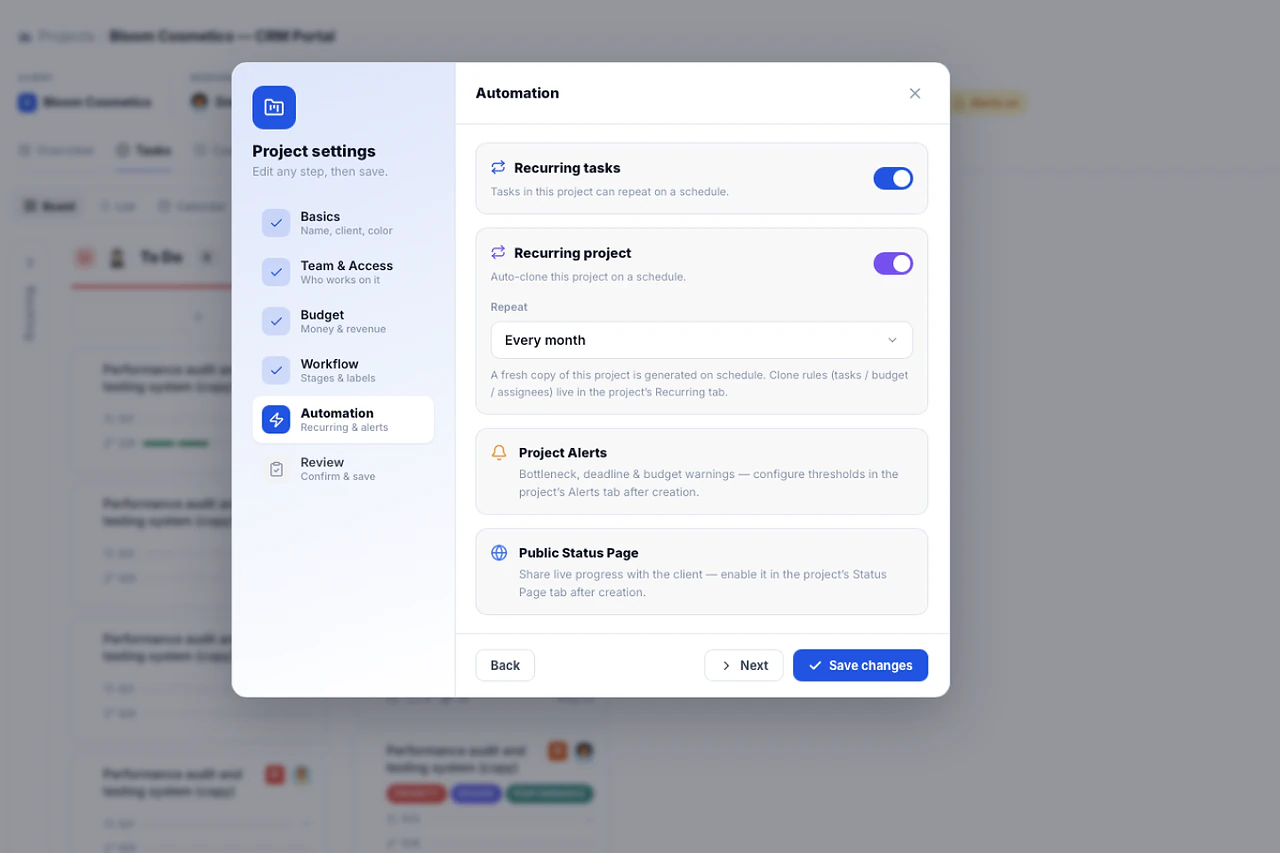
A retainer project clones on schedule with the same task structure and reset statuses. No copy-paste on the first of the month.
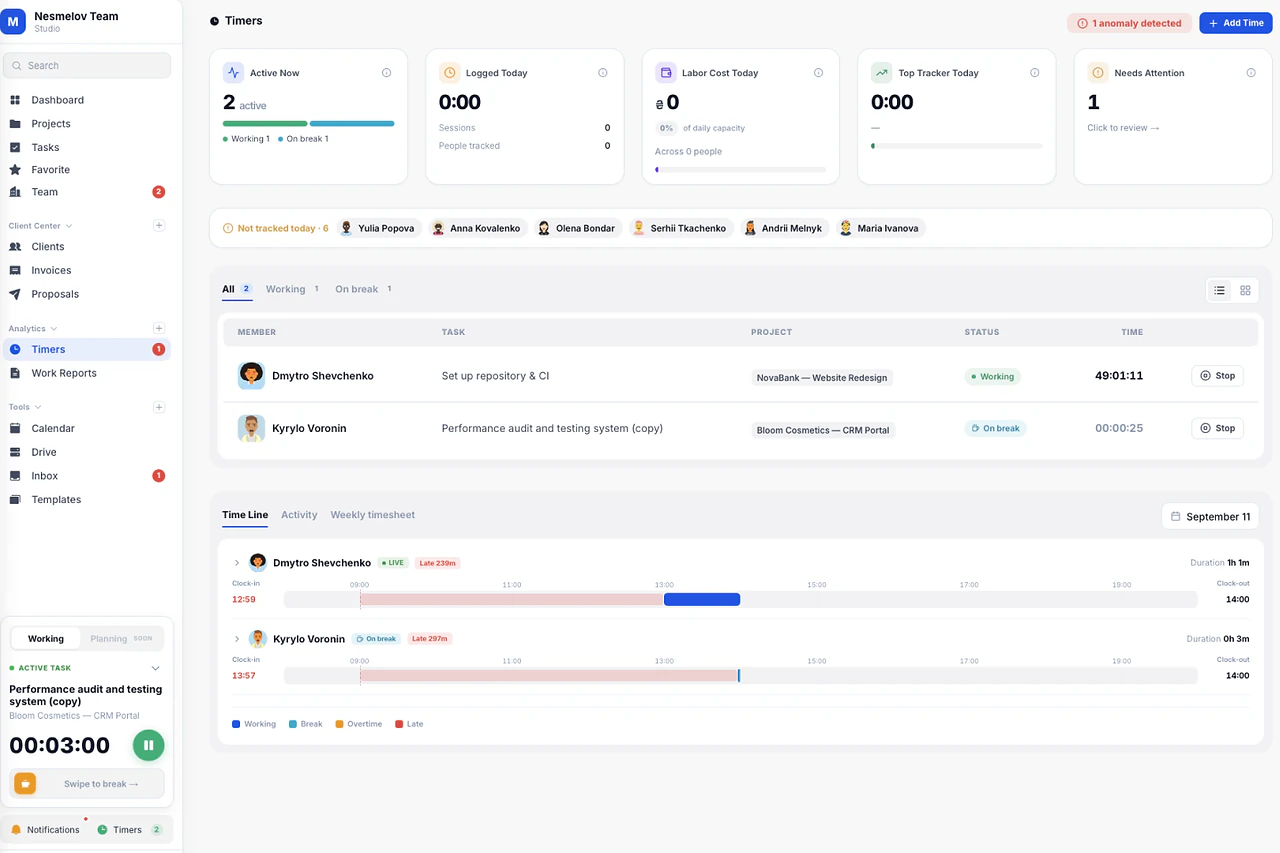
Scheduled breaks pause the work timer and show the team who is recharging, so long sessions don't quietly turn into overtime.
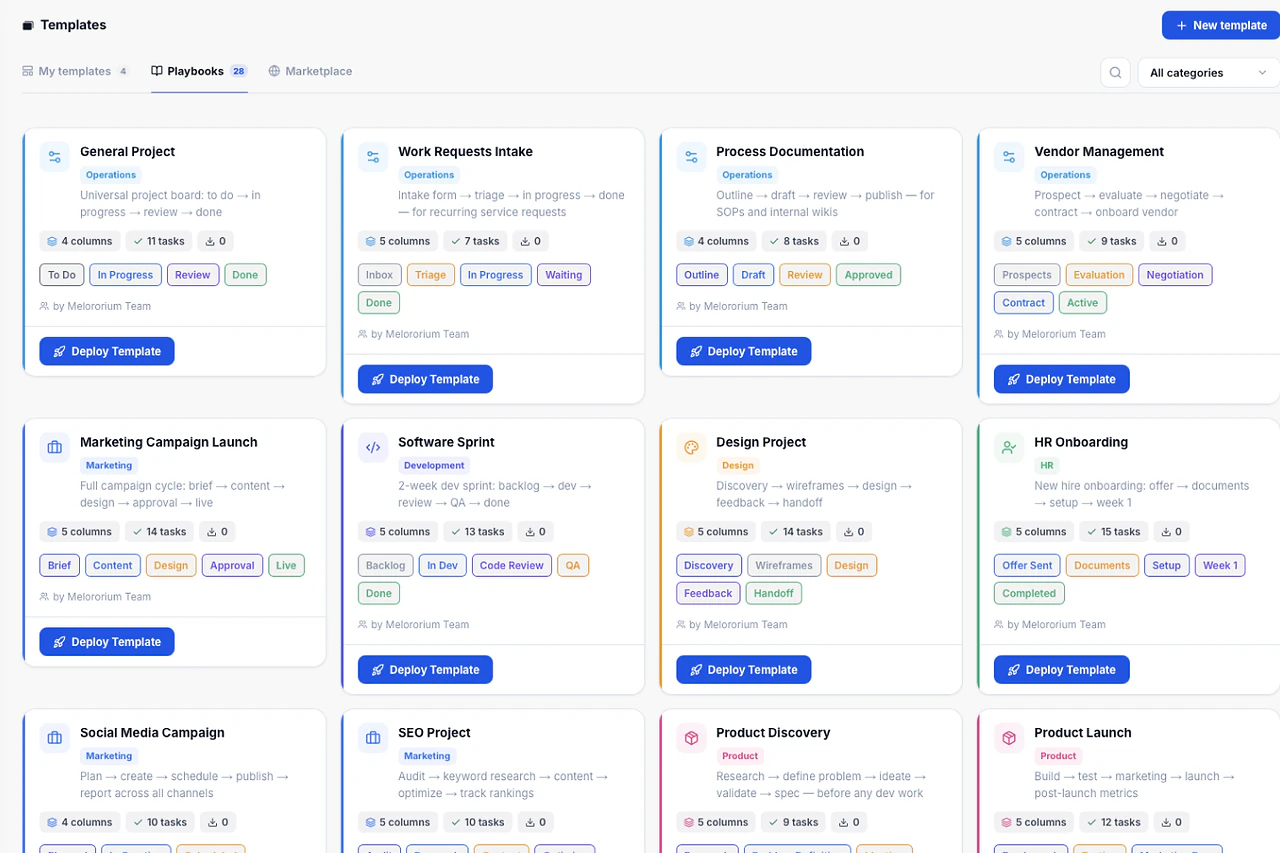
Templates with tasks, phases and roles already in place. Pick one, name the client, and the board is ready.
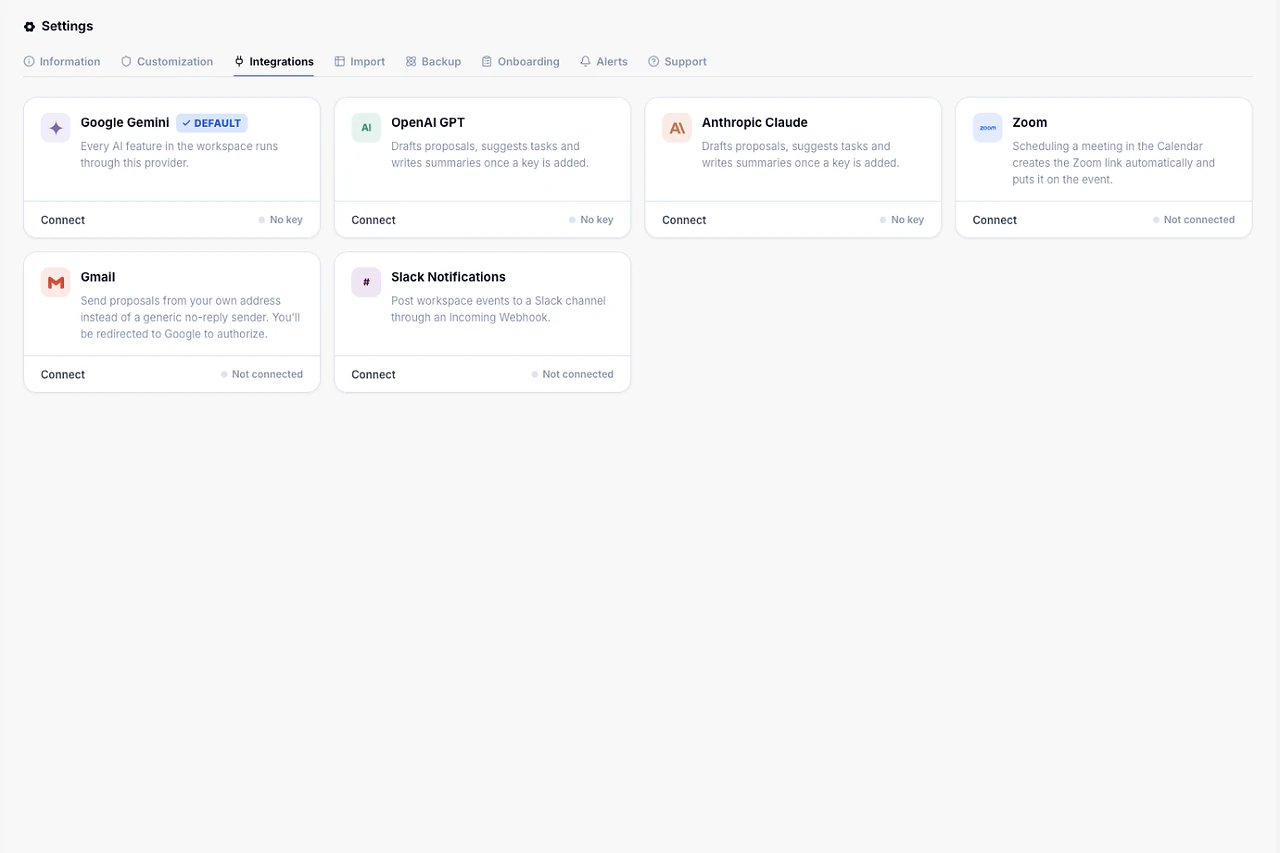
Slack, email delivery and your own AI key. Turn on only what you need — no per-integration fees.
Flat fee · no seat tax
Ready to escape the seat-tax trap?
Tasks, timers, CRM and invoices for the whole team at one price. Start the 14-day demo — no credit card.
$0
per seat, ever
28
instruments, one login
4–25
people on one price