Canvas· Projects
One document per project that knows more than any chat thread.
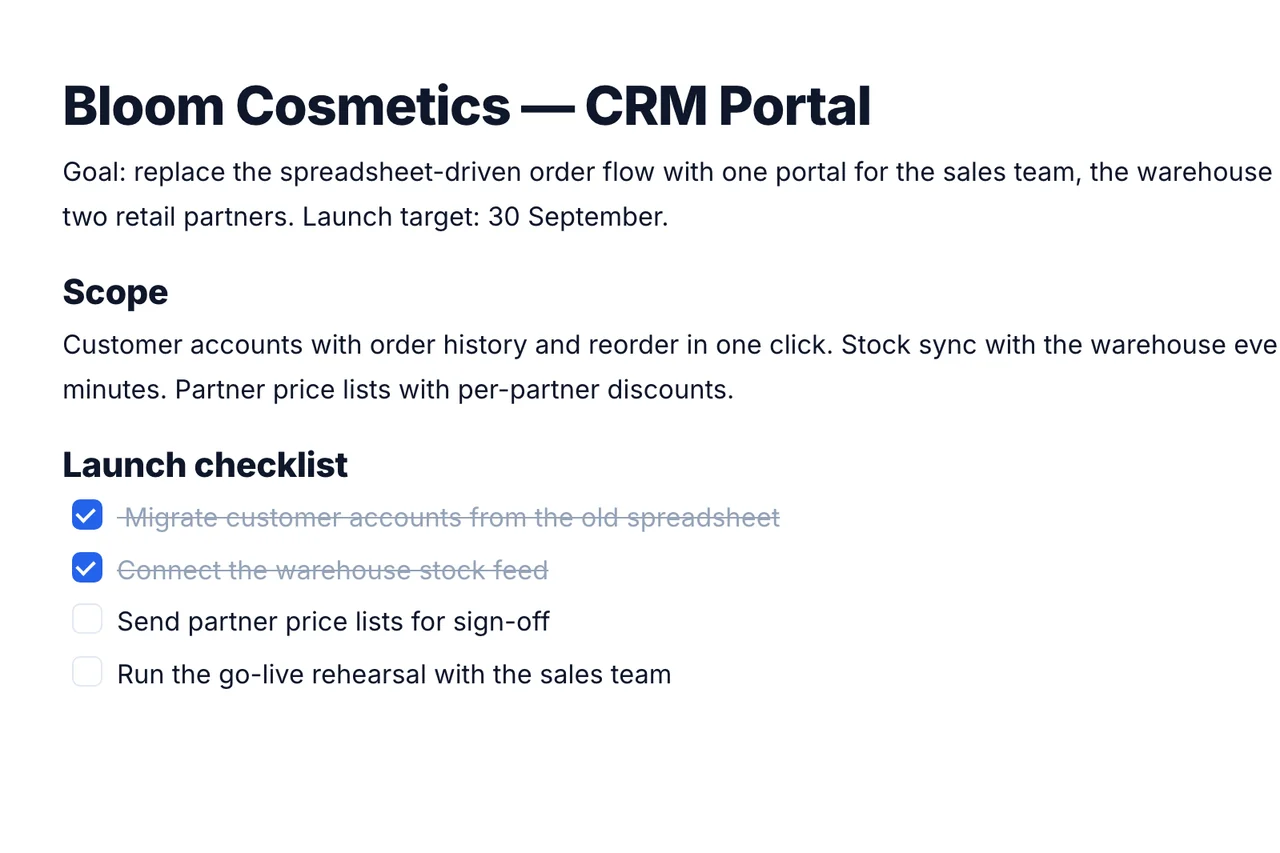
Canvas is a shared rich-text document for each project, not a whiteboard. Headings, lists, checklists and slash commands, edited by the team at the same time, live.
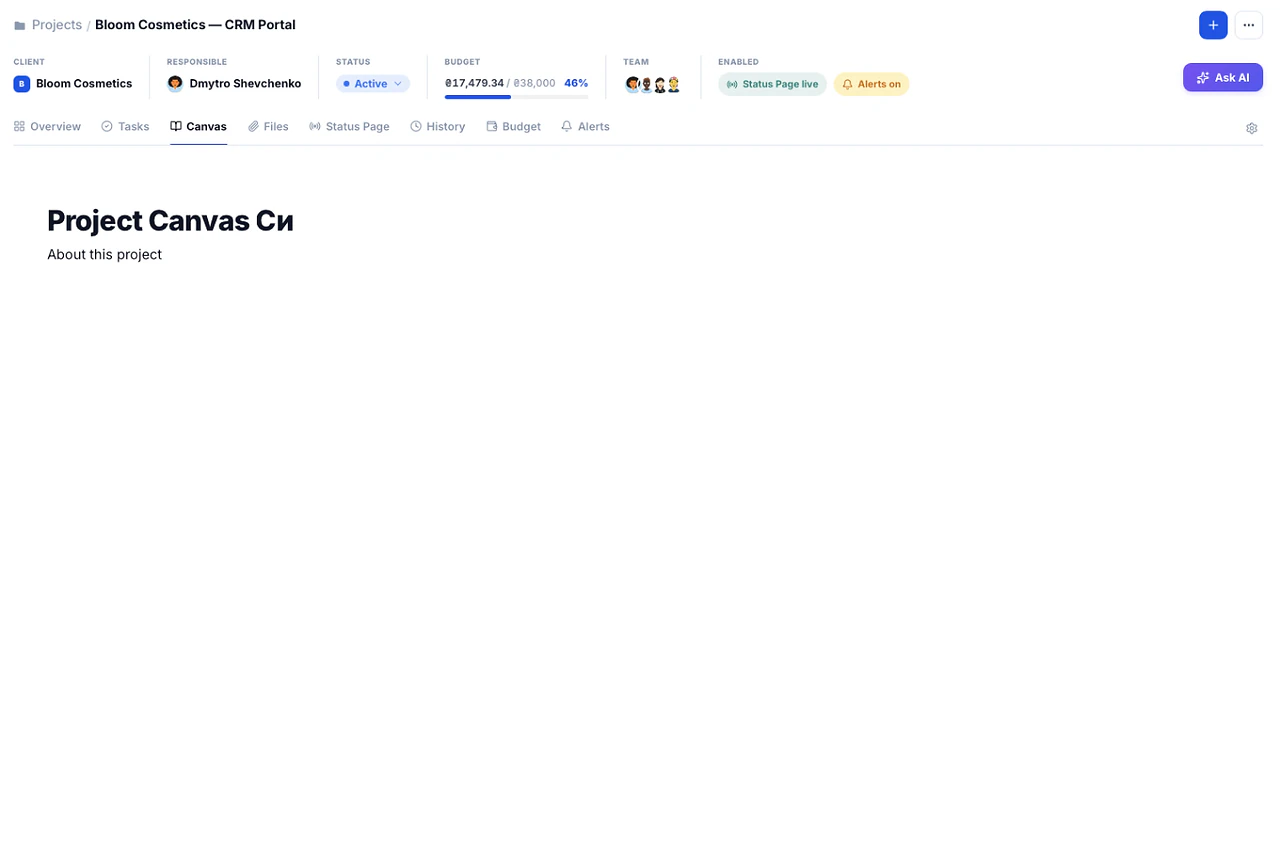
What's inside Canvas
3 things it does that a spreadsheet can't.
Nine block types, arrow-key navigable, no mouse required.
No separate list view to maintain.
No save button anywhere.
Built so the brief survives past kickoff.
Project context usually lives in a kickoff call nobody wrote down. Canvas keeps it as a living document the whole team can still read in week six.
01Editor
Type '/' for the whole toolbar.
Nine block types inserted without touching a mouse.
Try it in the demo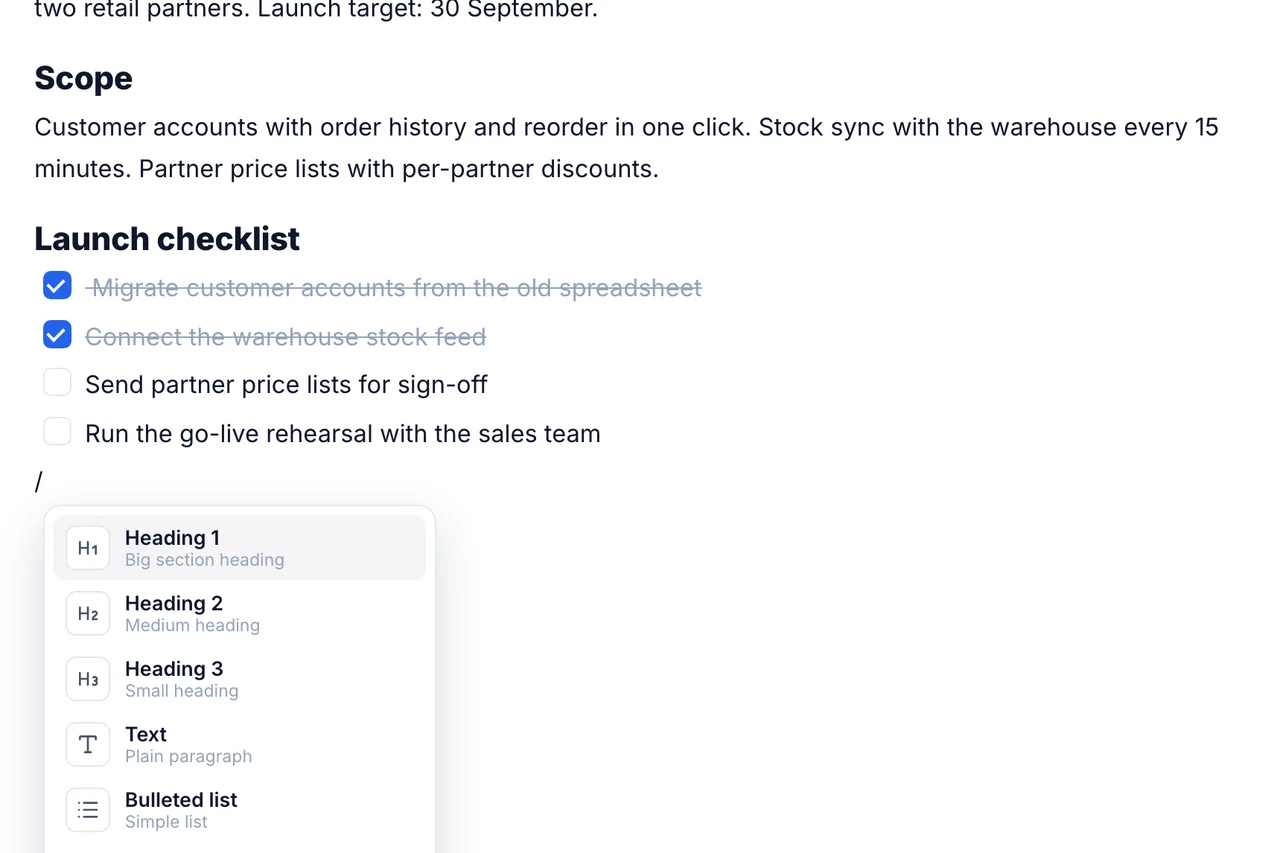
03Autosave
Nothing to click to save.
Every edit saves itself under a second after you stop typing.
Try it in the demo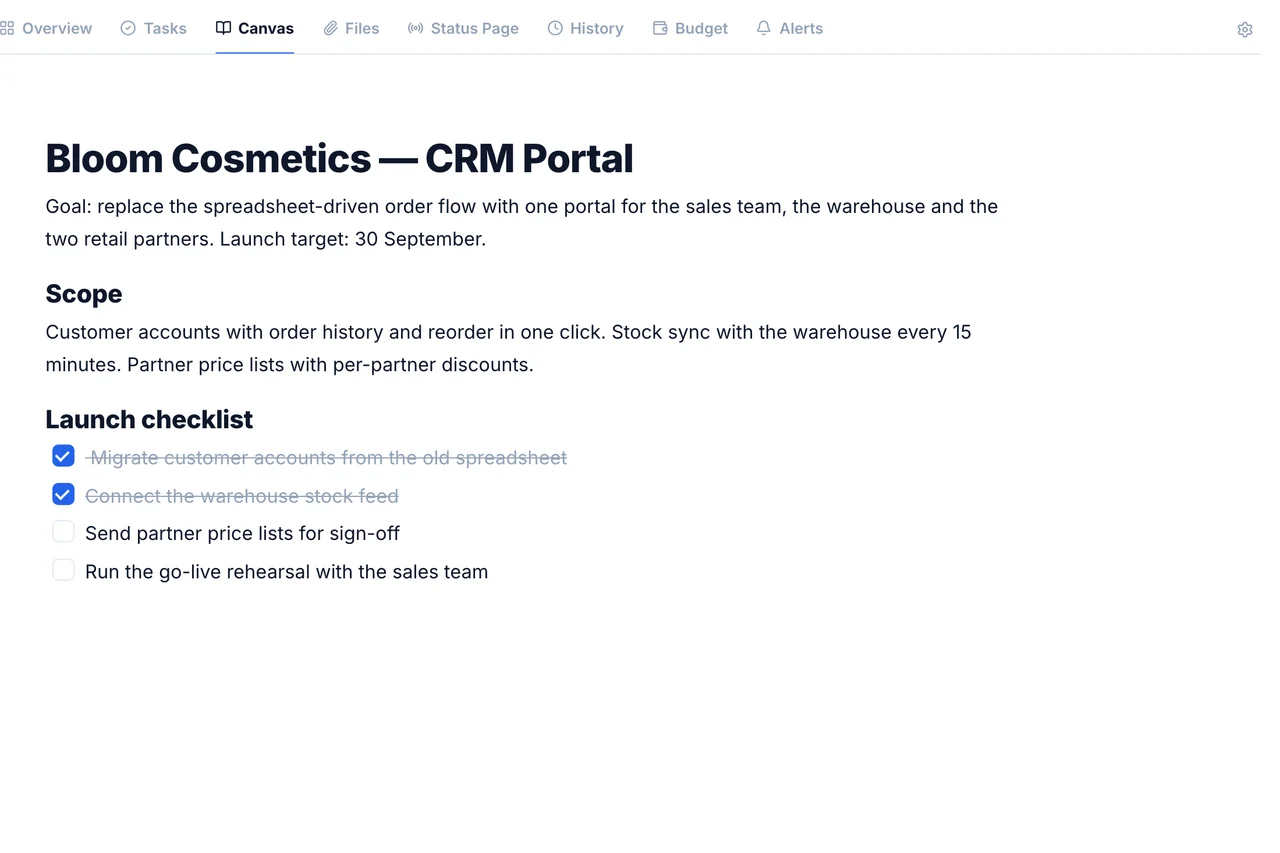
Frequently
Asked Questions
Have a question that needs a human to answer?
No problem, email us at support@melororium.com
No. It's a shared text document per project with blocks (headings, lists, checklists), closer to a Notion page.
Several people edit the same document at once, changes appear for everyone live.
Included in every plan: Starter $29/mo for 4 users, Agency $59/mo for 15 users, Studio $119/mo for 25 users.
Separately, on the Files tab.
A document in a block editor with live collaborative editing. Files don't upload there: attachments live on the Files tab.
Every instrument. One workspace.
28 tools that share one database, so an hour logged on a task shows up in reports, invoices and the dashboard without re-entry.
Flat fee · no seat tax
Ready to escape the seat-tax trap?
Tasks, timers, CRM and invoices for the whole team at one price. Start the 14-day demo — no credit card.
$0
per seat, ever
28
instruments, one login
4–25
people on one price