How to Use AI to Write Social Media Captions 10x Faster (Without Sounding Like a Robot)
The problem with AI captions isn't that they're fast — it's that they're generic. Here's the system that keeps the speed and adds back the specificity that makes captions actually work.

Contents
One flat fee for the whole team
Tasks, timers, CRM and invoices in one workspace. From $29 a month, no seat tax.
Start free demo14 days · no credit card
01. Why AI Captions Sound Like AI Captions
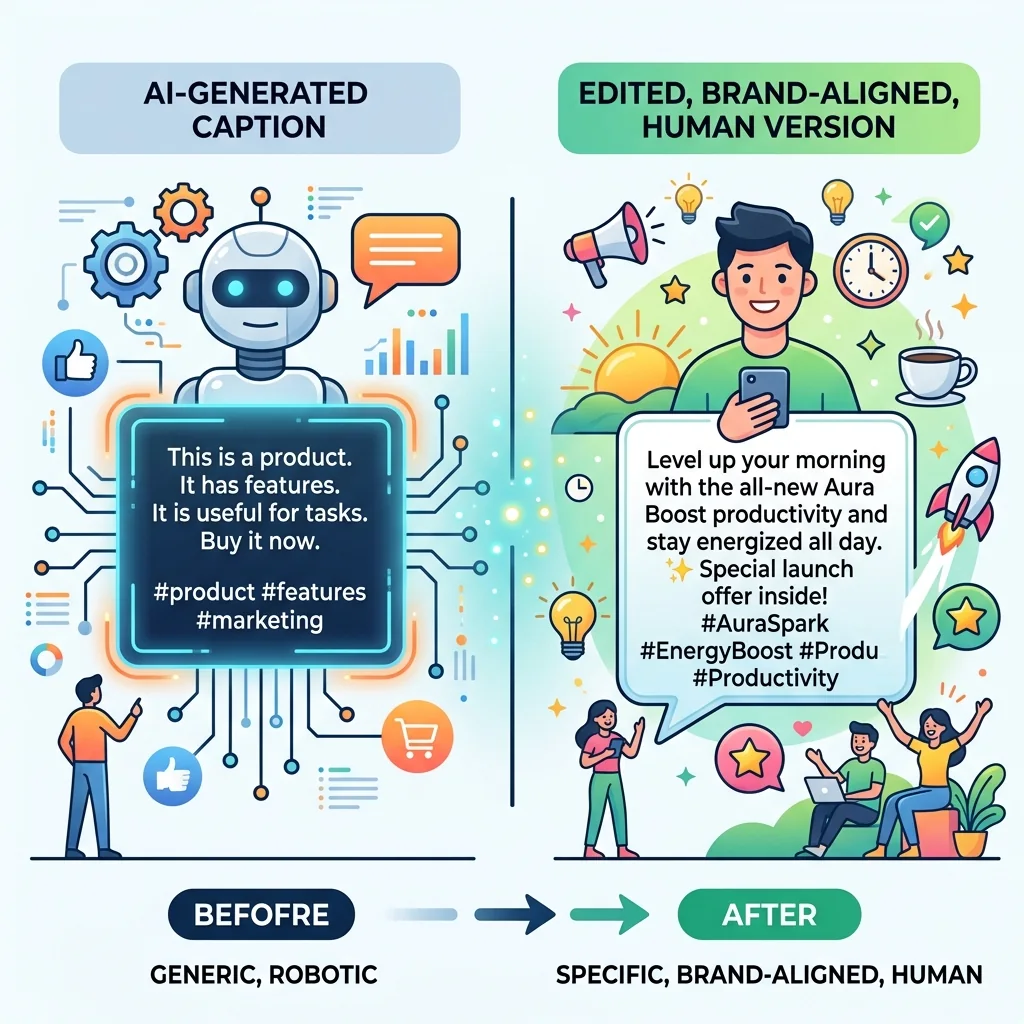
The telltale signs of an unedited AI caption are recognisable: the motivational opener ('Are you ready to take your business to the next level?'), the emoji that appears once every two sentences like punctuation, the call to action that says 'comment below' regardless of context, and the overall sense of having been written for a general audience rather than a specific one. These patterns exist because AI is trained on the vast corpus of social media content — which means it's trained on average social media content. The output reflects the average. Brands that want to stand out from the average need to actively counteract these tendencies.
"The first time I used AI for client captions I spent more time editing out the genericness than I would have writing from scratch. Then I learned how to prompt properly and everything changed."
— Freelance social media manager, 40+ clients served
02. The Brand Voice Input That Changes Everything
The most important input in AI caption generation isn't the post topic — it's the brand voice brief. AI without brand voice context produces generic content. AI with a specific, detailed brand voice brief produces content that requires minimal editing. The brand voice brief for AI prompting includes: With this brief included in every prompt, AI output requires editing for accuracy and specificity — not for tone. The difference in editing time is significant.
- Tone descriptors: professional but warm, direct and no-nonsense, playful and irreverent
- Language patterns: short sentences or long form, British or American English, formal or colloquial
- Things to avoid: corporate jargon, excessive hashtags, motivational clichés, specific words the brand doesn't use
- Examples: two or three captions from the brand's best-performing content
03. Building Your Caption Generation System
An ad hoc approach to AI caption generation — writing a new prompt from scratch for each caption — produces inconsistent results and doesn't capture the efficiency gains that make AI valuable. The system that scales: 1. Create a master brand voice brief for each client — saved and reusable 2. Build prompt templates for each caption type — educational, promotional, behind-the-scenes 3. Batch the generation — produce all captions for the week in one AI session 4. Apply the edit layer — personalise, add specifics, remove generic patterns 5. Store approved captions in your content calendar — ready to publish
04. Platform-Specific AI Caption Frameworks
Instagram Instagram captions can be longer — up to 2,200 characters — and the algorithm doesn't truncate for search, so the first line is the hook that determines whether someone taps 'more.' Prompt AI for a strong first line, then supporting copy, then CTA. LinkedIn LinkedIn rewards specificity and professional insight. Generic motivational content performs poorly. Prompt AI with a specific data point, observation, or contrarian take — not 'write a LinkedIn post about productivity' but 'write a LinkedIn post that challenges the assumption that being busy means being productive, using one specific example.' Facebook Facebook's algorithm rewards engagement — questions, controversial opinions (within reason), or content that prompts sharing. Prompt AI to include a question or take that invites response. TikTok and Reels captions Short, direct, and functional. The caption supports the video — it doesn't need to carry the narrative. Prompt AI for a hook line that creates curiosity and a CTA.
05. The Edit Layer: Making AI Output Sound Human
The edit layer is the step that separates effective AI-assisted caption writing from obvious AI content. Every AI-generated caption needs a pass through five edit checks: 6. Remove generic openers — 'In today's fast-paced world,' 'Are you struggling with X?' Delete and rewrite 7. Add specifics — replace vague claims with specific examples, numbers, or anecdotes 8. Check the brand voice — does this sound like the brand or like a content factory? 9. Verify accuracy — AI occasionally invents statistics or makes incorrect claims 10. Strengthen the CTA — the call to action should be specific to this content, not a generic 'comment below'
06. Prompting Techniques That Produce Better First Drafts
The role prompt 'You are a social media manager for [brand]. [Brand description.] [Voice brief.] Write a caption for [post topic].' Giving AI a role with context produces significantly better output than a bare instruction. The example prompt 'Here are three examples of our best-performing captions: [examples]. Write a new caption for [topic] in the same style.' The constraint prompt Write a 150-word Instagram caption about your topic. Avoid words like journey, authentic, or passion. Do not start with a question. End with a CTA that invites saves, not comments. Constraints like these produce more distinctive AI output than open-ended prompts. The contrast prompt 'Write a caption that challenges the common belief that [X]. Take the position that [Y] instead.' Contrarian content generates more engagement and requires AI to produce less generic output.
Flat fee · no seat tax
Ready to get started?
Plan your AI-assisted content workflow in Melororium — Gemini integration, task tracking, and client project management in one workspace.
Starter: $29/mo (4 users)
Agency: $59/mo (15 users)
Studio: $119/mo
07. Building a Caption Library From AI Output
AI caption generation produces by-products: alternative versions, unused ideas, and caption structures that can be adapted for future content. Building a caption library from approved and edited AI output creates a growing resource that makes future caption generation faster. The library organises captions by content type, platform, and brand. When a new brief comes in for a content type you've covered before, the library provides starting points that are already brand-aligned and human-edited.
08. AI Captions for Different Content Types
Educational captions Prompt for a specific tip, insight, or how-to that the brand's audience genuinely needs. Include the target audience in the prompt so the advice is appropriately calibrated. Promotional captions The most important constraint: the caption should not sound like an ad. Prompt AI to frame the product or service as a solution to a specific problem rather than a feature list. Behind-the-scenes captions Requires the most human input. AI can structure the caption but the specific details (the actual story from the actual brand) need to be provided as context in the prompt. Social proof captions Provide the actual client testimonial or result. Prompt AI to frame it as a story rather than a quote display.
09. Quality Control Before Publishing
AI-generated content needs a QC gate before it reaches a client's audience. The minimum viable QC checklist:
- Accuracy: are all facts, statistics, and claims verifiable?
- Brand alignment: does this sound like the brand?
- Platform fit: is the length and format appropriate for this platform?
- CTA clarity: is the call to action specific and achievable?
- Tone: is it appropriately professional, warm, playful — whatever the brand requires?
10. Scaling Caption Production for Agency Clients
For SMM agencies managing multiple clients, AI caption generation creates a capacity multiplier — but only if the brand voice briefs are maintained consistently for each client. An agency that maintains accurate, detailed brand voice briefs for ten clients can generate and edit a week of captions for all ten clients in the time it previously took to write one client's content manually.
11. Integrating AI Captions Into Your Content Workflow
AI caption generation fits into the content production pipeline between brief confirmation and client approval — replacing the blank-page writing session with a generation-and-edit session that's faster but requires equally skilled editorial judgment. Melororium integrates with Gemini AI natively — manage AI-assisted content tasks in your project workflow alongside all other deliverables URL: melororium.com
Melororium
Integrating AI Captions Into Your Content Workflow
Learn more about Melororium
Boards that run themselves
Kanban with subtasks, priorities and a timer on every card
Demo request from Bloom Cosmetics
Website redesign · due Oct 14