Why Trello Stops Working When Your Team Grows (And What to Do Next)
Trello is a great starting point — but most growing teams hit a wall. Here's exactly why it breaks down and what to switch to without losing your mind.
Contents
One flat fee for the whole team
Tasks, timers, CRM and invoices in one workspace. From $29 a month, no seat tax.
Start free demo14 days · no credit card
01. Why Everyone Starts With Trello
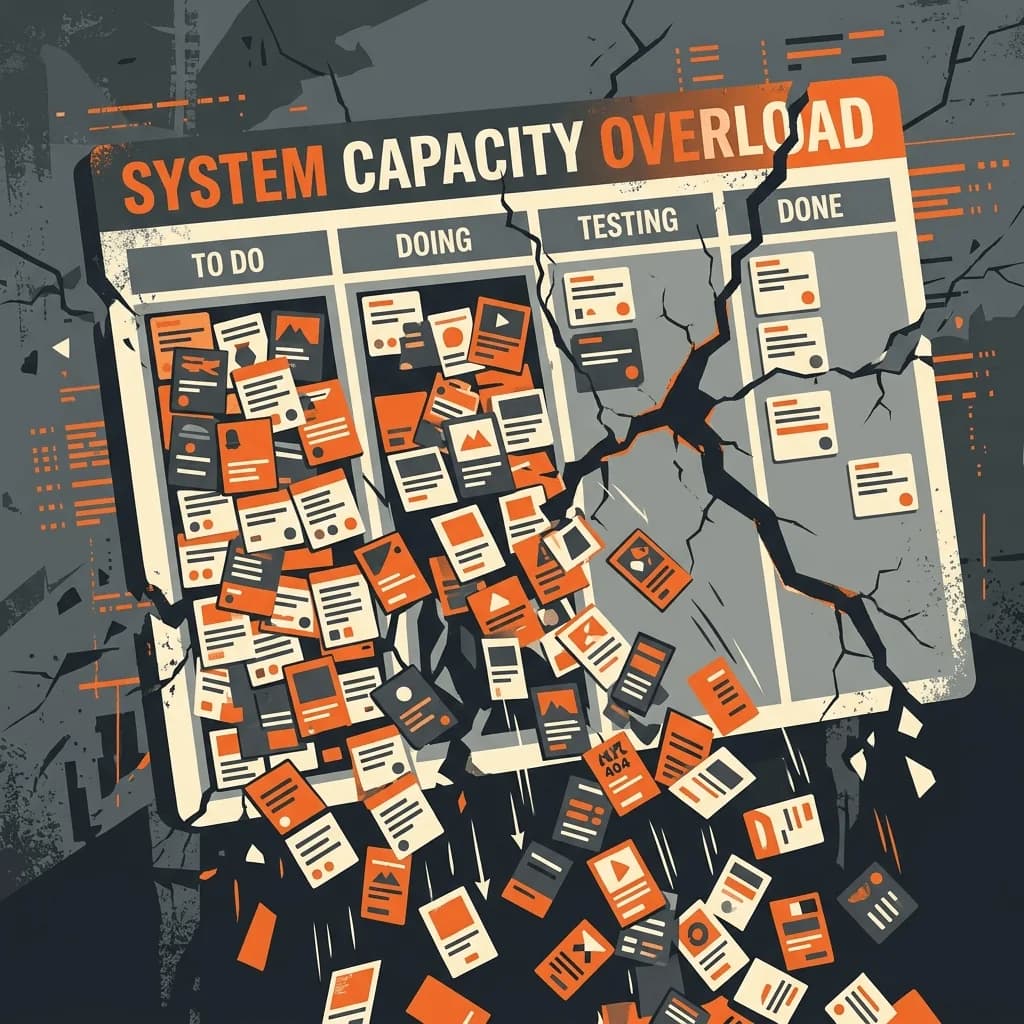
Trello deserves credit. When you're a solo freelancer or a two-person team, a visual Kanban board with drag-and-drop cards is genuinely all you need. It's free, it's intuitive, and you can be up and running in ten minutes. That simplicity is exactly why it becomes a problem later. Trello was designed for simple task visibility — and it does that brilliantly. But running a real project operation requires more than knowing which column a card is in.
"We had 12 Trello boards, 6 Power-Ups, and a colour-coding system that required a manual to decode. That's when we knew it was time to move."
02. The Five Signs Trello Is Hurting You
These are the moments teams describe when they say Trello stopped working for them:
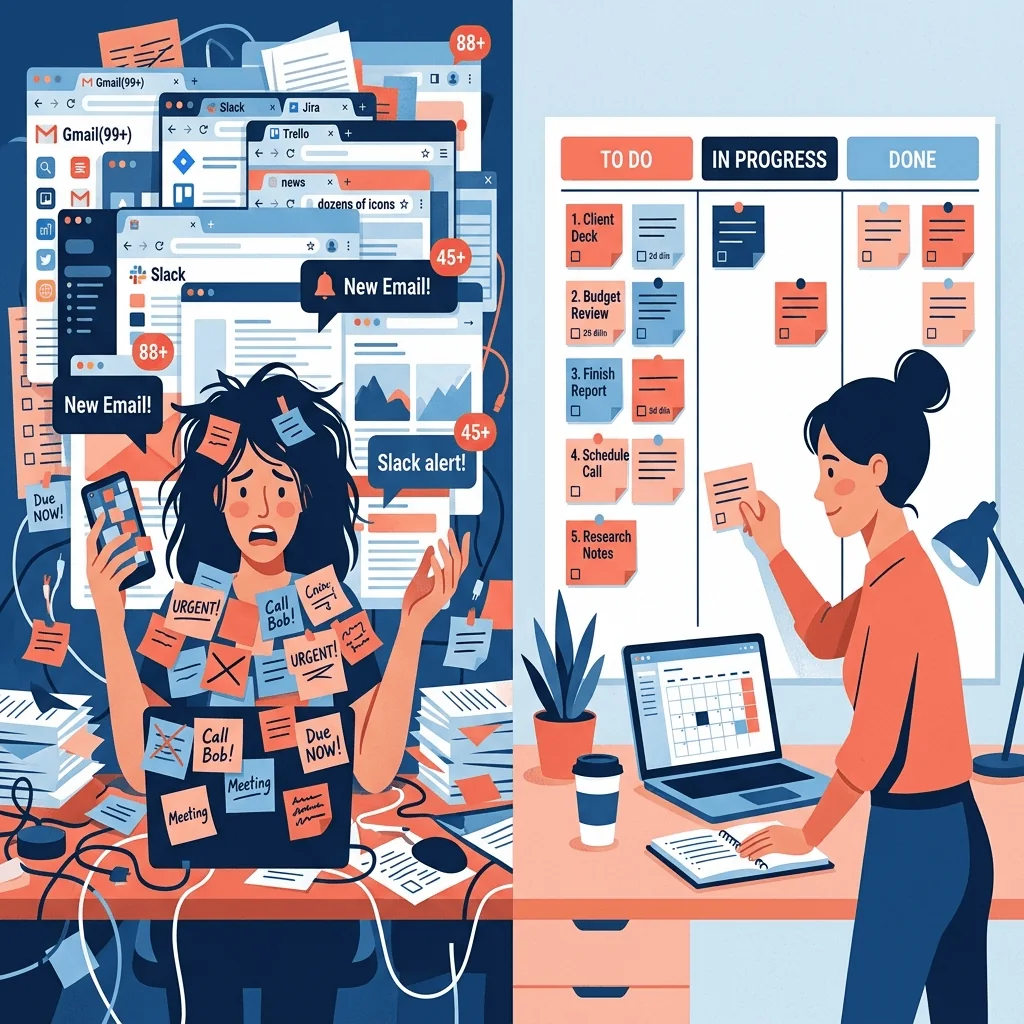
- You have more than 30 cards across your boards and finding anything requires scrolling forever
- You can't tell which cards have upcoming deadlines without opening each one individually
- You've created workarounds — colour labels, card prefixes, nested checklists — that only you understand
- A client asks 'where is my project at?' and it takes you three minutes to piece together an answer
- You track time in a separate app and manually reconcile it with Trello — or you've stopped tracking time at all
"We had 12 Trello boards, 6 Power-Ups, and a colour-coding system that required a manual to decode. That's when we knew it was time to move."
— Operations lead, 8-person digital agency
03. Problem 1: No Time Tracking
Trello has no native time tracking. Full stop. You can add Power-Ups like Harvest or Clockify, but now you're paying for two tools and manually switching between them to log hours against tasks. For freelancers billing hourly, this gap costs real money. Hours go unlogged. Projects run over the estimate. You finish a month and realize you worked 20% more than you billed. For agencies, the problem compounds. Without task-level time data, you can't know which project types are profitable, which clients are high-maintenance, or whether your team's estimates are accurate.
04. Problem 2: No Project-Level Overview
Trello shows you cards on a board. It does not show you projects in a meaningful sense. There's no dashboard that tells you what percentage complete a project is, how many hours have been logged, whether you're on track for the deadline. You can approximate this with labels, due dates, and custom fields — but you're building a project management system on top of a card tool using workarounds that require constant manual maintenance.
Flat fee · no seat tax
Stop paying subscription rent for Trello.
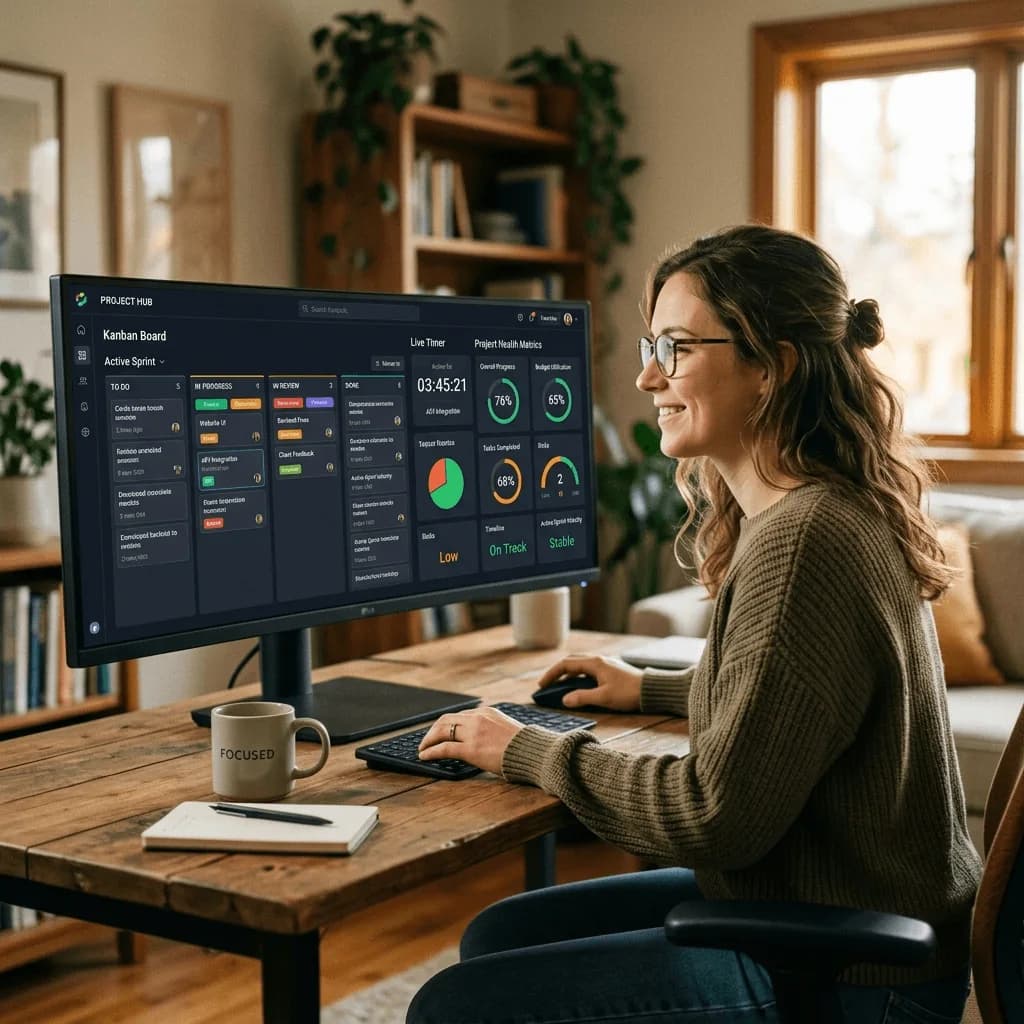
Melororium gives you everything Trello is missing — live time tracking inside tasks, project health dashboards, and client management — for a flat monthly fee, no seat tax.
Starter: $29/mo (4 users)
Agency: $59/mo (15 users)
Studio: $119/mo (Unlimited users)
05. Problem 3: Deadline Visibility Falls Apart
Trello added due dates — but deadline management across multiple projects is still painful. You can switch to the Calendar view, but it's flat. It doesn't distinguish between high-priority deliverables and minor internal tasks. Everything looks equally urgent. When you're managing three client projects simultaneously with different deadlines, Trello gives you a sea of orange and red card indicators and leaves you to mentally sort the priority.
06. Problem 4: Client Work Doesn't Fit the Model
Trello was designed for internal team workflows. When you start involving clients — sharing boards, getting feedback, managing approvals — the model breaks down. Sharing a full Trello board with a client exposes your internal tasks, team conversations, and process details they shouldn't see. Creating separate client-facing boards means duplicating work and manually keeping two places in sync. Proper client management requires role-based permissions: clients can see what's relevant to them, your team sees everything. Trello's permission model wasn't built for this.
07. What to Look for in a Trello Alternative
When evaluating what comes next, the temptation is to look for 'Trello but better.' That's the wrong frame. The question is: what does your operation actually need at its current size? For freelancers and solo operators: For small agencies (3-15 people):
- Kanban boards that work like Trello — familiar and fast
- Built-in time tracking so you stop losing billable hours
- Client management with permissions — show clients what they need to see
- Project health dashboards — not just cards, but project-level status
- Team workload visibility — who's overloaded, who has capacity
- Time logged per project — connected to profitability, not just clock hours
- No per-seat fees for client guests — that bill adds up fast
08. Making the Switch Without Losing Everything
Migrating away from Trello feels scary — you've got months or years of project history in there. In practice, most teams find the switch takes an afternoon, not a week. The 4-step migration: The historical data you're worried about losing? You'll almost never need to reference it. Future decisions get made on current data — and your new system starts building that from day one.
- Export your active Trello boards — focus only on in-progress work, not historical cards
- Set up your new workspace with one pilot project before migrating everything
- Run both tools in parallel for one week so nothing gets dropped during the transition
- Archive Trello once the team confirms everything important has a home in the new system
Melororium
Try it in Melororium
Melororium — Native Kanban boards, live task timers, and project dashboards. Flat-fee subscription, no seat tax.
Boards that run themselves
Kanban with subtasks, priorities and a timer on every card
Demo request from Bloom Cosmetics
Website redesign · due Oct 14